


ASUS ExpertBook P1503 i5 at R9,858 suits a first-time buyer who wants a practical laptop for study, admin, browsing, and everyday work without overspending on accessories first.
Start with the laptop, then decide on the stand
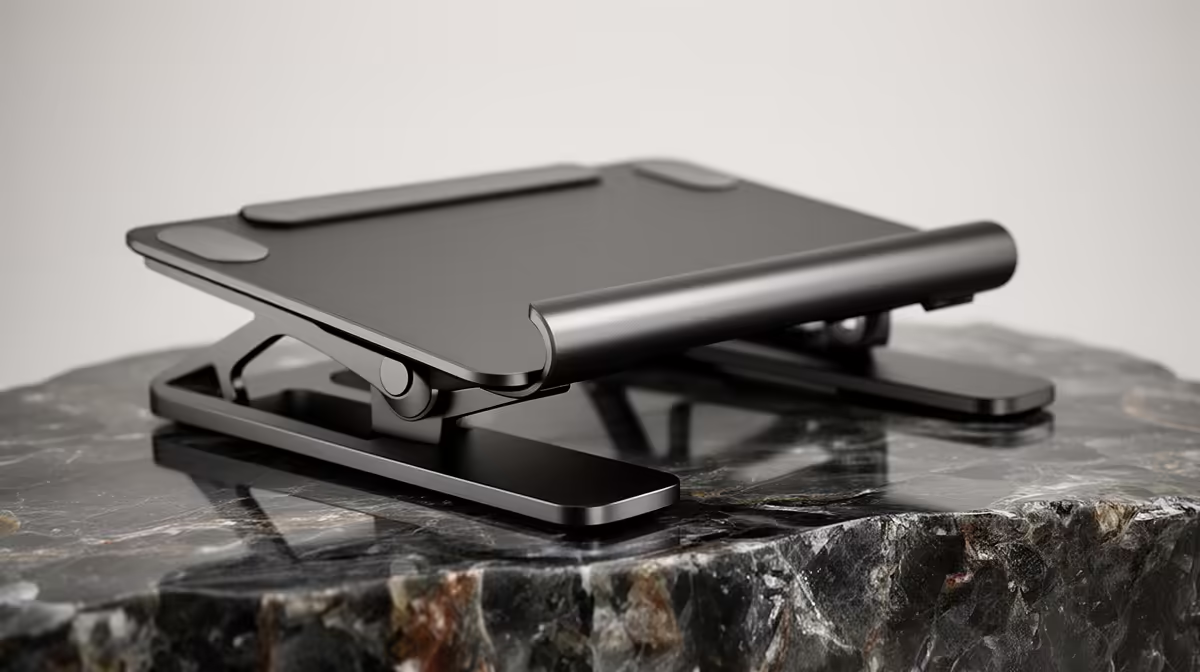
A stand is not overkill if the screen feels too low after a week of real use, but it should not distract from buying the right machine. The ASUS ExpertBook P1503 i5 at R9,858 is the sensible starting point because the i5 spec is enough for documents, online classes, email, and browser-heavy research.
The Lenovo IdeaPad Slim 3 i7 at R13,400 makes more sense when the buyer expects heavier multitasking from day one. Its i7 spec gives extra breathing room for many tabs, Teams calls, spreadsheets, and light creative work, so a stand becomes more about comfort than performance.
For a sharper desk experience, the ASUS Vivobook S14 OLED at R10,719 is the standout because the OLED spec makes reading, streaming, and visual work feel more polished. If the screen is the part you stare at for hours, lifting it closer to eye level can be a simple ergonomic upgrade.
Student desk reality in South Africa
On a small student desk, a stand is useful only if it creates better posture without stealing space for notebooks, a mouse, and a charger. The Lenovo LOQ RTX3050 at R9,500 is the better pick when gaming matters, because the RTX3050 spec changes what the machine can handle after class.
Pro Tip ⚡
The ASUS Vivobook X1504VA i7 at R13,999 is another strong first-machine option when the buyer wants i7 performance in a mainstream setup. For most beginners, the stand is a comfort add-on, not the core purchase.
Ready to choose the right laptop? For a tighter laptop shortlist, ASUS ExpertBook P1503 i5 at R9,858 gives the stand overkill first brief a clear its listed spec baseline.











