


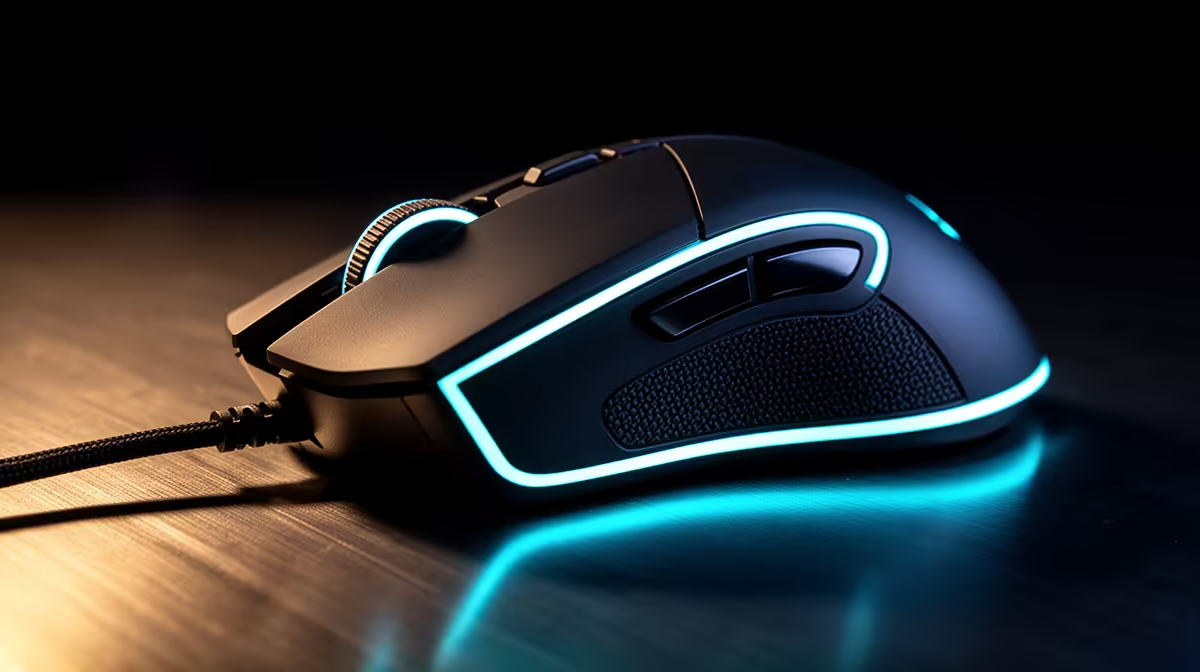
Left-handed players need button placement and shell symmetry that work under their actual grip. A left-handed budget gaming loadout can build around a suitable ambidextrous mouse while keyboard and audio choices stay open.
Quick Answer
For a left-handed loadout, begin with a symmetrical mouse whose side buttons, sensor, and software work from the left grip. Keyboard handedness depends on layout and where you put it, while headset controls and microphone sides can affect convenience. Test the complete desk instead of shopping for an "ambidextrous" label alone.
Compare input shapes among peripheral best sellers, then examine the wider gaming accessories range. Exact current availability in July 2026 decides the shortlist; do not assume every symmetrical shell supports left-side use equally.
Separate symmetrical shape from left-handed support
A mouse can look symmetrical from above and put both side buttons on its left wall for a right thumb. A left-handed player holding it in the left hand may press those buttons with the ring finger or lose them entirely.
Look for buttons on both sides or a button layout that your grip can reach. Check whether software can disable the accidental side and remap the active side. Confirm whether those settings save onboard for computers where the software is unavailable.
Main-button swapping should work in the operating system, game, and device profile you use. Some games read raw button identities or display right-handed prompts. Test fire, aim, ping, melee, and menu controls before settling the map.
An asymmetric left-handed shell can provide stronger thumb support when available. A symmetrical mouse offers more choice and can suit shared computers. Shape and button reach decide, not the marketing category.
Fit the left grip
Measure hand length and width, then compare the shell with a familiar mouse. Inspect hump position, side taper, button height, and wheel reach. A mirrored grip can feel different when the cable or receiver sits on a crowded side of the desk.
Check whether the ring and little fingers have a stable ledge or drag on the pad. Side buttons should press without squeezing the shell or shifting aim. Test slow tracking, a fast turn, lift-and-reset, and repeated clicks.
Weight is a preference rather than a hand-size rule. Balance can matter more when side buttons are present on both walls. A removable button cover may change grip texture; verify what the exact model includes.
Arrange the keyboard around the mouse
Standard keyboards can work from either hand, but their number pad sits on the right. A left-handed mouse beside a full-size board may compete with that number pad for space. Move the mouse to the left side and measure the actual reach.
TKL, 75 percent, or compact layouts reduce width and can centre the typing area. A separate number pad can move to either side when work needs it. Check whether layered arrows and navigation suit everyday tasks.
In games, left-handed mouse use does not require mirrored movement keys. Some players keep WASD with the left hand and use the mouse on the same side only when desk arrangement permits; others move movement to the right side of the keyboard. Build bindings around comfort and key rollover.
Test the required simultaneous keys. Avoid a map that forces the right hand to span modifiers and movement beyond comfortable reach. Change one bind at a time.
Check headset and microphone details
A headset is wearable from either side only when its ear cups and band are designed that way. The microphone boom may attach on the left and controls may sit on one cup. This rarely prevents use but can conflict with a wall, microphone arm, or preferred cable route.
Check whether the boom swivels far enough, whether the cable exits into the mouse area, and whether controls remain easy to find with the non-dominant hand. A detachable microphone may offer more setup choices.
Route cables away from the left mouse sweep. A wired headset crossing the pad creates drag and can pull during a fast turn. Wireless removes that cable while adding battery and receiver placement.
Build the desk before the basket
Place cardboard outlines for the keyboard, mouse pad, microphone, and monitor stand. Sit at the desk and move both hands through gaming and work tasks. Make sure the left elbow is supported by the desk setup without reaching around drawers or a PC tower.
Move the PC or receiver when metal, distance, or cables obstruct the left side. Keep a supported wireless receiver close to the mouse through its extension. A wired mouse cable needs a clear path with slack.
Use named current July 2026 prices for the mouse, pad, keyboard, and audio pieces you need. Keep neutral working hardware rather than replacing it merely to make the loadout look matched.
FAQ
Is every symmetrical mouse ambidextrous?
No. Side-button placement, software remapping, main-button swapping, and shell contour can favour one hand. Verify the complete left-grip experience.
Do left-handed players need a special keyboard?
Usually no, but layout and number-pad position affect mouse room and right-hand key reach. TKL or a separate number pad can give the desk more flexibility.
Can I use right-handed mouse buttons with my left hand?
You can swap primary and secondary actions in many systems, but games and profiles may handle them differently. Test current software support and save an onboard map when available.
Mock up the left-handed desk, test every side button and binding, and choose devices that support the grip rather than the ambidextrous label.











