


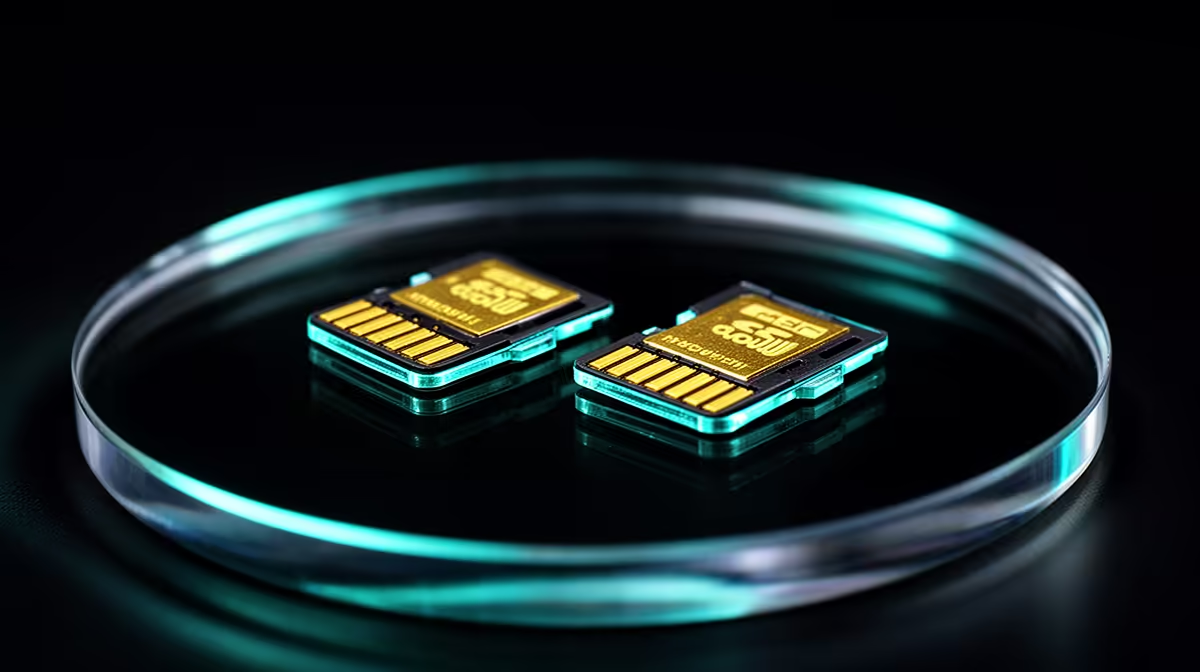
A cheap card can install the game and still turn every update into a long wait. For Steam Deck microSD storage, buy from a source you trust, check the printed capacity after formatting and move one game before committing the whole library. The Deck's UHS-I slot cannot use every headline speed printed on a premium card.
Quick Answer
Choose a genuine UHS-I card with U3 and A2 ratings from a known product line. A 512GB card balances library size and loss exposure for many players; 1TB suits a large installed set when the price per gigabyte works. The ASUS ROG Ally Z2A 16GB/512GB was R9,999 at Evetech in July 2026, a dated reminder to protect an expensive handheld with storage that passes a capacity test.
🏷️ Read the symbols that matter
UHS-I describes the bus used by the Deck. U3 and V30 indicate a sustained write class, while A2 targets application-style random access. A faster UHS-II card can work at the slot's UHS-I limit, which makes the price premium hard to justify for this device.
Buy enough capacity for the games you keep installed. A 512GB card may hold several large releases or a deep indie library, while 1TB reduces shuffling. Two cards can split genres, but each small piece becomes another item to label and protect.
Evetech's handheld gaming category gives you current device context while you plan the storage around the Deck already in your hands.
🧪 Test capacity before downloading games
Insert the card, let SteamOS format it and check the reported size. Counterfeit cards can claim a large capacity while overwriting old data once the real flash fills. Use a full-capacity verification tool on another computer when the card's origin or behaviour raises doubt.
Copy a large test file and watch for disconnects or implausible speed. Keep proof of purchase and packaging until the card passes. Do not use a suspect card for your only emulator saves or screenshots.
🎮 Move games through Steam Storage
Open Settings, Storage, select the installed game and choose Move. Pick the microSD card and let Steam verify the files. Launch the game, load a save and check shader or mod content before removing the old copy.
Large updates may need free working space on the same card. Leave a buffer rather than filling it to the last gigabyte. Games with constant asset streaming may load faster from internal NVMe, while many other titles play well from a sound card.
🧳 Decide which games belong on the card
Put smaller games, older releases and titles you dip into on microSD first. Keep the game you play every day on internal storage if its loading screens or large patches make the difference obvious. You can move it later, so there is no prize for designing the perfect library before you have tested anything.
Modded games need extra care. A mod manager, compatibility layer or manually copied file may still point at the old path after Steam moves the base game. Launch the title, load the modded save and check its tools before deleting any backup. The same warning applies to emulators with artwork, BIOS files or save folders stored outside Steam's usual library structure.
When space runs low, sort by size and last played. Removing one 120GB game you finished can help more than shuffling ten small favourites. Re-downloading costs data as well as time in South Africa, so keep local installer or backup options in mind if your connection is capped.
📤 Remove and organise cards with care
Close games and use the storage or power workflow before ejecting the card. Never remove it during a download, update or file move. Shut down first when you are uncertain.
Store spare cards in a case and label them by library. Back up local saves somewhere outside the card. Reformat through SteamOS when returning a card to Deck use, rather than carrying an old phone or camera file system into the game library.
Use Evetech's PC best-seller page when your portable library and docked ambitions grow beyond what one handheld can serve.
Frequently Asked Questions
What speed rating should a Steam Deck microSD card have?
Look for a genuine UHS-I card with U3 and A2 ratings from a trusted product line.
What microSD capacity is worth buying?
512GB suits a balanced library, while 1TB reduces game shuffling. Compare price per gigabyte and backup risk.
Can you move Steam Deck games to microSD?
Yes. Use Steam Settings, Storage and Move, then launch the game from the new location.
Does a cheap microSD card slow down games?
A slow, fake or unstable card can extend installs and updates or cause errors. Game impact varies with its loading pattern.
Is it safe to remove the card while the Deck is on?
Only after games and transfers stop and the system allows removal. Shut down when you cannot confirm that state.
Do all games run the same from microSD and internal SSD?
No. Titles with heavy asset streaming or large updates may benefit more from internal NVMe storage.
Planning storage around a portable game library? Compare handheld PCs and full-size gaming systems at Evetech, then choose microSD capacity from the games you keep installed and the backups you maintain.











