




Fix stuttering on a Steam Deck in South Africa
Stuttering on a steam deck usually needs a settings, driver, thermal, or power check first. Work through safe SA troubleshooting steps before replacing parts or assuming a full upgrade.
Read moreMinimum 4K gaming PC build for running local LLMs in SA helps SA readers plan hardware, settings, compatibility, and upgrade trade-offs. Check GPU, CPU, RAM, storage, monitor, and stability needs without risky performance claims.
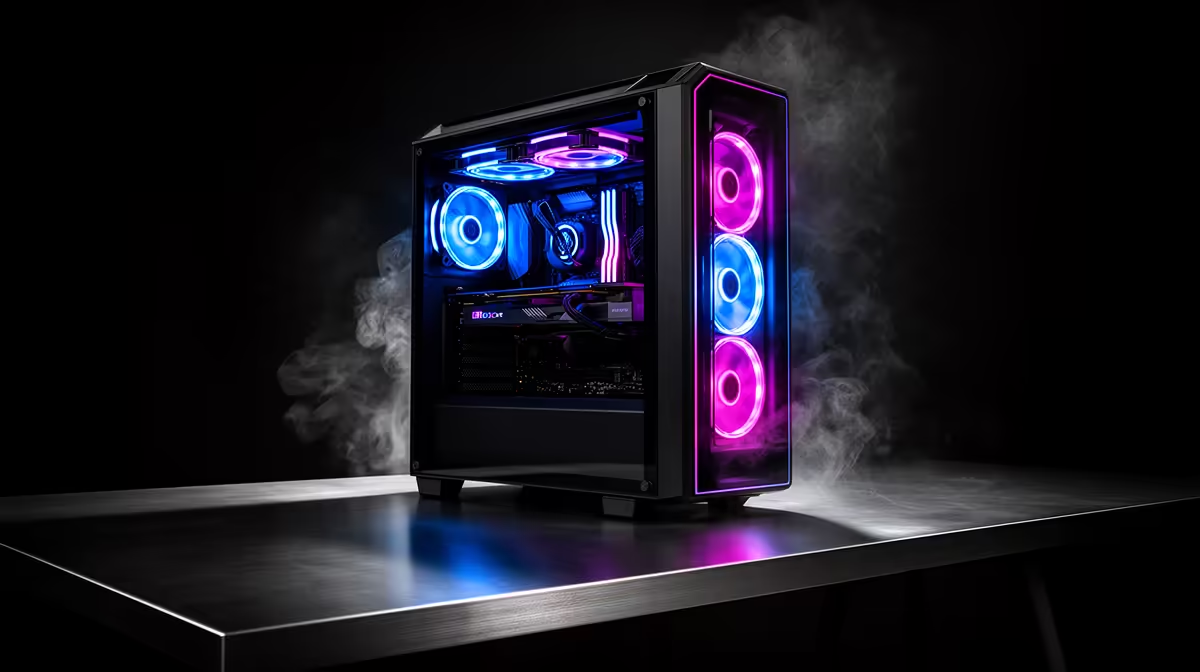
A genuinely usable 4K build for local LLM work starts higher than the headline figure suggests; the GPU is non-negotiable and sets the floor on price. Plan around a RTX 5070 Ti or RTX 5080 class GPU, 16-32GB DDR5, and an NVMe boot drive to hit 60-90 fps at 4K with upscaling.
Spend in this order: GPU first, then a panel that matches 4K, then 32GB DDR5, then a 1TB Gen4 NVMe SSD. A RTX 5070 Ti or RTX 5080 class card is the part that decides whether you hit playable framerates, so it should never be the line item you cut. Pair it with a quality 650-750W 80+ Gold PSU and a B650 or B760 motherboard so the platform has headroom for a later GPU step. Cutting the SSD to 500GB or dropping to 16GB to save a few hundred rand is the kind of saving you feel every single session.
For local LLM work, raw GPU frames matter less than VRAM, core count and memory. Step the RAM to 64GB if your projects are large, prioritise a GPU with at least 12-16GB VRAM, and add a second NVMe scratch drive (1-2TB) for cache and exports. An 8-core Ryzen 7 or Core Ultra 7 handles timelines and batch jobs without stalling. The high refresh panel is a bonus here, not the point, so don't overspend on Hz at the cost of memory.
Compare full configurations rather than single parts: warranty terms, PSU wattage, RAM capacity, SSD size and case airflow all change the real value. If you already own a capable 4K monitor, push that saving into the tower. If the panel is part of this upgrade, leave enough budget for one that genuinely suits 4K, because that screen is what you stare at every session. Evetech's prebuilt and custom configurations make it easier to compare support and the full spec in one place.
Yes. Systems and components bought at Evetech carry the standard manufacturer warranty, and prebuilt systems are supported as a unit, so you have one support path if anything fails. Keep your invoice and serials on hand to speed up any claim.
The NSFAS laptop allowance is around R5,200 and is aimed at portable study devices, so it will not cover a desktop 4K build on its own. Treat the build as a separate gaming purchase and keep your study device claim distinct.
For current delivery times and costs, see our delivery page. Check live stock before ordering so your 4K parts are not back-ordered.
Before you checkout, confirm the PSU is at least 650W 80+ Gold and the case fits a RTX 5070 Ti or RTX 5080 class card with room for two front intake fans, then check live Evetech stock so nothing is back-ordered.
Stuttering on a steam deck usually needs a settings, driver, thermal, or power check first. Work through safe SA troubleshooting steps before replacing parts or assuming a full upgrade.
Read more
Quantity surveying students should prioritise a sharp ultrawide that keeps plans, schedules and cost sheets readable during long South African study sessions. Screen width helps comparison work, but PDF annotations, laptop output and native resolution matter just as much.
Read more
Watching rugby and sport does not usually need a podcast recording setup unless you also record commentary, reaction clips or a sports podcast. For this USB microphone record, the existing price facts are creator GPUs from RTX 5070 Ti 16GB R12,700 to RTX PRO 4000 24GB R16,700, plus RTX PRO 6000 96GB R151,700 for high-end workstation work.
Read more
A mid-range gaming PC is the sensible first build when South African buyers want gaming headroom without chasing the top tier. The given parts span RX 7600 around R4,650, RTX 5060 around R4,800, RTX 5070 around R13,100, Ryzen 5 5500 at R1,100 and Ryzen 7 7800X3D at R6,400.
Read more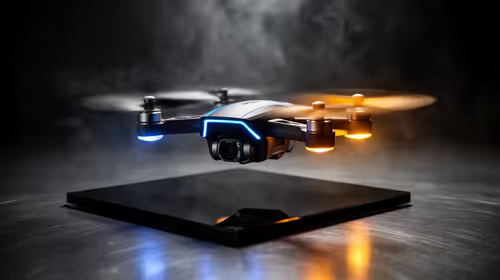
Around R10,000, the home security angle should stay focused on whether a camera drone is the right tool for checking a property, not on replacing fixed security gear. Verify available drone SKUs in SA and think through where any captured footage will be stored.
Read more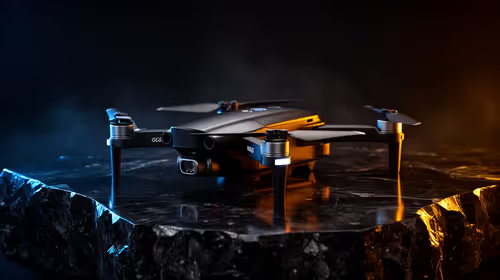
Common SA content-creator drone problems often come from buying the drone before checking the footage workflow. Fix the risk early by verifying drone SKUs and planning SSD, NAS, portable SSD and creator rig capacity for 4K editing.
Read more
Word typing overwrites text when overtype mode replaces characters at the insertion point. Turn off overtype and its Insert-key control in Word options, then test on a spare line before editing the document again.

Audio-Technica ATH-AWX7000 is a closed-back wired headphone model with wooden housings. Its premium materials and supplied analogue cables make source compatibility, comfort and your actual listening needs more important than a launch-price conversion.

Lexar SILVER GO microSD is a UHS-I card family with a reader-dependent maximum transfer rate. Check the exact capacity, host compatibility and card reader before paying for a speed figure that your handheld or camera may not reach.

Windows AutoPlay settings control prompts and default actions when supported media or devices connect. Choose Ask me every time or Take no action where appropriate, then test with a trusted drive without formatting it.
Windows AutoPlay settings control prompts and default actions when supported media or devices connect. Choose Ask me every time or Take no action where appropriate, then test with a trusted drive without formatting it.

Mac mini M6 vs gaming PC for local AI: the 24GB Mac mini M6 at R25,599 gives about 18GB of AI memory, while an RX 9060 XT 16GB PC at R25,999 gives 16GB. Both reach the 14B tier; the PC games better and upgrades.

The best PC for local AI in South Africa depends on graphics memory: an Arc B580 12GB PC at R17,499 is the best value, a 16GB RX 9060 XT PC costs R25,999, and a 16GB Mac mini M6 at R17,699 reaches the same 14B tier.

The cheapest PC for local AI in South Africa is a Ryzen 5 5600 and Intel Arc B580 12GB system at R17,499, which reaches 14B models. An RX 9060 8GB PC costs R16,599 and the cheapest RTX 5060 PC R19,499.
Stuttering on a steam deck usually needs a settings, driver, thermal, or power check first. Work through safe SA troubleshooting steps before replacing parts or assuming a full upgrade.

RX 7900 XTX Expedition 33 FPS across 1080p, 1440p, and 4K should be compared by preset, upscaling, VRAM use, and frame pacing. Use the guide to match settings to an SA gaming monitor.

Fallout 4 cloud sync between PC and Steam Deck should be shortlisted around the job it must do. South African buyers should compare fit, performance, compatibility, and upgrade room, warranty path, and upgrade room before treating any pick as best.

Buy now or upgrade later: gaming headsets should be shortlisted around the job it must do. South African buyers should compare audio quality, mic clarity, comfort, and connection type, warranty path, and upgrade room before treating any pick as best.