


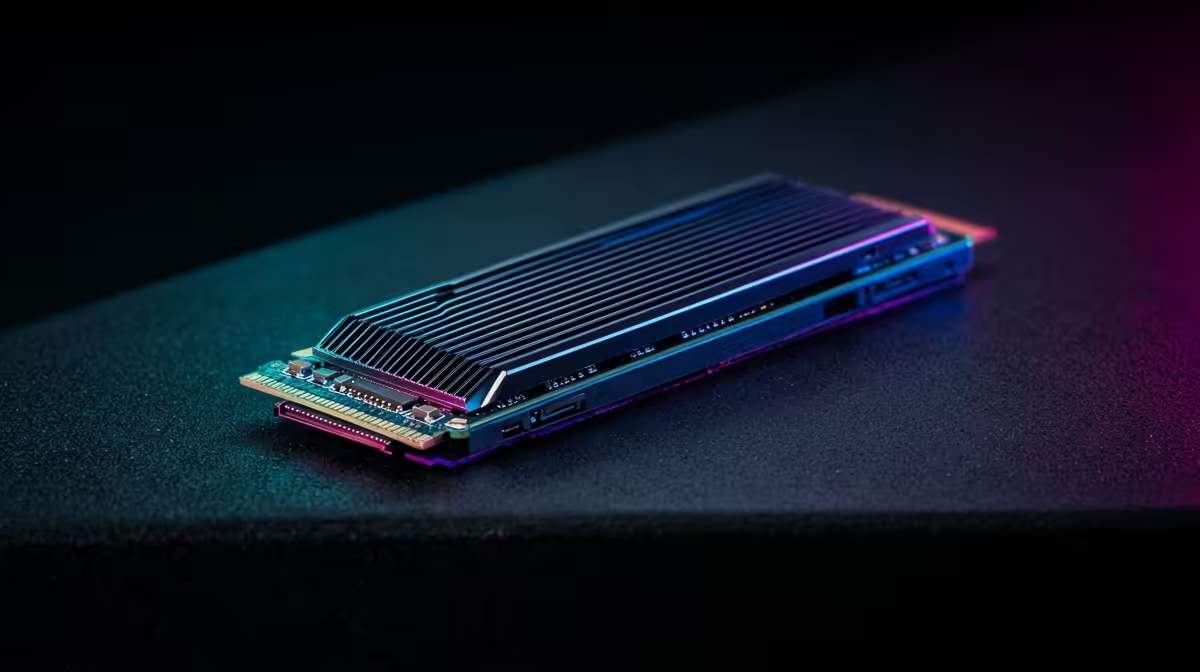
Upgrading a PC piece by piece, the smart order matters, and an NVMe SSD often makes more felt difference than people expect, even before a GPU. The question is where an SSD fits in an upgrade path that runs monitor, then storage, then graphics card.
Quick Answer
In an upgrade path that goes monitor first, then storage, then GPU, an NVMe SSD is the storage step that transforms load times and responsiveness for around R600-R1,400. A Gen3 1TB NVMe runs roughly 3,500MB/s; a Gen4 1TB hits 5,000-7,000MB/s. It will not raise in-game fps, that is the GPU's job, but it slashes game load times and makes the whole PC feel faster, which is why it sits before the GPU for many upgraders.
Why Storage Comes Before The GPU Here
A monitor upgrade sharpens what you see; a storage upgrade sharpens how the PC feels day to day. Moving from a hard drive or SATA SSD to an NVMe drive cuts game and app load times dramatically, an open-world game that loaded in 40 seconds can drop under 15. That responsiveness is felt every single session, which is why this path puts storage before the GPU, you notice it constantly even while saving for the graphics card.
Choosing The NVMe Drive
For most upgraders a 1TB Gen3 or Gen4 NVMe at R600-R1,400 is the sweet spot. Gen3 (around 3,500MB/s) already feels instant for gaming and loading; Gen4 (5,000-7,000MB/s) helps with large file work and DirectStorage titles. Check your motherboard has a free M.2 slot and which generation it supports before buying, an older board may cap you at Gen3 speeds regardless of the drive.
and your most-played games on the NVMe drive, and keep a cheaper SATA SSD or hard drive for media and backups. You get the NVMe speed where it matters and cheap capacity where it does not, stretching the upgrade budget.
Then The GPU
With monitor and storage sorted, the GPU is the final step that lifts in-game fps. An RTX 4060 drives 100+ fps at 1440p, and it loads those games off your fast NVMe drive. Sequencing storage before the GPU means every session feels snappier while you save, then the GPU finishes the job.
FAQ
Will an NVMe SSD increase my fps?
No, the GPU controls in-game fps. An NVMe SSD slashes load times and makes the whole PC feel faster, but it does not raise frame rates. It is a responsiveness upgrade, which is why it pairs with, not replaces, a GPU step.
Is Gen4 NVMe worth it over Gen3 for gaming?
For pure gaming, Gen3 (around 3,500MB/s) already loads games near-instantly. Gen4 (5,000-7,000MB/s) helps with large file work and DirectStorage titles. Choose Gen4 if your board supports it and you do creative work; otherwise Gen3 is great value.
Should I upgrade storage or the GPU first?
For felt responsiveness, an NVMe SSD first, since it speeds up every load and the whole PC daily. The GPU then lifts in-game fps. This path puts storage before the GPU so the PC feels faster while you save for the graphics card.
Grab a 1TB NVMe SSD from R600 at Evetech, install Windows and your main games on it for instant loads, then save toward the GPU step that lifts your fps.











