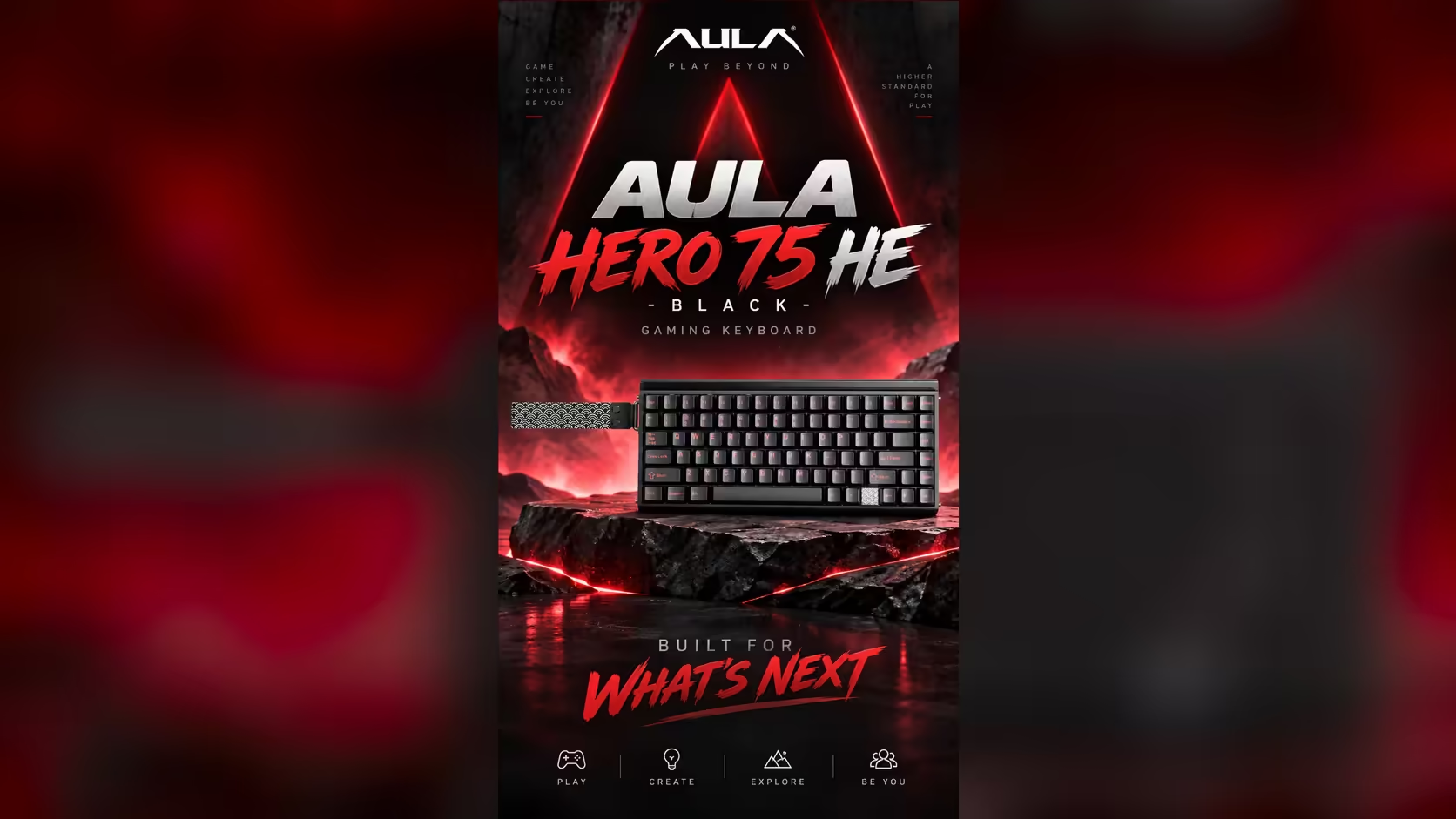
Students and working gamers often need a dual-purpose keyboard setup, because one board has to do two opposite jobs. At 7pm it has to type a 3,000-word assignment without a single stray letter. At 9pm it has to react instantly in ranked matches. Most keyboards are tuned for one or the other. The AULA HERO 75 HE can be set up for both, because its magnetic switches let you decide how each key behaves. Here is a practical way to set it up for essays and competitive games alike.
Quick Answer
Tune the AULA HERO 75 HE's actuation deeper on typing keys for essays and shallower, with Rapid Trigger, on gaming keys for ranked play. The AULA HUB web driver sets any point from 0.1mm to 3.4mm per key. Bluetooth can pair a laptop for writing while the 2.4GHz receiver serves the gaming PC at 8000Hz. The HERO 75 HE sells for R899 at Evetech.
🧠 The idea: two kinds of key on one board
A magnetic switch does not have a fixed trigger point. The HERO's Stormrise or Spiritcloud switches report their depth continuously, so each key can be told exactly when to fire. That makes it possible to split the board into two zones:
- Typing keys that wait for a firmer, more deliberate stroke before they register.
- Gaming keys that fire early and reset instantly, for quick movement and taps.
Many keys belong to both worlds, W, A, S and D among them. The trick is choosing settings that suit both, or keeping separate profiles.
🛠️ Setting it up, step by step
The HERO is tuned in the AULA HUB web driver, opened from a browser; AULA positions it as Windows software. Its screen and profile names are not on the product page, so treat what follows as a method rather than a click-by-click guide.
Step 1: calibrate
Calibration comes before anything else, giving the board a true reading of each key's travel. The live key travel display helps you confirm it.
Step 2: set a comfortable typing depth
Type a few paragraphs while watching the live travel view. Note how deep your fingers go on a normal keystroke, then set letter keys to fire a little shallower than that but well below where your fingers rest. The aim is to catch every intended press and nothing else.
Step 3: tune the gaming cluster
For movement and core action keys, choose a shallower actuation point and turn on Rapid Trigger, so keys re-arm as soon as they begin to rise. Adjust in small steps; the HERO allows 0.005mm increments.
Step 4: decide how to handle shared keys
If your driver setup allows separate profiles, save one for writing and one for gaming. If not, pick a middle setting for keys like WASD that works for both, and lean slightly deeper if typos creep in.
Step 5: add competitive modes only where needed
SOCD and DKS are useful in ranked shooters, but they have no role in an essay. Apply them only to the gaming keys that need them. Check your game's current rules before relying on SOCD in competitive play.
💻 Laptop for writing, PC for games
The HERO's three connections make a two-device routine easy. Pair your laptop over Bluetooth, which remembers up to three devices, and use it for essays at 125Hz, which is plenty for typing. Plug the 2.4GHz receiver into the gaming PC for 8000Hz play. Switch between them without re-pairing.
If the laptop is a MacBook, use the HERO's Mac mode with Fn and S, and return to Windows mode with Fn and A when you move to the PC.
The 75% layout helps here too. It keeps a full function row, so word-processor shortcuts that lean on F-keys, and games that use them for quick saves, both work without Fn juggling. The arrow keys stay for moving through documents.
🔇 Writing in a shared room
Essays often happen late, in shared spaces. The HERO's aluminium alloy plate sits over five dampening layers, which AULA says produce a cleaner, less hollow sound. A deeper typing actuation can also help: you learn to press lightly without bottoming out, and lighter presses are quieter.
Dim the lighting too. The 36-LED light box on top and the per-key RGB can be turned down for late-night writing, which also helps the 8000mAh battery when you are on Bluetooth.
Whichever colour lands on your desk, Evetech supports it with a 2 Years Local Warranty. Look at it alongside Evetech's other gaming keyboards, or see what others pick in the keyboard best sellers.
Frequently Asked Questions
What typing depth cuts down typos?
One slightly shallower than your normal keystroke but well below where your fingers rest. The live travel view shows both.
How different should ranked settings be?
Noticeably shallower on movement and action keys, with Rapid Trigger on and fine adjustments in 0.005mm steps.
Can I write on a laptop and game on a PC with one board?
Yes. Pair the laptop over Bluetooth and plug the receiver into the PC, then switch between them.
Will typing bother others in a shared room?
The dampening layers and a lighter touch keep it controlled, and dimmed lighting helps at night.
Do word-processor shortcuts need the function row?
Some do, and the HERO keeps a full function row, so there is no Fn juggling.
Should Rapid Trigger stay on while writing?
It does no harm on typing keys set deeper, but many people keep it to the gaming keys for a calmer typing feel.
Need one keyboard for assignments and ranked nights?
Explore Evetech's gaming keyboard range for tunable magnetic boards like the HERO 75 HE that handle both with ease.