


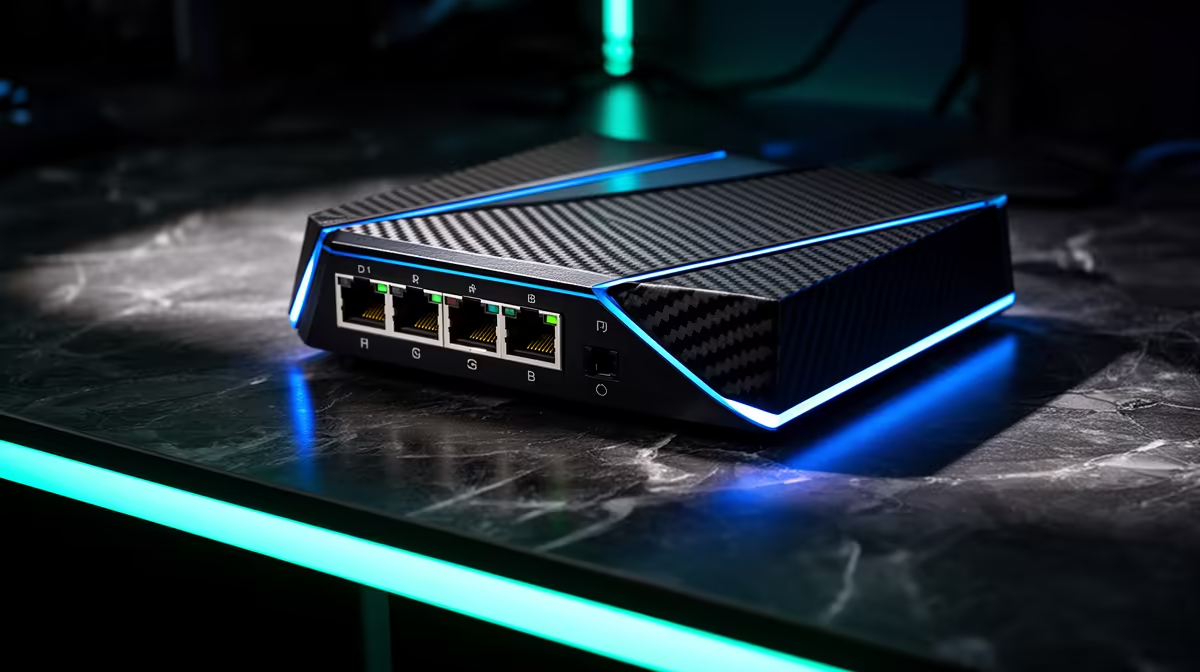
One wall socket can feed a console, PC and dock through a small switch without turning them into Wi-Fi competitors. A gaming-corner Ethernet switch needs enough ports, a clear uplink and cables you can trace.
Quick Answer
One Ethernet wall drop can feed a small unmanaged switch, then connect the PC, console, television and access point in the gaming corner. The devices share the uplink's capacity while receiving separate full-duplex switch ports. Choose a switch whose port speed matches the router and clients, allow spare ports, use proper patch cables and keep the switch powered and ventilated.
Compare switches and network components in Evetech's networking range. Suitable patch cables and cable-management items appear among best-selling accessories. Count every device on a room sketch before selecting the port total.
Confirm what the wall drop connects to
Trace the wall jack to the router, patch panel or main switch. Label both ends and check that the upstream port belongs to your trusted home LAN. A residence or building-managed jack may have rules and isolation you cannot change.
Test the drop with one PC. Confirm link speed, router address, internet access and local latency. A switch cannot upgrade a cable run or upstream port that negotiates at a slower rate.
If the building cable is damaged or wired incorrectly, use a qualified network installer. Do not open mains-adjacent wall boxes or improvise terminations.
Count ports with room to grow
List the gaming PC, console, television, streaming device, local storage, access point and any racing or media device that actually needs Ethernet. Add the uplink port to the count.
A five-port switch gives four device ports after the uplink. An eight-port model gives more room for another console or access point. Do not fill every port on day one and expect tidy expansion.
Check port speed across clients. A faster multi-gig switch helps only when the router, wall run, client adapters and workloads can use it. Internet gaming itself rarely needs multi-gig throughput; local file transfer might.
Choose unmanaged or managed deliberately
An unmanaged switch is usually enough for one trusted home gaming corner. Connect power, uplink and devices; it learns where traffic belongs without a configuration page.
A managed switch adds VLANs, monitoring, link aggregation and other controls. Those features help a planned network and create more ways to misconfigure a simple room. Buy them only when you have a specific design and can maintain it.
PoE can power a compatible access point or camera, but standards and power budgets must match. Never assume an Ethernet connector makes power safe.
Wire the corner cleanly
Place the switch on a stable ventilated surface, away from drinks and heat. Use its approved power supply and a sound socket. Do not hide it under carpet or bundle it with warm power bricks.
Use patch cables of practical length. Label both ends with the device. Keep network cable away from chair wheels and secure floor crossings with proper covers.
Connect the wall drop to one switch port, then devices to the others. On a normal unmanaged switch, no special internet port is required unless the maker labels one for a feature. Do not create a loop by connecting two switch ports back to the same LAN through separate cables.
Test local and internet paths
Check each device receives an address from the main router and can reach the internet. Ping the router from every PC and inspect the negotiated link speed.
Run a large local transfer between two capable wired PCs. Watch whether either storage drive or the shared uplink becomes the limit. Then play a game while another device streams or downloads through the switch.
The switch should not create meaningful latency in a sound setup. Queue growth usually occurs at the internet link, a slower uplink or an overloaded device. Measure before replacing the switch.
Add an access point when the corner needs Wi-Fi
Connect a proper access point to the switch rather than adding a wireless extender when the wired drop already exists. Configure access-point mode so the main router remains responsible for addresses and routing.
Place the access point in the open and choose channels after a site survey. Use a separate guest or IoT network only when the router and access point carry the required isolation design.
Do not install a second router in normal routing mode without planning the extra network boundary. Double routing can complicate gaming, discovery and port rules.
Understand shared capacity
All devices can communicate through their individual ports, while traffic leaving the corner shares the single uplink. If three PCs copy files to storage elsewhere at once, that uplink can become the combined limit.
Online games use modest throughput. A shared gigabit-class uplink can normally carry several games plus ordinary streaming, provided the internet queue is controlled. Test your exact line and device load.
For high-speed local storage in the corner, connect the storage to the same suitable switch so local transfers need not cross the wall uplink. Check backup, security and access permissions.
Diagnose by indicator and swap
Record which light belongs to each cable. A link dropping to a lower speed or flapping can point to the cable, wall run, port or client adapter.
Swap one known-good patch cable and port at a time. Do not reboot the router, switch and every device together. Preserve the part of the network that remains working.
Keep a small diagram inside the cabinet or ownership folder. Another family member can reconnect the correct uplink after cleaning or moving furniture.
FAQ
Does a switch slow the original connection?
Normal switching adds little delay. Devices share the uplink capacity, and a slow port, cable or heavy combined transfer can become the limit.
Can a PC, console and TV share one switch?
Yes. Count an uplink port, match speeds and test simultaneous traffic through the actual wall run.
Is an unmanaged switch difficult?
No. In a trusted simple LAN, it normally needs power and cables only. Managed features belong to deliberate advanced designs.
Trace and test the wall drop, count every device plus the uplink, and build the gaming corner around a labelled ventilated switch with a spare port.









