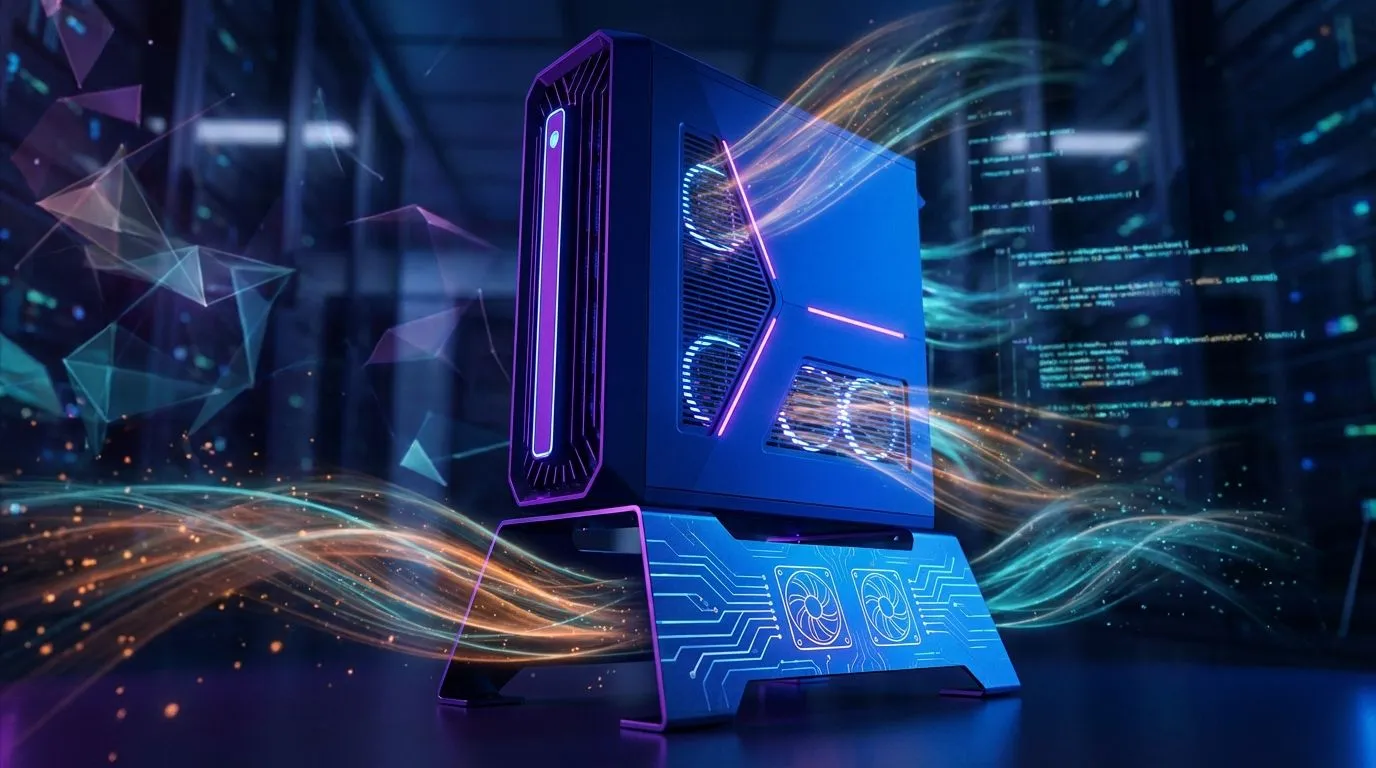
That searing South African heat isn't just uncomfortable for you… it's a performance killer for your gaming rig. When your PC starts to feel like a braai, you're not just risking component damage; you're inviting lag, stutter, and frustrating frame drops. Proper PC airflow optimization isn't a "nice-to-have" for local gamers; it's the secret weapon for maintaining peak performance when the temperature climbs. Let's get your machine breathing easy.
Why PC Airflow Optimization is Crucial in SA
Ever noticed your game slowing to a crawl mid-match on a hot day? That's likely thermal throttling. Your CPU and GPU are intelligently slowing themselves down to avoid overheating. Think of it as a built-in safety switch that, while useful, wrecks your gaming experience. Effective PC airflow optimization is the simple, direct solution to this problem, ensuring your components stay cool enough to run at their full potential.
A well-ventilated PC doesn't just perform better; it lives longer. Consistent high temperatures can reduce the lifespan of your expensive hardware. By creating a smart cooling path, you're making a long-term investment in your rig's health and stability.
The Fundamentals of Cool Airflow 🌬️
At its core, great airflow is about one simple concept: creating a predictable path for air to travel through your case. You want to pull cool, fresh air in and push hot, stale air out. Easy, right?
Intake vs. Exhaust: The Golden Rule
The most common and effective setup is to use fans at the front of your case as intakes, pulling cool air in. Fans at the back and top of your case then act as exhausts, expelling the hot air that rises from your components. Modern cases, like the Cooler Master E301 Mini Tower, are specifically designed with mesh fronts to make this process as efficient as possible.
Air Pressure Pro Tip ⚡
Aim for 'positive pressure' inside your case. This means you have slightly more air being pulled in by intake fans than pushed out by exhaust fans. This not only helps with cooling but also pushes air out of small unfiltered gaps, which significantly reduces dust buildup inside your PC over time.
Your Step-by-Step Airflow Optimisation Checklist
Ready to improve your PC's cooling? Follow these simple steps for a quick and noticeable difference.
Step 1: Tidy Your Cables
That "rat's nest" of cables behind your motherboard isn't just messy; it's a wall that blocks air. Proper cable management is one of the most effective ways to improve airflow. Route cables behind the motherboard tray and use zip ties to bundle them neatly. Many options in Cooler Master's lineup come with built-in channels and tie-down points to make this a breeze.
Step 2: Check Your Fan Placement
Confirm your fans are facing the right way. Most fans have small arrows on the frame indicating the direction of airflow. Ensure your front fans are pulling air in and your rear/top fans are pushing air out. Even on a budget, you can find excellent airflow solutions with affordable GameMax computer cases that often come with pre-installed fans in an optimal layout.
Step 3: Clean Your Filters and Vents
Dust is the ultimate enemy of cooling. It clogs filters, coats heatsinks, and suffocates your components. Make it a habit to clean your PC's dust filters every few months. If your current case has poor filtration or is difficult to clean, it might be time to browse our full range of computer cases for an upgrade.
Is It Time for a Case Upgrade? 🤔
If you're still using an older case with a solid front panel and limited fan mounts, you're fighting a losing battle against heat. Modern PC cases are designed with airflow as a top priority, featuring mesh panels, plentiful fan mounts, and spacious interiors. An upgrade doesn't just improve temperatures; it can transform the look of your setup, especially with some of the stylish TRYX Gaming Cases available today.
A new case is often the single biggest leap you can make in your quest for better PC airflow optimization.
Ready to Chill Out?
A cool PC is a fast PC. Stop letting thermal throttling ruin your K/D ratio. A simple case upgrade can unlock your hardware's true potential. Explore our massive range of computer cases and find the perfect chassis to beat the heat.