


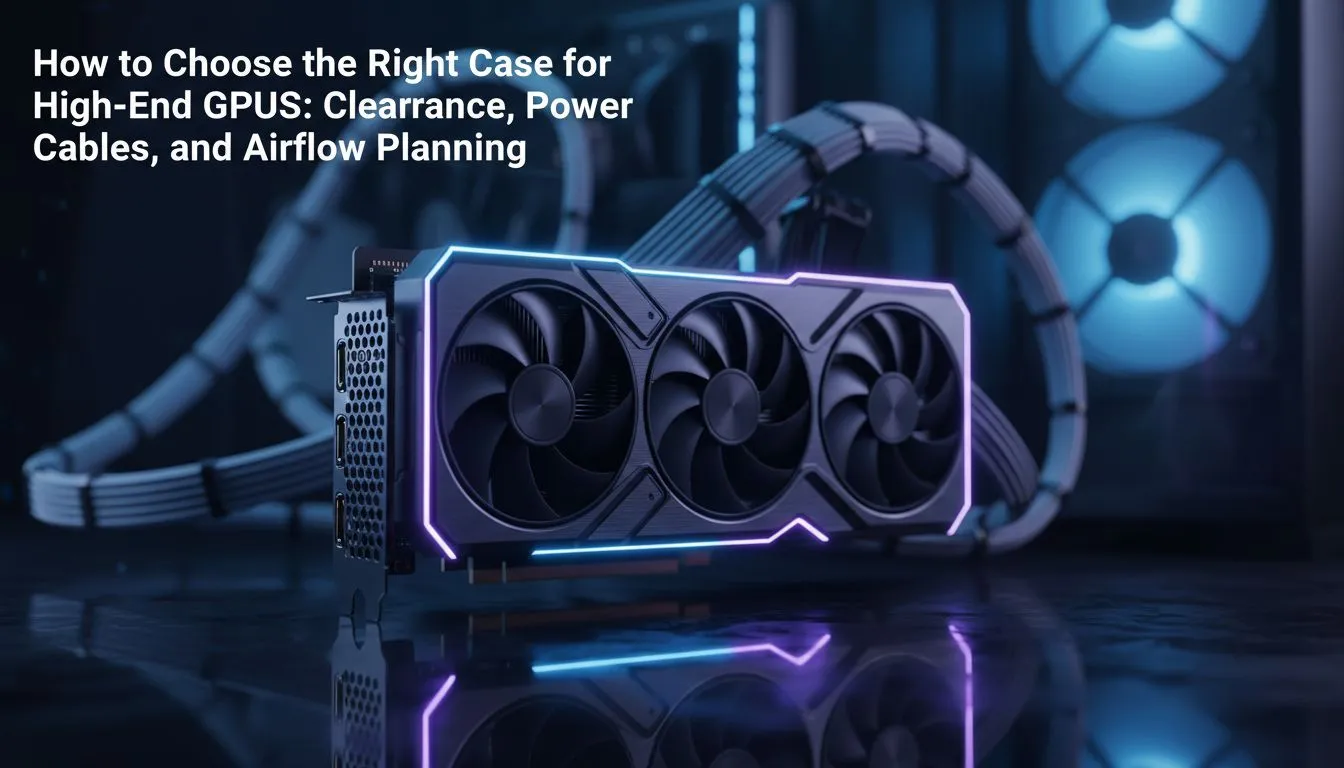
High-end GPUs are massive now. Buying an RTX 4090 or RX 7900 XTX is a huge investment in South Africa. You don't want to find out it won't fit after unboxing. Picking the right PC case for high-end GPU builds requires careful planning. You need to check clearance, cable space, and airflow. Let’s ensure your hardware fits perfectly.
Sizing Up Your PC case for high-end GPU Clearance
The first step is measuring. Most modern cards exceed 300mm in length. Some even push 350mm... it is a tight squeeze. You must check the GPU clearance spec of your chassis. Always leave a 20mm buffer for front-mounted fans or radiators. If you are browsing our wide selection of computer cases, look for the "Max GPU Length" stat. This prevents the frustration of a card hitting the front intake.
Managing Cables and Connectors 🔌
Width is just as important as length. New power connectors like the 12VHPWR need room. They should not press against the side panel. Bending these cables too sharply can cause issues. Premium options like Fractal Design PC cases offer extra width. This allows for clean cable management behind the motherboard tray. It also keeps the primary chamber tidy for better looks and easier maintenance.
GPU Sag Prevention ⚡
Heavy cards can sag over time and damage your PCIe slot. Use a support bracket or a case with a built-in GPU stand. This keeps the card level and protects your motherboard.
Airflow: Keeping Your Investment Cool
High-end chips generate massive heat. A cramped case will throttle your performance. You need a chassis designed for high-volume air movement. Gamdias gaming cases often feature mesh front panels. These allow your intake fans to pull in fresh, cool air. Ensure you have at least three intake fans and one exhaust fan. This creates positive pressure and reduces dust build-up inside your beautiful build.
Finding Value for Your Build 🚀
You don't need to spend a fortune on a chassis. If you are on a budget after buying a top-tier card, look at gaming cases under R1500. These models still offer great clearance for most powerful cards. Always prioritise mesh over solid glass for the front panel. Your GPU will thank you with higher clock speeds and lower noise. It is all about how you optimise the space you have.
Ready to Find Your Perfect Match? Choosing the right case is the foundation of a stable, high-performance gaming rig. Explore our massive range of computer cases and find the perfect home for your high-end GPU today.










