


Fix stuck pixel on a USB DAC in South Africa
Stuck pixel on a usb dac usually needs a settings, driver, thermal, or power check first. Work through safe SA troubleshooting steps before replacing parts or assuming a full upgrade.
Read moreOur guide to PC components explained for beginners helps you master the essentials. We break down the CPU, GPU, RAM, motherboard, and more, empowering you to build your dream gaming rig in South Africa. 🖥️ Start your PC building journey with confidence! 🚀
Ever stared at a list of PC parts and felt like you were trying to decode an ancient text? You're not alone. For many South African gamers, the dream of building a custom rig gets stuck at the first hurdle: understanding what all those acronyms mean. This guide is your Rosetta Stone. We're breaking down the essential PC components, explaining what they do in plain English, so you can build or buy your next machine with confidence. Let's get started. 🚀
Think of a gaming PC as a high-performance team. Every player has a specialised role, and they need to work together perfectly to win. If one part is much weaker than the others, it creates a "bottleneck" that holds the whole system back. Understanding these key PC components is the first step to building a balanced rig. For a great overview of what a finished, balanced system looks like, check out the best gaming PC deals in South Africa.
The Central Processing Unit (CPU) is your PC's brain. It handles all the instructions and calculations that make your computer run, from opening a web browser to managing the complex AI in Cyberpunk 2077.
A mid-range CPU like an Intel Core i5 or AMD Ryzen 5 is the heart of many excellent gaming PCs under R20,000, offering a brilliant balance of price and performance.
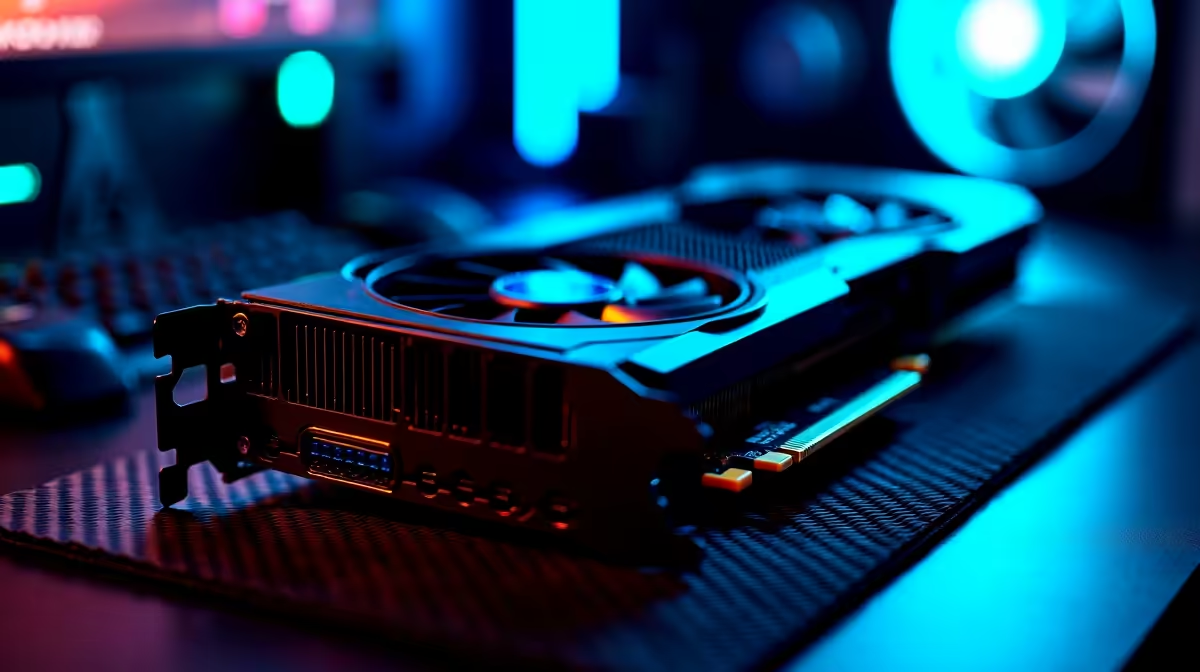
The Graphics Processing Unit (GPU), or graphics card, is the single most important component for gaming. It takes data from the CPU and turns it into the glorious images you see on your screen. A powerful GPU means higher frame rates, sharper resolutions, and stunning visual effects like ray tracing.
This is where you'll find the powerhouse components that define the top-tier gaming PCs over R20k, capable of pushing incredible frame rates at the highest settings.
Your PC's memory and storage work together to load your games and operating system quickly. Getting this combination right is key to a snappy, responsive system.
Random Access Memory (RAM) is your PC's super-fast, short-term memory. It holds the data for the applications you're currently running. Not enough RAM means your PC will slow down when you have a game, Discord, and a browser open at the same time.
For modern gaming, 16GB of DDR4 or DDR5 RAM is the sweet spot. It provides enough headroom for demanding titles without breaking the bank. You don't need to overspend to get a great experience; many modern budget gaming PCs prove that a smart balance is what truly counts.
This is where your games, operating system, and files are stored long-term.
Your Power Supply Unit (PSU) is the heart of your PC. Never cheap out on it! A good quality PSU from a reputable brand delivers stable, clean power, protecting your expensive components. Use an online PSU calculator to estimate your wattage needs, and always add a little extra headroom (100-150W) for future upgrades and efficiency.
These parts might not get the same glory as the CPU or GPU, but your PC is just a pile of expensive parts without them.
Building a PC can be an incredibly rewarding experience. But if sourcing individual parts and worrying about compatibility seems like a mission, our wide range of pre-built PC deals offers a plug-and-play solution with expertly chosen components, all ready to go.
Ready to Build Your Legend? Understanding PC components is the first step. The next is seeing them in action. Whether you're ready to build your own masterpiece or want a professionally assembled rig, we've got the hardware to power your passion. Explore our legendary gaming PC deals and find the perfect machine to dominate the server.
The 7 essential components for a gaming PC are the CPU (processor), GPU (graphics card), RAM (memory), motherboard, storage (SSD/HDD), PSU (power supply), and the case.
The Graphics Card (GPU) is the most crucial component for gaming performance, as it handles rendering all the visual elements you see on your screen.
To choose a motherboard, first ensure its socket type matches your chosen CPU. Then, consider the form factor (e.g., ATX) and features like RAM slots and connectivity options.
RAM (Random Access Memory) acts as short-term memory. For gaming, more RAM allows the system to quickly access game files, reducing load times and preventing stuttering.
Yes, an SSD (Solid State Drive) is significantly better. It offers much faster load times for your operating system and games, providing a much smoother user experience.
While the GPU is often the priority, a capable CPU is vital. It handles game logic, physics, and AI, preventing bottlenecks that could limit your GPU's performance.
The PSU (Power Supply Unit) converts AC power from your wall outlet into the stable DC power your PC components need to operate. A reliable PSU is crucial for system stability.
Stuck pixel on a usb dac usually needs a settings, driver, thermal, or power check first. Work through safe SA troubleshooting steps before replacing parts or assuming a full upgrade.
Read more
Windows 11 with an RX 9070 XT build can miss a monitor because of input, cable, driver, or adapter conflicts. For SA gamers, check the signal path, hardware detection, and graphics driver before swapping parts.
Read more
Dragon Age The Veilguard PC build planning at R10,000 should stay cautious about parts and settings. Balance GPU, CPU, RAM, storage, cooling, and upgrade room before picking a South African gaming PC.
Read more
A recommended build for Stalker 2 Heart of Chornobyl at R50 000 should push high-refresh 1440p without poor balance. Shape the SA build around GPU power, CPU pairing, quiet cooling, storage, and upgrade life.
Read more
NBA 2K25 R100,000 PC build planning starts with balanced parts. For SA gamers, compare CPU and GPU fit, RAM needs, SSD space, PSU headroom and cooling before buying.
Read more
Stardew Valley R15,000 PC build planning starts with balanced parts. For SA gamers, compare CPU and GPU fit, RAM needs, SSD space, PSU headroom and cooling before buying.
Read more
Tests reported audio capture and local-network scanning on a specific LG television with its screen off. LG says supported standby modes can keep voice and connected-device features active, so owners should review model-specific settings.

PCIe 5.0 and PCIe 4.0 differ most in lane support, compatibility, and upgrade value for video editing in 4k. SA buyers should match the choice to their actual hardware and games.

Real world difference between b850 b650 mmo live service games sits in stability, networking, storage, and upgrade room. SA players should compare LAN quality, USB layout, RAM support, and SSD slots for always-updated games.

Dead Pixel on Wi-Fi 7 Router is likely a display-path or source-title issue, so check the screen, cable, driver state, and related system symptoms before blaming the device itself.

Industry reports point to another roughly 10 percent Intel processor increase from 5 October, but Intel has not published a consumer price list confirming the scope. South African buyers should treat it as a risk signal, not a guaranteed Rand change.

Put the headphones in pairing mode, open Bluetooth and devices in Windows 11, then add the headset. If it fails, remove the old pairing and check charge, range and drivers.

Microsoft says upcoming Windows 11 work will target memory use on 8GB PCs and improve boot and sign-in responsiveness. There is no public release date or measured uplift yet.

Windows 11 does not show CPU temperature in its standard Settings pages. Use your CPU maker's supported utility or a trusted monitor, then read idle and loaded temperatures in context.

Low FPS after an ultrawide monitor upgrade usually means the GPU is pushing more pixels. Lower resolution scale, tune graphics presets, check drivers, and retest the same game scene on your SA gaming setup.

Gen 5 NVMe vs Gen 4 NVMe for MMO and Live-Service Games comes down to load behaviour, capacity, motherboard lanes, heat, and real game or workflow needs. SA buyers should match the choice to their setup instead of assuming one option always wins.

AM5 is a smart long-term platform because Kimberley gamers get CPU upgrade room and DDR5 support. SA builders should still check motherboard value, BIOS support, cooler fit, and GPU budget before committing.

Wi-Fi 6E vs Wi-Fi 6 for Streaming on Twitch and YouTube comes down to router support, latency, client devices, band support, and home network layout. SA buyers should match the choice to their setup instead of assuming one option always wins.