Staring at a render bar that moves slower than a Jo'burg traffic jam? You're not alone. Building a PC for video or photo editing in South Africa is a massive thrill, but one wrong component can kill your workflow. Nailing your PC parts compatibility is the difference between a creative powerhouse and a very expensive paperweight. Let's get it right from the start and build a machine that works as hard as you do. 🔧
The Core Trio: CPU, Motherboard, and RAM Compatibility
The foundation of any great editing rig is the synergy between your processor (CPU), motherboard, and memory (RAM). This is where the most critical PC parts compatibility checks happen. Mismatch these, and your PC won't even turn on.
Your CPU choice—typically between Intel and AMD—dictates your motherboard. You can't put an AMD CPU in an Intel motherboard, and vice versa. Look at the "socket type." For example, AMD's latest Ryzen 7000 series CPUs use the AM5 socket, while Intel's 13th and 14th Gen CPUs use the LGA 1700 socket. The motherboard you buy must have the matching socket. For creators dealing with heavy multi-threaded tasks like exporting 4K video, the high core counts in AMD Ryzen-powered PCs often provide incredible value.
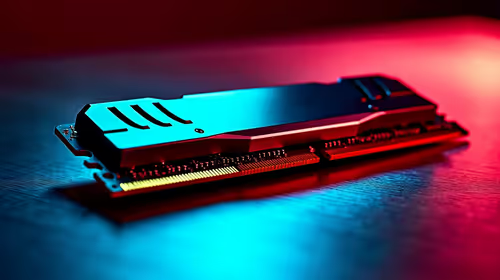
Similarly, RAM compatibility is tied to your motherboard and CPU. Modern platforms use either DDR4 or the newer, faster DDR5 memory. A DDR5 motherboard will not accept DDR4 RAM sticks. Always check the motherboard's specification sheet to confirm which RAM generation it supports. When it comes to editing, 32GB is a great starting point, but don't forget that many powerful Intel PC deals now come standard with DDR5, giving you a future-proof performance boost.
GPU and Power Supply: A Powerful Partnership
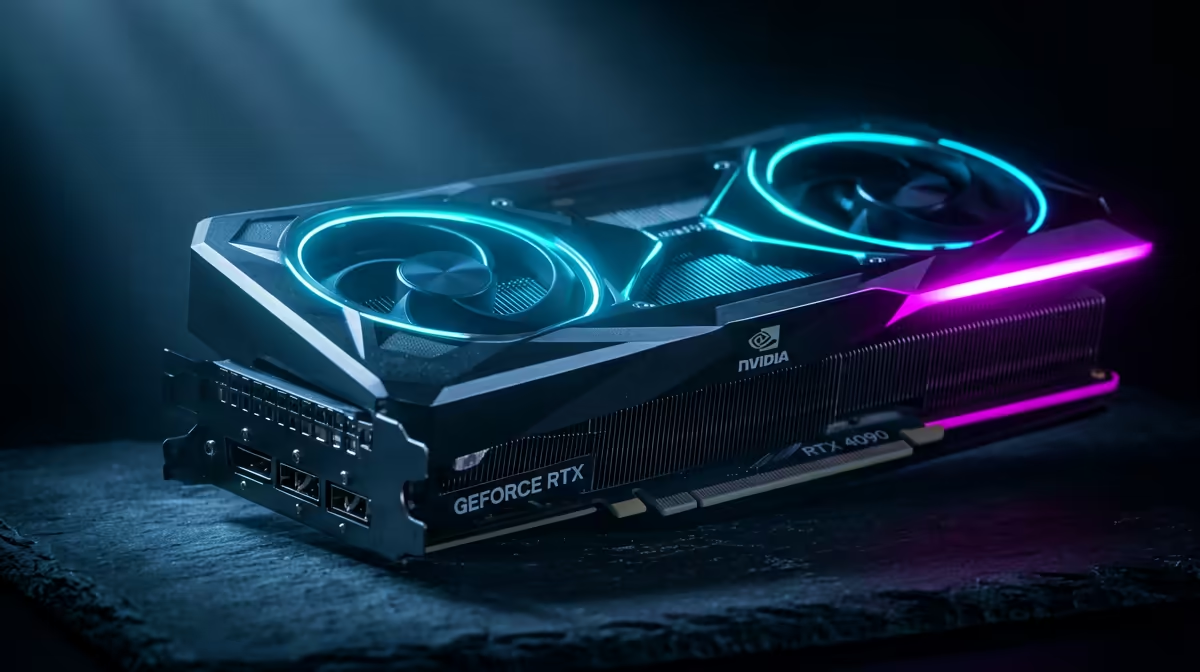
Your Graphics Card (GPU) is the heart of your visual workflow, accelerating everything from timeline playback in Adobe Premiere Pro to 3D rendering in Blender. While most modern GPUs will work with most modern motherboards (thanks to the PCIe slot standard), the real compatibility check is physical.
Will that beastly RTX 4080 actually fit in your chosen case? Check the GPU's length and the case's maximum GPU clearance. Does your Power Supply Unit (PSU) have enough wattage and the correct power connectors? A high-end GPU can be thirsty for power, and skimping on the PSU is a recipe for instability. A reliable PC compatibility check always includes confirming your PSU can handle the total load. Even when you're working with a tighter budget, like with these excellent PCs under R20,000, a quality power supply is non-negotiable.
Pro Tip: Check the QVL! ⚡
Motherboard manufacturers publish a Qualified Vendor List (QVL) on their support websites. This list contains the exact RAM kits they have tested and certified to work at their advertised speeds with that specific board. Checking the QVL is the single best way to guarantee your RAM will run smoothly without any headaches.
Storage Speed and Your Creative Workflow
Don't let slow storage bottleneck your creativity. For an editing PC, your storage setup is crucial. The key is understanding how different drives work together.
Your primary drive, for your operating system and active project files, should be a fast NVMe M.2 SSD. These drives plug directly into the motherboard and offer speeds that leave traditional SATA drives in the dust. But here's the compatibility catch: motherboards have a limited number of M.2 slots, and they might support different PCIe generations (e.g., PCIe 4.0 vs 5.0). Using a PCIe 5.0 SSD in a 4.0 slot will work, but it will be limited to the slower speed.
For mass storage and archives, larger SATA SSDs or even traditional hard drives offer great value. A good strategy is a multi-drive setup:
- 500GB - 1TB NVMe SSD: For your OS, software, and current projects. ✨
- 1TB - 4TB SATA SSD: For your asset library, sound effects, and completed projects.
- Large HDD (Optional): For long-term archival of old footage.
This tiered approach ensures your system remains snappy where it counts, without breaking the bank. Ensuring your chosen case has enough drive bays for this setup is a final, simple step in achieving perfect PC parts compatibility.
Ready to Stop Guessing and Start Creating? Ensuring perfect PC parts compatibility can be tricky, but you don't have to do it alone. Skip the stress and let our experts handle the hard work. Explore our range of custom-built editing PCs and find a machine perfectly optimised for your creative workflow, right out of the box.