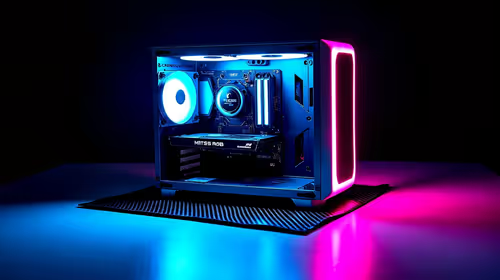
Tired of your timeline stuttering like a nervous first date? Is your PC taking longer to render a 4K video than it takes to get through load shedding? You're not alone. Building the perfect PC for video editing in South Africa means balancing power, budget, and local availability. This guide cuts through the noise, showing you exactly which components matter most for a buttery-smooth editing experience, from CPU to storage.
The CPU: The Brains of Your Editing Operation
Your Central Processing Unit (CPU) is the single most important component for video editing. It handles demanding tasks like encoding, decoding, and processing complex effects. When choosing a CPU, you'll face a choice between more cores or faster clock speeds.
For most editing software like Adobe Premiere Pro, a balance is key. Higher clock speeds make the application feel snappier during active editing and playback. However, for heavy multi-threaded tasks like the final render, the core-heavy architecture of AMD Ryzen PCs often pulls ahead, offering incredible value and raw processing power.
The GPU: Your Visual Accelerator ⚡
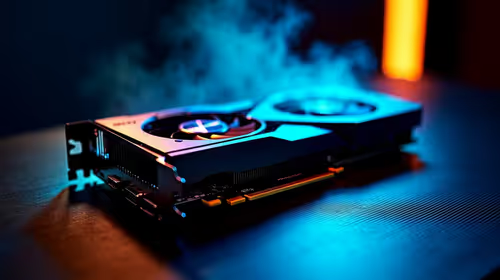
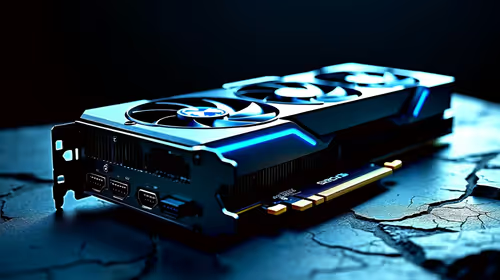
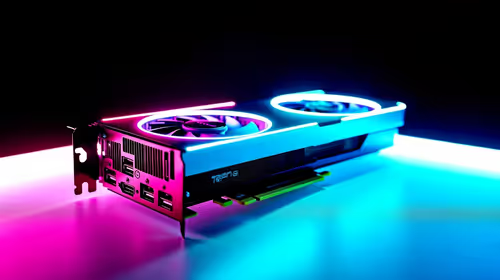
While the CPU does the heavy lifting, the Graphics Processing Unit (GPU) is your secret weapon for a smooth workflow. It accelerates GPU-intensive effects, colour grading, and timeline playback, especially with high-resolution footage.
For users of the Adobe Creative Suite, NVIDIA GPUs with their CUDA cores generally provide the best performance and stability. A key spec to watch is VRAM (video memory). 8GB is a good starting point for 1080p and light 4K work, but 12GB or more is highly recommended for complex 4K projects and visual effects. While modern integrated graphics on Intel PCs are surprisingly capable for basic tasks, a dedicated NVIDIA or AMD graphics card is non-negotiable for a serious video editing PC.
RAM and Storage: The Speed-Defining Duo
Don't let these components be an afterthought; they are critical for a responsive system.
How Much RAM Do You Need?
RAM (Random Access Memory) is like your computer's short-term memory. The more you have, the more footage, applications, and assets it can handle at once without slowing down.
- 16GB: The absolute minimum for 1080p editing. You might experience slowdowns with multiple apps open.
- 32GB: The sweet spot for most editors working with 4K footage. It provides enough headroom for smooth multitasking. ✨
- 64GB+: Recommended for professionals working with 8K footage, complex After Effects compositions, or 3D rendering.
The Ideal Storage Setup
Your storage speed directly impacts how quickly your projects load and how smoothly your timeline plays back. A multi-drive setup is the professional standard:
- OS/Software Drive: A fast NVMe SSD to ensure your operating system and editing apps boot up in seconds.
- Project/Cache Drive: A second, larger NVMe or SATA SSD. This is where you store your active project files, media cache, and scratch disks.
- Archive Drive: A large, affordable Hard Disk Drive (HDD) for storing completed projects and raw footage.
Even on a tighter budget, you can find a great PC under R20,000 that gets the storage basics right, often pairing a fast SSD with a larger hard drive for a balanced setup.
Pro Tip: Optimise Your Cache! 🚀
Your editing software's media cache and scratch disks can cripple performance if they're on a slow drive. In Premiere Pro or DaVinci Resolve, go to your project settings and point these temporary files to your fastest NVMe SSD. This dramatically improves timeline scrubbing and playback speed. Just remember to clear the cache periodically!
Don't Forget the Foundation: Motherboard & Power 🔧
Finally, a stable build needs a solid foundation. Choose a motherboard with the connectivity you need (like USB-C or Thunderbolt 3 ports) and a high-quality Power Supply Unit (PSU) from a reputable brand. A reliable PSU protects your expensive components from power fluctuations—a must-have in South Africa.
Ready to Build Your Editing Beast? 🚀
Choosing the right components for a video editing PC in South Africa can feel overwhelming. But you don't have to do it alone. Our team of experts has pre-configured powerful editing rigs for every budget. Start configuring your dream machine with our Custom PC Builder and leave the lag behind.