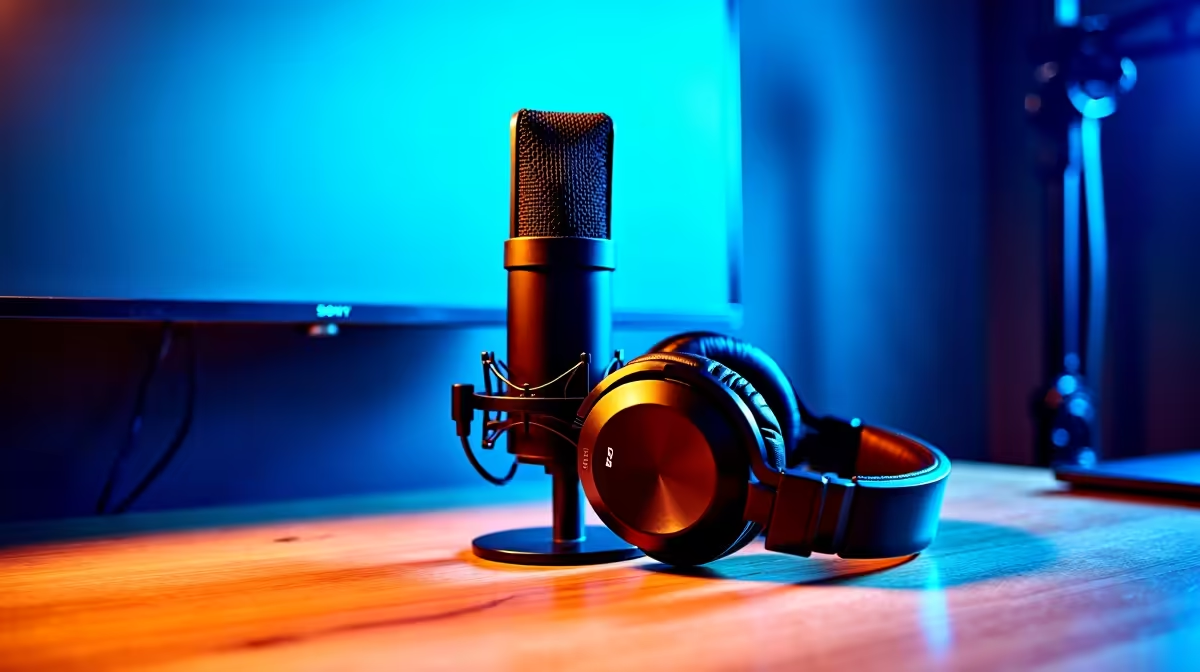
A podcast recording setup provides more audio gear than most online classes need. Clear speech, comfortable headphones, a usable webcam and stable internet matter first. A mixer, boom arms and several microphones add value only when the learner also publishes interviews or group audio.
Test the class with simple equipment
The HyperX SoloCast 2 USB microphone costs R690, while the Logitech Brio 100 Full HD webcam costs R458 in the verified facts. Confirm current stock, computer support, connection type, software compatibility, included accessories and warranty. A headset microphone may remain easier in a noisy or shared room.
Join a practice lesson using the existing audio device. Ask another participant to assess clarity while the learner types, opens documents and shares the screen. Place the microphone near the mouth, reduce speaker volume and use headphones if echo reaches the call. Check camera framing and room light before spending on higher resolution.
Save the selected input and output settings, then keep a fallback headset ready. Route cables away from books and feet. Protect class accounts and private messages during screen sharing. Buy podcast hardware when a repeated publishing project needs separate sources and physical controls. Ordinary online study benefits from the simplest audio path the learner can operate without repair during normal study days.
Improving an online-class desk? > Ask Evetech to compare webcams, microphones and headsets.