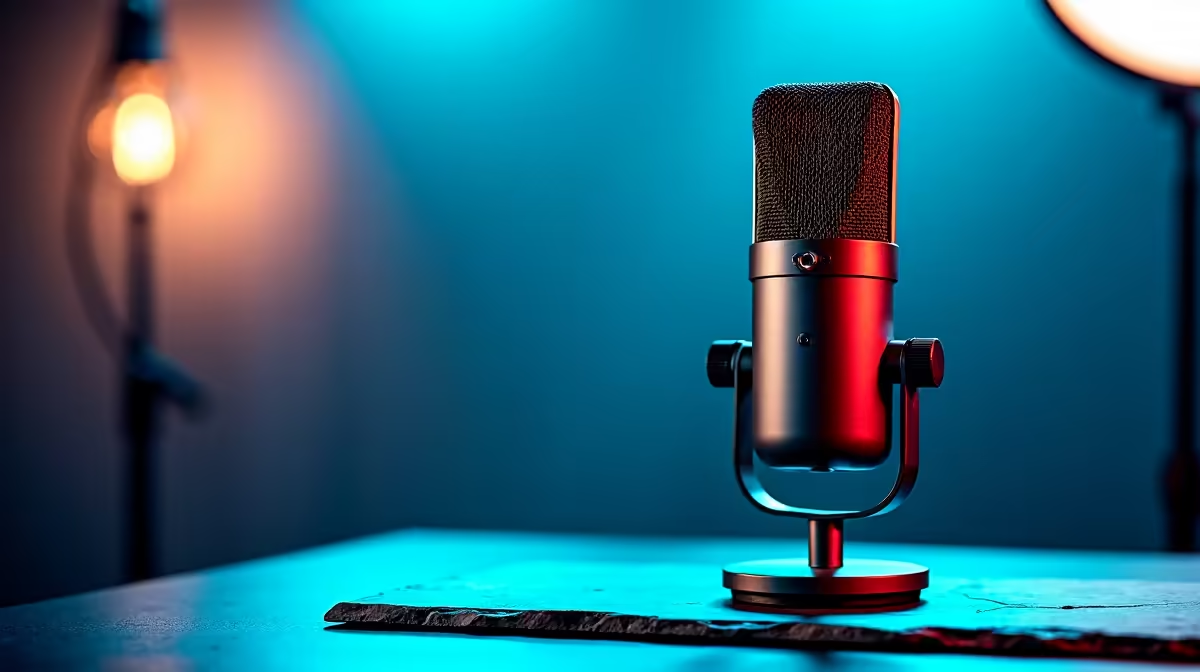
A podcast recording setup is worthwhile for video editing when the work includes voice-overs, interviews or clean spoken commentary. It does not accelerate colour work, effects or exports. Start with the audio format and room before buying a mixer, boom arms or several microphones. A simple direct USB path may cover most solo narration.
Match audio gear to the edit
The verified HyperX SoloCast 2 USB microphone at R690 can connect directly to a compatible editing computer for one voice. Position it close enough for clear speech, reduce hard reflective surfaces and record a short room-noise sample. For interviews or several local speakers, the verified NearStream AM10X-P USB/XLR microphone kit at R730 may offer a different path, but routing and input count still need careful planning.
Protect sync and project continuity
Record at settings supported by the editing application and clap or mark takes when separate audio must be aligned. Monitor with headphones, listen for fan noise and keep the microphone away from a vibrating desk. Name files by scene and take instead of leaving generic recorder numbers. Copy audio and video to approved backup storage before clearing cards. Export a private sample and check speech level on a phone, laptop and television. Add more podcast hardware only when repeated productions need physical controls that software cannot provide comfortably.
Adding clean speech to video? > Browse Evetech microphones and creator storage, then size that audio chain to the number of speakers and room.