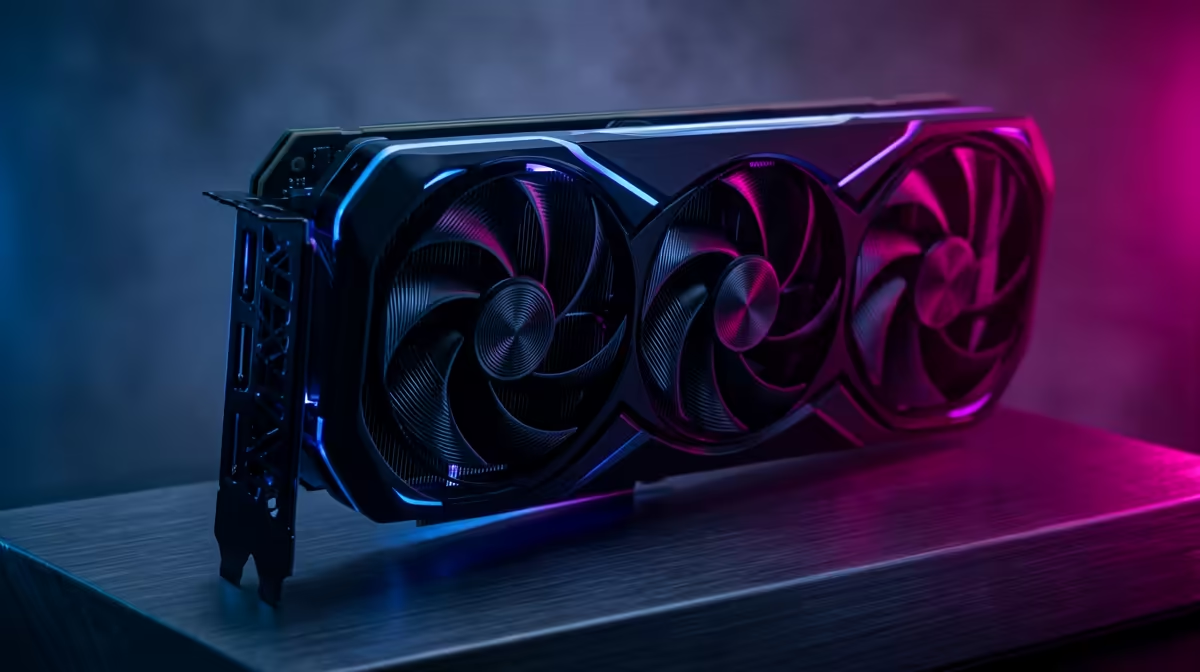
Power Supplies Perfected for 2610 MHz Boost Clock GPUs 🚀
Cracking the code on the best PSU and airflow setup for 2610 MHz boost clock GPUs can elevate your gaming and content creation performance. South African gamers know that pushing these powerful graphics cards requires stable, efficient power and spotless cooling. Underestimating PSU wattage or airflow risks throttling, crashes, or component damage. Let’s unlock the sweet spot for your rig’s heart and lungs, ensuring every frame renders smooth and fast.
Choosing the Best PSU for High-Performance GPUs
A 2610 MHz boost clock GPU demands a quality power supply that delivers steady and clean energy. Aim for at least an 80 Plus Gold certified PSU with 650W or more, especially if you’re pairing your GPU with a potent CPU or multiple drives. High efficiency means less wasted energy and lower heat inside your PC case — critical for maintaining longevity and peak performance.
The NVIDIA and ATI graphics cards range at Evetech features cards with diverse power needs. Checking PSUs against your specific GPU model helps you avoid bottlenecks or instability while gaming or rendering — no one likes unexpected restarts during a top-tier session.
Optimal Airflow Strategies for 2610 MHz Boost Clock GPUs 🔧
Good airflow cuts GPU temperatures, improving boost clock stability and lifespan. South African climates vary, but most gaming setups benefit from at least two intake fans at the front and one exhaust fan at the rear, creating a clean airflow path. Keep cables neat to prevent obstruction. High static pressure fans can also effectively cool dense radiators or tight case spaces.
For Radeon users, visiting the Radeon Graphics Cards section will help tailor your cool setup to match the latest models’ thermal profiles. These cards can run hot at peak clocks, so airflow optimisation is a must.
Overclocking and Cooling Balance
Pushing a 2610 MHz boost clock takes fine tuning. Too little airflow and your GPU may throttle. Too much fan noise can distract. Experiment with fan curves in your GPU software to find a balance. Combining well-placed case fans, quality thermal paste, and under-volt adjustments can keep your experience crisp and cool.
Cooling Pro Tip
Use ambient room temperature to your advantage. Gaming during cooler evenings or with an open window can shave off several degrees on GPU temps.
Picking Your GPU — Factor in PSU and Airflow Demands ⚡
Narrowing down your choice between the GeForce Graphics Cards and Radeon options means considering power draw and cooling needs upfront. MSI-branded GPUs available at Evetech also include custom cooling solutions that optimise airflow for 2610 MHz boost clock variants. This ensures you get performance without compromise.
By matching your PSU wattage and fan setup with your GPU’s thermal behaviour, you’re futureproofing your rig for demanding AAA titles and high-res streaming in South Africa’s unique environments.
Level Up Your Gaming Power
Your 2610 MHz boost clock GPU deserves the best PSU and airflow setup—Shop now at Evetech for hardware that keeps your rig cool, stable, and ready to dominate.