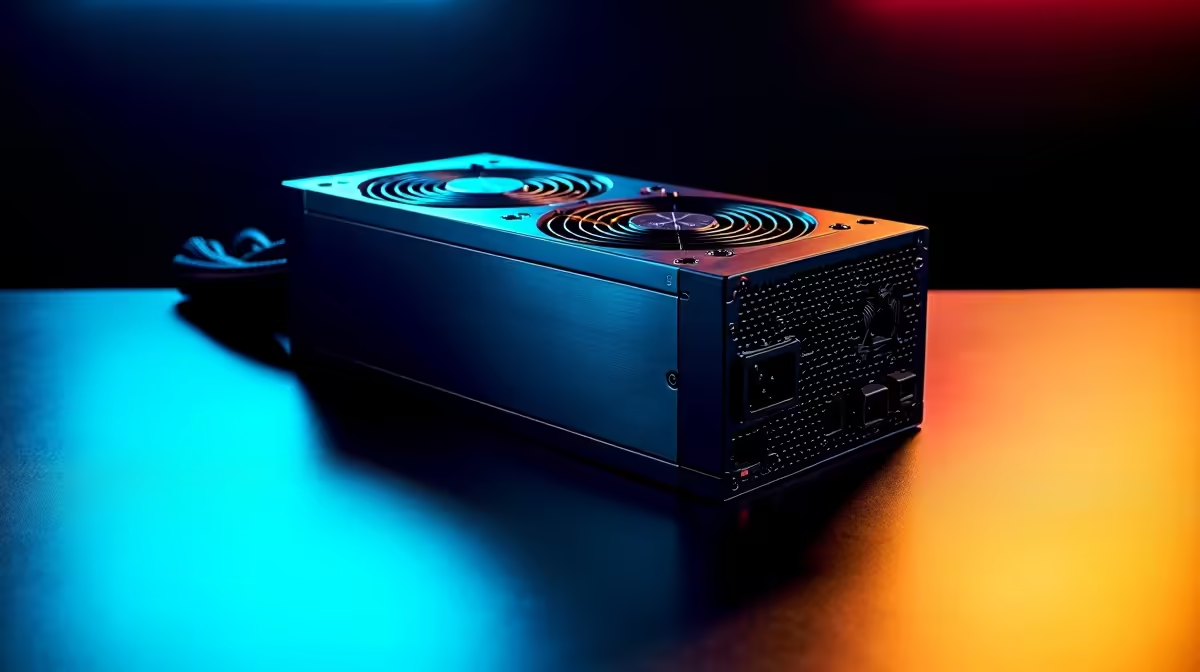
Building a new gaming rig in South Africa is a vibe... until you hit the PSU choice. Pick too weak, and your beastly new GPU becomes a fancy paperweight during a heated match. Go too big, and you've wasted precious rands that could've gone towards more storage. Forget complex online tools; this guide is the only PSU wattage calculator you'll need to confidently find the right PSU size for your 2026 build and beyond. ⚡
Why Finding the Right PSU Size is Critical
Think of your Power Supply Unit (PSU) as the heart of your PC. It pumps life-giving electricity to every single component. An underpowered PSU leads to instability, random shutdowns (especially during an unexpected outage), and can even damage your expensive hardware. On the flip side, an oversized PSU is inefficient at lower loads, meaning you're paying more on your monthly electricity bill for power you don't use.
Getting the wattage right ensures system stability, efficiency, and leaves room for future upgrades. It’s the foundation of a reliable, high-performance machine.
How to Calculate Your PSU Wattage (The Simple Way)
Instead of trusting a generic PSU wattage calculator that might be outdated, let's do a quick "back-of-the-napkin" calculation. It’s more about understanding your core components than finding an exact number.
The Big Two: CPU & GPU
Your processor and graphics card are the thirstiest components in your rig.
- Find Your GPU's TDP: Check the manufacturer's official product page for its "TDP" (Thermal Design Power) or recommended PSU wattage. A high-end card like an RTX 4080 might suggest a 750W PSU for the whole system.
- Find Your CPU's TDP: Do the same for your CPU. A modern Intel Core i7 or AMD Ryzen 7 might have a TDP of around 125W-170W.
Add these two numbers together. This is your baseline power draw under heavy load. For example, a 320W GPU and a 170W CPU give you a baseline of 490W.
Everything Else: The Supporting Cast
Your motherboard, RAM, SSDs, and cooling fans all draw power, but it's significantly less. You can safely budget around 50W-100W for all these combined.
So, 490W (CPU+GPU) + 100W (the rest) = 590W. This is your peak estimated power draw. Now, for the crucial last step...
Future-Proofing Pro Tip 🚀
Always add 20-30% headroom to your calculated total. For our 590W example, adding 30% (~180W) brings us to 770W. This means an 850W PSU would be a perfect choice. This buffer ensures your PSU runs efficiently (most are best at 50-80% load), handles unexpected power spikes, and gives you room to upgrade your GPU in a few years without needing a new power supply.
Understanding PSU Efficiency Ratings (80 Plus)
Not all watts are created equal. The "80 Plus" certification tells you how efficiently a PSU converts AC power from your wall into DC power for your PC. Higher ratings (Bronze, Silver, Gold, Platinum, Titanium) mean less energy is wasted as heat.
A Gold-rated PSU might cost more upfront, but it can save you money on your electricity bill over its lifespan. For most South African gamers, a quality 80 Plus Bronze or Gold unit from a trusted brand like Corsair power supply offers the best balance of price and performance.
Modular vs. Non-Modular: Taming the Cables
The final piece of the puzzle is how the cables are managed. This choice dramatically affects how easy your PC is to build and how clean it looks.
- Non-Modular: All cables are permanently attached. It's the cheapest option but can lead to a mess of unused cables cluttering your case and impeding airflow.
- Semi-Modular: The essential motherboard and CPU cables are attached, but peripheral cables (for GPU, SSDs, etc.) are detachable. A great middle-ground.
- Full Modular: Every single cable is detachable. You only plug in what you need, resulting in a super clean build with optimal airflow. A full modular Corsair power supply is a builder's dream. ✨
Beyond the Box: Your Complete Gaming Ecosystem
A powerful PC is just one part of a great gaming setup. To truly dominate online, you need a rock-solid internet connection. While your PSU powers the rig, your network delivers the data. Ensuring you have reliable wireless networking is just as important as your graphics card.
For the lowest latency, nothing beats a direct connection. Investing in quality wired networking components can make a real difference in competitive play. Your setup might include powerful Fibre routers to handle high speeds or even wireless range extenders to eliminate dead spots in your home. Whether you choose from the latest wireless routers or dedicated network adapters, a stable connection is key. For complex home setups, network switches can help manage all your devices seamlessly.
Ready to Power Up Your Build?
Stop guessing and give your PC the stable, efficient power it deserves. Using this guide instead of a generic PSU wattage calculator ensures you make the right choice for today and tomorrow. Explore our massive range of quality power supplies and find the perfect unit to conquer your world.