


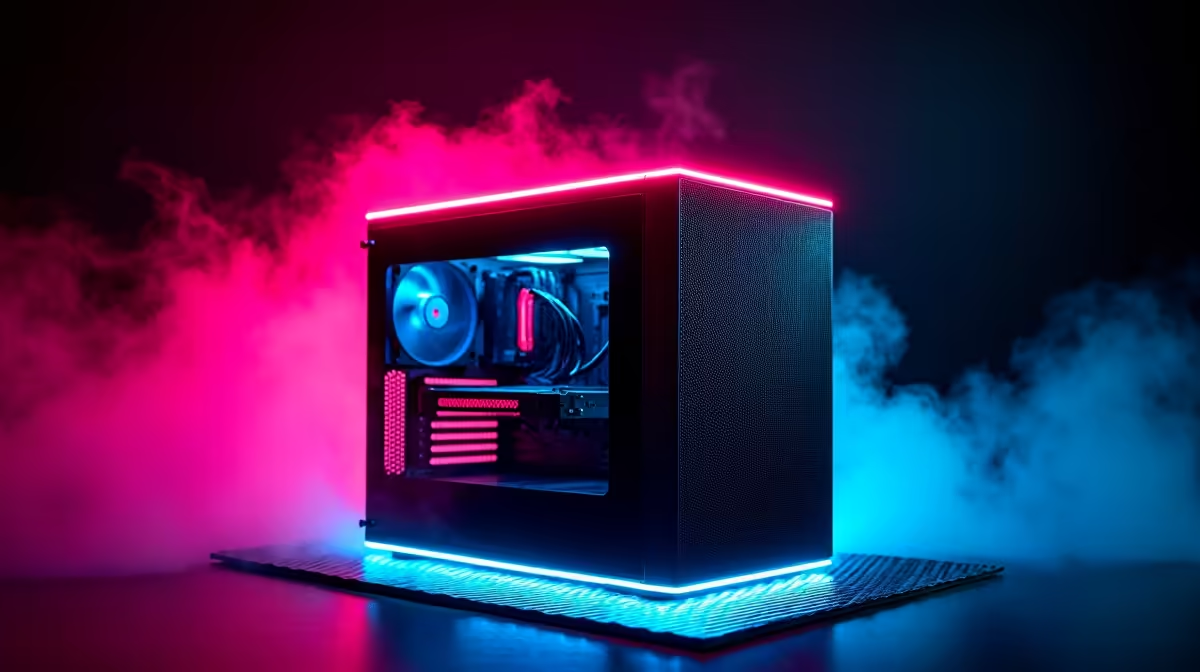
Reduce Heat and Noise with Low Power GPU Compact PCs for SA gamers
If your PC sounds like it’s warming up for launch night, you’re not alone. In South Africa’s summer, extra heat pushes fans harder… and your desk gets louder. Add a crowded office setup, and suddenly “just one more game” turns into a noise complaint.
That’s where Reduce Heat and Noise with Low Power GPU Compact PCs matters. Compact builds with efficient GPUs can deliver smooth frame times without turning your room into a small server rack. ⚡
Why low-power GPUs keep your room cooler and quieter
Low power GPU compact PCs typically use chips designed for efficiency first. Instead of chasing maximum wattage, they rely on smart performance-per-watt. The result is simpler: less heat, lower fan ramping, and steadier comfort during long sessions. 🔧
From a buyer’s view, look for these traits:
- Lower total board power (how hard the GPU runs)
- Efficient cooling design (fans and heatsinks sized for compact cases)
- Modern architecture features that reduce waste during idle and light loads
If you’re building for esports titles or 1080p gaming, you often don’t need the biggest card to feel great. Even better, quieter systems help when you’re in a shared space with family or roommates.
Quiet doesn’t mean weak: it means well-matched
A small GPU mismatch can waste power and create louder cooling behaviour. For example, pairing a strong CPU with an oversized GPU can lead to unnecessary heat under certain workloads. The fix is simple: match performance to your games and monitor.
Product choice pointers
For compact builds, you’ll often find solid options across these categories:
- Mainstream graphics cards from trusted brands
- Compact-friendly models
- GPUs positioned for efficiency
Check out Evetech’s graphics card selection here:
- NVIDIA and ATI options for everyday gaming: https://www.evetech.co.za/components/nvidia-ati-graphics-cards-21
- MSI-branded choices within that NVIDIA/ATI line-up: https://www.evetech.co.za/components/nvidia-ati-graphics-cards-21?brands=MSI
- Intel Arc options if you want a modern alternative: https://www.evetech.co.za/PC-Components/intel-arc-graphics-cards-360
- If you need workstation-class stability for creative work: https://www.evetech.co.za/PC-Components/workstation-graphics-cards-307
- AMD Radeon picks for strong value and gaming features: https://www.evetech.co.za/PC-Components/buy-amd-radeon-graphics-cards-39
Build tips that cut noise fast (without losing FPS)
Let’s make it practical. Most “loud PC” problems are airflow and tuning, not just the GPU.
Optimize airflow in compact cases
Compact cases have less space for cool air. That means:
- Keep intake paths unobstructed
- Use at least one good front intake and one exhaust
- Avoid blocking GPU vents with cables
A simple rearrangement can drop fan speeds noticeably.
Tune fan curves and power settings ⚙️
Windows power settings can influence GPU behaviour under load and idle. Use “Balanced” for everyday use, and consider limiting maximum CPU boost if your case runs hot.
Productivity Pro Tip ⚡
On Windows, open Windows Power & Battery settings and set your plan to Balanced, then pair it with a quieter fan curve using your motherboard’s control app. You’ll reduce unnecessary ramping during browsing, Discord, and game launchers, which is where many compact PCs get loud.
What to buy in South Africa: a quick decision guide
If you’re mostly playing Fortnite, Valorant, Rocket League, or story games at 1080p, low power compact systems are often the smartest move. You save on power, keep your desk cool, and spend more of your budget on the rest of your setup (SSD, RAM, or a better monitor).
Want help choosing? Tell Evetech what you play, your target resolution, and your case size. Then we’ll help you land on a build that stays quiet… and keeps delivering the frames you expect. ✨
Ready to Find Your Perfect Match? The Mac vs Windows debate is complex, but for maximum power, choice, and value in South Africa, Windows is hard to beat. Explore our massive range of laptop specials and find the perfect machine to conquer your world.











