Quick Answer
For a CUT residence setup under R10,000, prioritise a compact laptop or small desktop, a 24-inch monitor only if desk space allows, and quiet peripherals. Spend first on the main PC, then add headset, mouse and storage once the study workload is covered.
Build The Desk Around Space
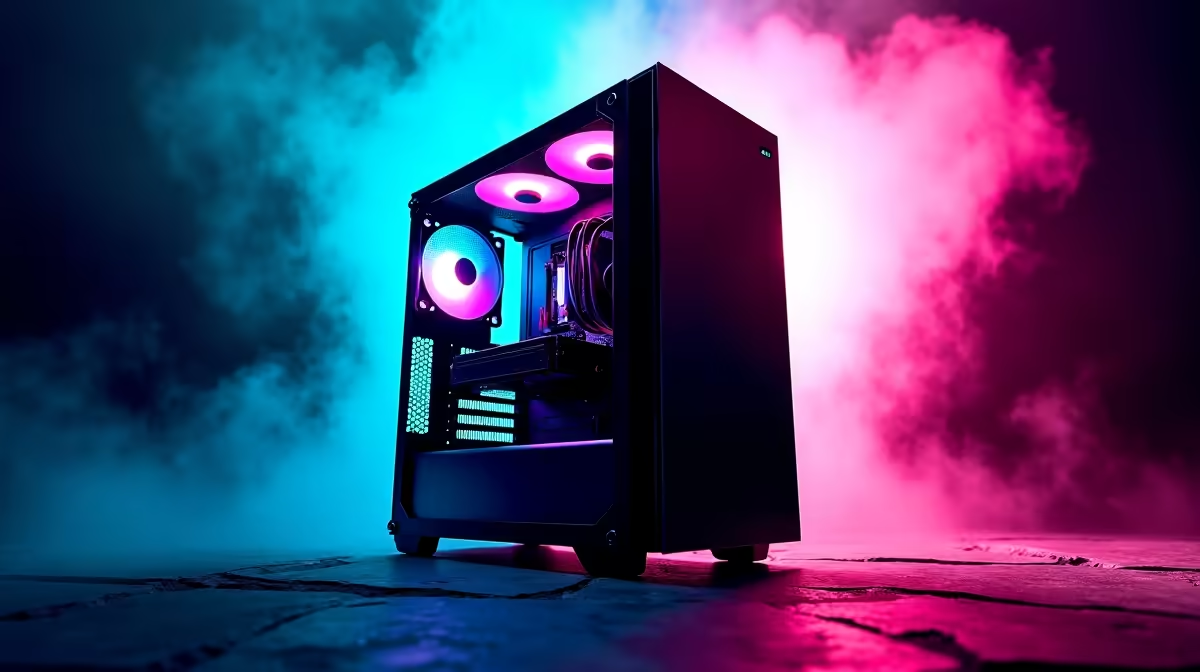
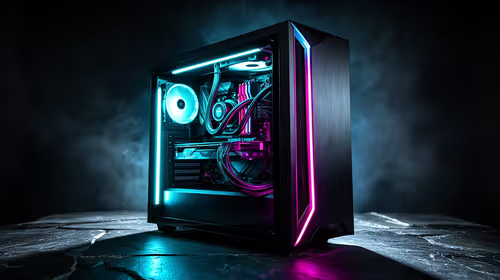
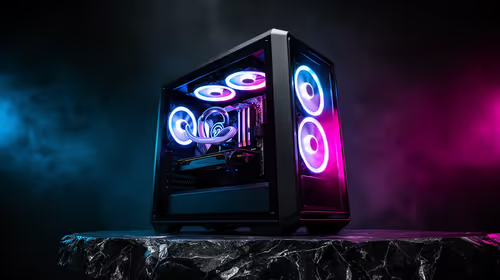
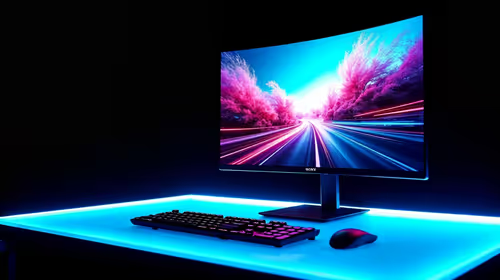
Residence rooms punish oversized gear. Measure the desk, plug position and storage space before choosing a tower, monitor arm or full-size keyboard. A laptop plus 24-inch 1080p monitor is often easier than a large tower when the room must also handle books and meals.
CUT residence rooms in Bloemfontein need dust-conscious airflow and a compact desk layout. Keep fan noise low because shared corridors and late study sessions make loud systems irritating.
Budget Split
Under R10,000, avoid trying to buy every premium accessory at once. Put most of the spend into the laptop or PC, then choose a basic headset, reliable mouse and surge-protected plug. If gaming is the goal, an RTX 4060 laptop or entry desktop may need more than R10,000, so be realistic about warranty needs.
What To Pack And Protect
Use a padded bag, label chargers and keep cables short. A 512GB SSD fills quickly with games and coursework, so add external storage only after the main machine is reliable. For SA campuses, warranty paperwork and serial numbers should be easy to find.
FAQ
Is R10,000 enough for a full gaming setup?
It is tight for a new gaming PC, but it can cover a practical study-first setup. Serious gaming usually needs a larger budget or phased buying.
Should residence students choose a laptop or desktop?
A laptop is easier to move and store. A desktop is better only when desk space, transport and cooling are already solved.
What accessory should come first?
Buy a comfortable headset or mouse before decorative extras. Those items affect study calls, gaming and daily use immediately.
Measure the residence desk and plug layout, then shortlist the PC around size, noise and warranty before adding accessories.