


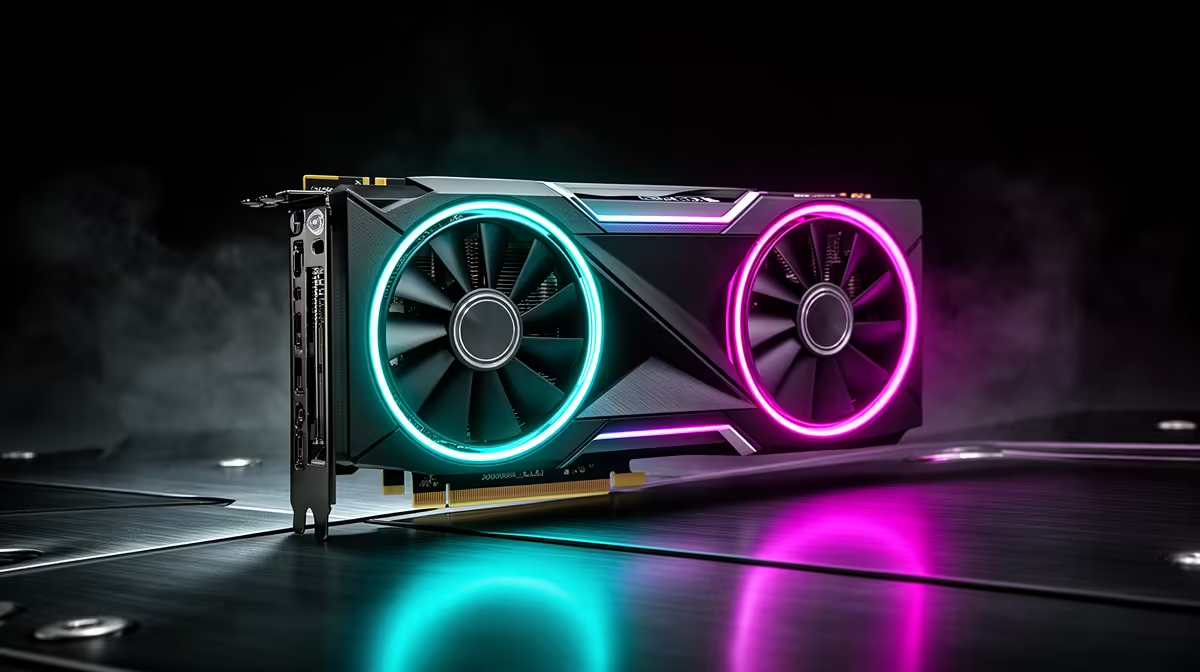
You can settle the RX 9060 XT resolution argument on your own PC in twenty minutes. Run the same busy game scene at 1080p and 1440p, keep the preset fixed and watch frame time. The result tells you whether a 1080p or 1440p monitor for the RX 9060 XT fits the games you play.
Quick Answer
Choose 1080p at 180Hz to 240Hz for esports and the highest frame rates. Pick 1440p at 144Hz to 180Hz for sharper mixed gaming, with FSR or tuned settings in demanding releases. The 16GB card gives high-resolution textures more room but does not remove the rendering cost. In July 2026, R4,499 marked the midpoint of Evetech's in-stock gaming-monitor sample, giving the screen budget a dated reference.
🧪 Run the same scene at both resolutions
Select a built-in benchmark or save that opens into a demanding area. Set the game to High, turn off a frame cap for the test and record average FPS, one-percent lows and frame time at 1080p.
Change only the resolution to 1440p and repeat after temperatures settle. If the second run still meets your target and looks better, the sharper screen has earned a place. If the lows fall beneath the response you want, 1080p gives you more room.
Evetech's monitor range lets you compare the matching size and refresh tiers after the test.
🎯 Choose 1080p for competitive speed
A 24-inch Full HD panel keeps pixels tidy at normal desk distance. The RX 9060 XT can chase high frame rates, though the CPU becomes important once the graphics workload gets light.
Test a full match rather than an empty map. A 240Hz monitor makes sense when one-percent lows live well above 165fps. If the game drops near 120fps during every fight, a strong 180Hz panel may offer better colour or motion for the same Rand.
Use a cap you can hold. Stable delivery often gives your hand a cleaner rhythm than a large swing between scenes.
🖼️ Choose 1440p for detail and longer monitor life
At 27 inches, 1440p sharpens text and distant game detail. The RX 9060 XT can run esports and lighter titles at high refresh, while new AAA games may need FSR Quality or lower effects.
Keep textures where the card's memory allows. Reduce ray tracing and heavy volumetrics before flattening every setting. The 16GB model helps with large assets, but its GPU core still renders the extra pixels.
A 1440p panel can remain on the desk after the next card upgrade. That longer life can justify settings work now.
4️⃣ Check 4K as a work-led option
The RX 9060 XT can drive a 4K desktop and lighter games. Demanding 4K play needs aggressive upscaling and a lower target. Buy that screen when sharp work or a future GPU pays for the extra pixels.
Test non-native resolution scaling. When a 4K display receives a 1440p game signal, the image may look less crisp than it does on a panel built for 1440p.
Current formats appear on Evetech's monitor best-seller page. Compare them beside the RX 9060 XT category before choosing the whole pairing.
🔄 Finish with FreeSync and a frame cap
Enable the display's variable-refresh control and FreeSync in AMD Software. Choose the panel's top rate in Windows, then rerun the game with your final cap.
Check flicker near the lower VRR boundary and trails during dark camera pans. Save the working monitor and game profiles once both resolutions have had a fair test.
Finish with a ten-minute heat check. The 1440p run keeps the GPU busier and can push fan noise above the 1080p result. Listen from your normal chair and record temperature after the cooler settles. A resolution that meets the FPS target but turns the PC into the loudest thing in the room carries a trade you should hear before buying the screen.
Frequently Asked Questions
Is the RX 9060 XT better suited to 1080p or 1440p?
It handles both: 1080p favours frame rate and 1440p favours sharper mixed gaming.
What frame rate can I expect at 1440p on this card?
The game and settings decide it. Run the same scene and compare one-percent lows with your target.
Does the 16GB variant push this card toward 1440p?
It helps large textures and assets fit, which makes 1440p settings easier to keep.
Is 4K realistic on this GPU at all?
It suits desktop work and lighter games, with major compromises in demanding releases.
What frame rate can I expect at 1080p on this GPU?
Esports can run at high refresh, while AAA output varies. CPU performance also matters.
Which resolution should esports players choose?
Choose 1080p when the highest real frame rate has priority.
What panel size fits this GPU's sweet spot?
Use 24 inches at 1080p or 27 inches at standard 1440p.
Ready to settle the RX 9060 XT resolution choice on your own games? Compare 1080p and 1440p monitors at Evetech after your paired benchmark shows which frame target survives the busy scene.








