


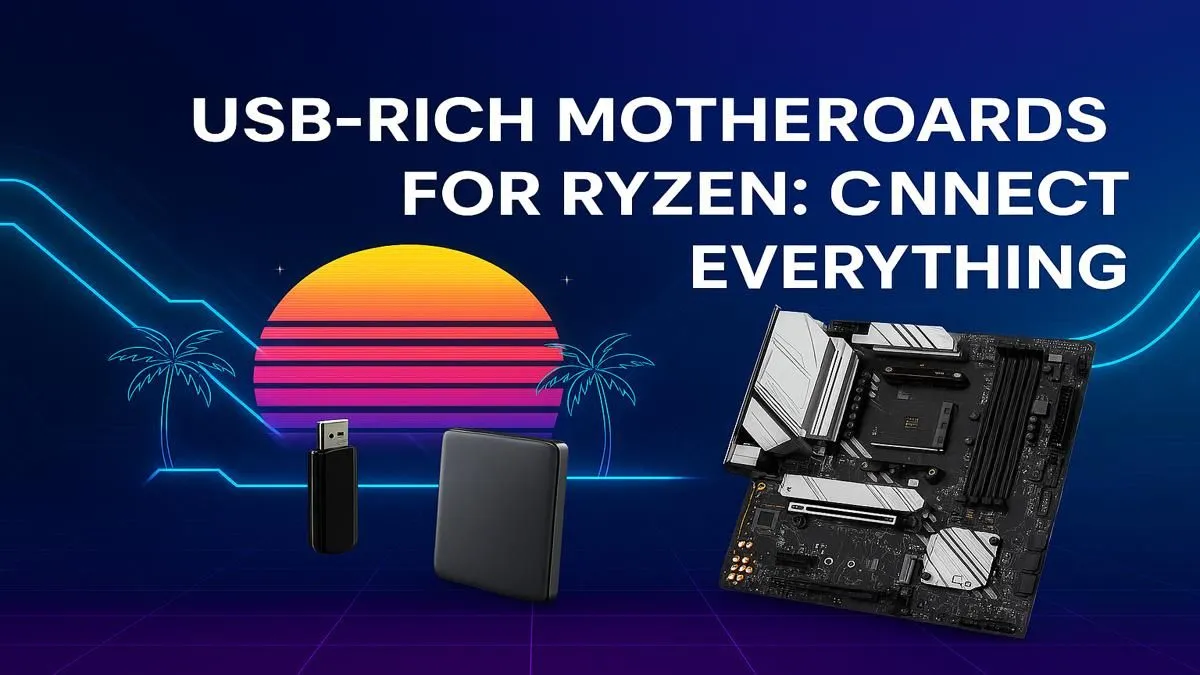
Been there? You've just unboxed a shiny new peripheral for your Ryzen rig... a stream deck, a VR headset, or maybe a high-end webcam. You turn your PC around, ready to plug it in, and realise you're out of USB ports. Eish. In today's peripheral-heavy world, finding a Ryzen motherboard with the most USB ports isn't just a luxury; it's essential for a clean, future-proof setup. Let's get you connected. 🔌
Why Your Motherboard's USB Count is Crucial
A few years ago, having six USB ports on the back felt like plenty. Now, with high-speed peripherals for gaming, streaming, and content creation, that number can fill up fast. A keyboard, mouse, headset, microphone, and webcam already take up five slots! This is why a high-connectivity Ryzen motherboard is a smart investment.
It’s not just about quantity, but also quality. You'll see different types:
- USB 2.0: Perfect for your mouse and keyboard.
- USB 3.2 Gen 1 (5Gbps): Great for external hard drives.
- USB 3.2 Gen 2 (10Gbps): Ideal for fast SSDs and high-bandwidth devices.
- USB Type-C: The modern, reversible connector used for everything from hubs to monitors.
A good board offers a healthy mix of all these, ensuring you have the right port for the right job without needing a mess of adapters.
Finding the Best Ryzen Board for USB Connectivity
The number of USB ports a motherboard has is often tied to its chipset. The chipset is the traffic controller of your motherboard, and more premium chipsets generally offer more features, including more connectivity.
The Sweet Spot: B-Series Chipsets
For most gamers and creators in South Africa, the B-series chipsets hit the perfect balance of price, performance, and features. They provide more than enough connectivity for even complex setups.
On the AM4 platform, many AMD B550 motherboards still offer a fantastic array of ports, making them a top-value choice. For those building a new rig on the latest AM5 socket, the upcoming generation of AMD B850 motherboards is designed with modern I/O as a core focus, often including multiple high-speed USB-C ports.
The Enthusiast's Choice: X-Series Chipsets
If you're a power user who refuses to compromise... welcome to the X-series. These are the top-tier chipsets designed for maximum performance, overclocking, and, you guessed it, connectivity.
Boards in this category, like the cutting-edge AMD X870 motherboards, are typically the Ryzen motherboards with the most USB ports right out of the box. They are built for users running multiple high-bandwidth devices, complex streaming setups, and extensive storage arrays without breaking a sweat.
Beyond the Back Panel: Internal Headers Matter Too ✨
The rear I/O panel is only half the connectivity story. Before you finalise your choice from the huge range of AMD motherboards, always check the internal USB headers listed on the spec sheet. These are vital for connecting your case's front panel ports, AIO liquid coolers, and internal RGB controllers.
Builder's Pro Tip 🔧
Always check for at least one USB 2.0 internal header (for coolers and RGB hubs) and a modern USB 3.2 header for your case's front ports. A USB Type-C internal header is also becoming a must-have for modern cases, giving you a convenient high-speed port right on the front of your PC!
Running out of ports is a hassle that can kill your workflow and gaming vibe. By choosing a motherboard with ample USB connectivity from the start, you're not just buying a component; you're investing in a smoother, more flexible PC experience for years to come.
Ready to End USB Port Scarcity? Choosing the right foundation for your PC is crucial. A Ryzen motherboard with plenty of USB ports sets you up for a clutter-free, high-performance future. Explore our massive range of motherboards and find the perfect board to power your setup.










