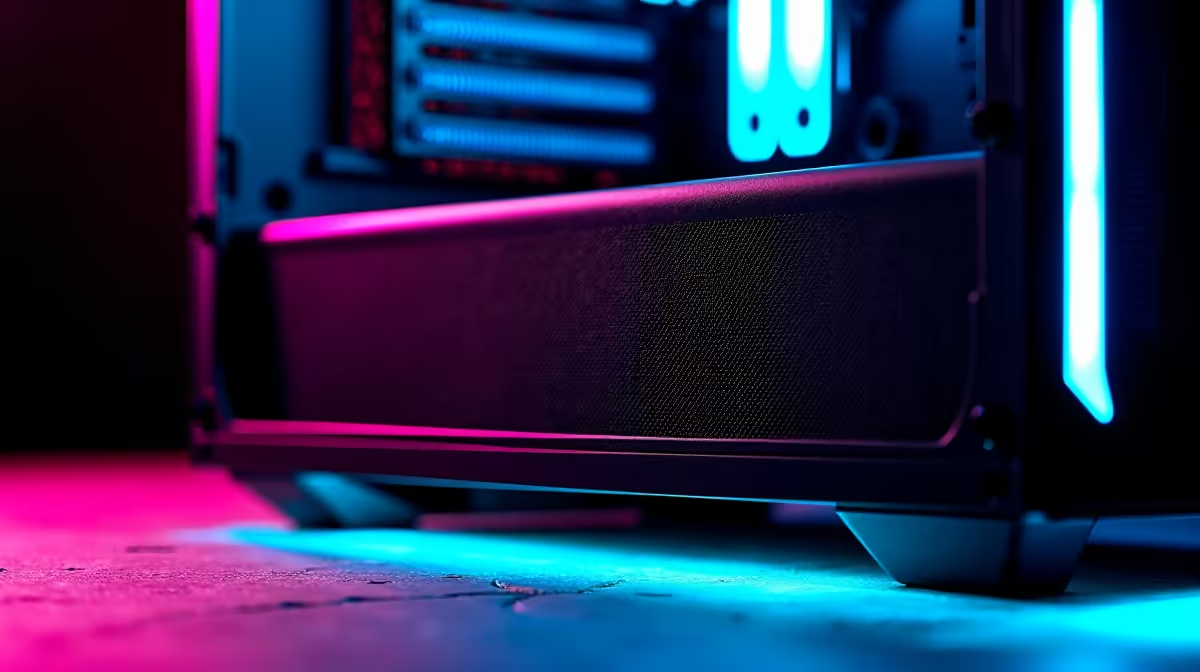
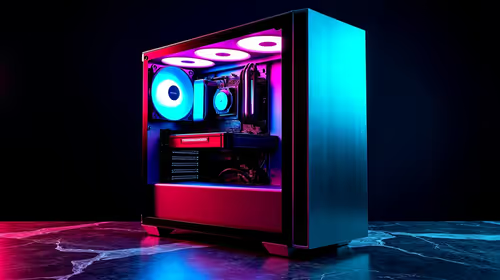
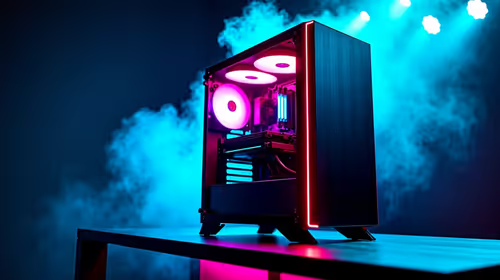
Dust filters are worthwhile for a first gaming PC when the case has unfiltered intake openings and the room collects dust or pet hair. They reduce buildup only when air enters through the filtered path. Dense material can also restrict airflow and raise fan noise.
Inspect the case before buying
Find every intake fan and measure its opening. Check whether the case already includes removable mesh. The verified factpacks contain no priced dust-filter kit for this first build. Compare current options by exact dimensions, frame type, magnetic clearance, mesh density and cleaning instructions. Do not cover exhaust vents with an intake filter.
Balance filtration and cooling
Run a game for thirty minutes and record processor temperature, graphics temperature and fan speed. Repeat after fitting the filter. A useful filter catches dust without causing throttling or an aggressive fan curve. Positive pressure through filtered intakes can reduce dust entering through gaps when the case design supports it.
Clean the mesh on a schedule based on visible buildup, not a fixed calendar. Hold fan blades still when using safe compressed air and keep liquids away from electronics. Place the tower above carpet where practical and leave space around its intake.
Buy filters only for matching openings. A regular cleaning routine and clear cable path matter more than adding random mesh panels. Keep baseline temperatures in the build notes so future changes have a comparison.
Protecting a first gaming PC? > Ask Evetech to check case dimensions, airflow and compatible filter options.