


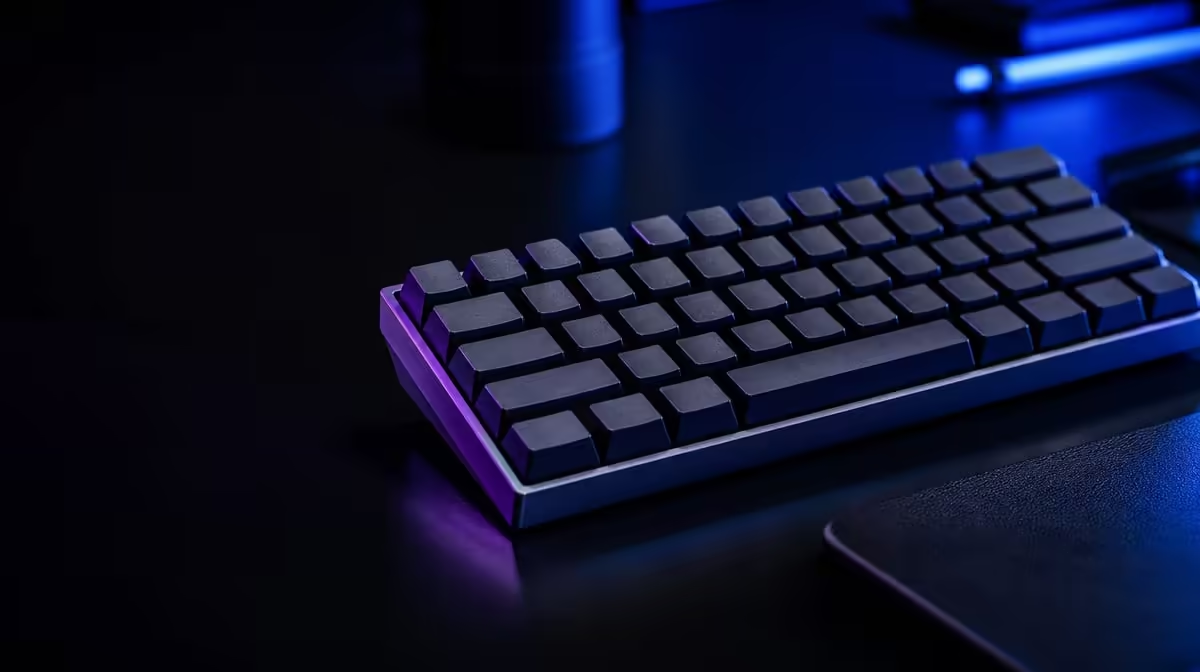
A condensed layout becomes faster only after its key map and desk position feel predictable. Setting up a 98% gaming keyboard means learning the compressed navigation cluster, documenting layers, aligning the main keys with the body and adding profiles only after the physical arrangement works.
Quick Answer
Place the 98% board by its alphanumeric section, leaving the gained width for the mouse. Learn navigation and function-layer positions, test the retained number pad, then create restrained game profiles that keep essential commands consistent and easy to reverse.
🗺️ Learn the new map first
Photograph or print the layout and mark Delete, arrows, Home, End, Page controls and number-pad keys. Exact 98% arrangements vary.
Practise common shortcuts in a safe document. Closely grouped keys can challenge muscle memory formed around full-size gaps.
Add numeric entry and number-pad Enter to the practice. Retaining the pad provides little value when its compressed edge creates repeated errors.
Use a timer only after accuracy improves. Speed training before the map is understood can reinforce poor reaches.
Write function-layer commands on a reference card for the first week. A hidden media or navigation action is easier to learn when its chord is visible.
Track repeated errors by key. This distinguishes one awkward placement from general early adjustment.
Remap a problem key only when the software supports it and the new position remains clear. Keep a note so another user is not surprised.
Test the layout after a restart without opening a game. The default state should remain usable even before a profile loads.
Compare layouts in Evetech's Logitech gaming-keyboard section.
🖱️ Position it for mouse movement
Measure the occupied desk and align the alphanumeric area with the typing shoulder. Centring the whole case can push the number pad toward the mouse.
Rehearse broad sweeps and quick returns with the normal pad, sensitivity and keyboard angle. Rotating the board may reduce the width saving.
Mark the old full-size edge with removable tape. The visible difference helps determine whether mouse collisions and shoulder reach actually improve.
Check whether the number pad pushes into the pad when the board is aligned by the alphanumeric section. A slightly different angle can preserve both typing and movement.
Check depth, wrist support and cable routing. A compact width does not guarantee comfortable reach.
Use the normal chair height and play for a full session. Early novelty can hide wrist extension or an awkward outer-key reach.
Browse Evetech's gaming-keyboard listings with the desk measurements ready.
🎮 Build useful game profiles
Keep movement and universal commands consistent across titles. Use the retained number pad only where its extra bindings have a clear purpose.
Build one base profile containing shared controls, then copy it carefully for game-specific additions. Starting from unrelated maps creates unnecessary relearning.
Name profiles by game and role. Test switching outside a live match and preserve a default map for recovery.
Screenshot important assignments and note the function layer. A later software update or reset should not erase the only record.
Use lighting to highlight a small number of controls rather than colouring every key differently. The map should reduce search time.
Check macros against each game's rules and keep assignments easy to disable. A profile should never surprise another user of the PC.
Test any permitted sequence in a safe practice environment. Confirm interruption and profile return before using it around important actions.
🧪 Prove the setup through a complete routine
Start the PC, confirm the default map and open a familiar game. Check movement, modifiers, number-pad assignments and navigation before the first serious session.
Run a repeatable mouse route and record collisions. If the 98% width does not improve the movement problem, revisit board position rather than forcing adaptation.
Leave the game and type a realistic work passage. Confirm that navigation and numeric entry remain confident after gaming profiles unload.
Put the system to sleep and return. Profiles, lighting and layers should recover without leaving the user in an unknown state.
Repeat the routine after a week. A successful setup reduces key searching, keeps the mouse clear and preserves the number-pad value that justified 98%.
Share the reference card with other PC users. They need to understand the default layer and how to exit any custom profile.
Keep the final layout photograph, desk measurement and profile screenshots together. That record shortens recovery after moving the board or reinstalling software.
Review the number-pad bindings after several games. Remove commands that are never used and keep the cluster understandable for work.
Check whether navigation mistakes decline. If one compressed position remains troublesome, use a supported remap or reconsider the layout rather than normalising repeated errors.
Preserve the default keycaps and visible layer legends. Replacing caps for appearance can remove reminders that help a condensed board make sense.
Retest mouse clearance with the broadest real movement, not a small desktop gesture. The setup succeeds when saved width translates into fewer collisions.
Ask another user to complete a simple typing and navigation task. A shared PC benefits from a default map that does not require private memory.
Document any custom key in plain language on the reference card. Software profile names alone may not explain what a changed press sends.
Review Evetech's accessories best sellers once the setup is stable and check current availability.
Frequently Asked Questions
What should be learned first on a new 98% keyboard?
Learn the condensed navigation positions and any function layers used for regular commands.
How should the keyboard be positioned for gaming?
Align the main typing area with the body and leave the recovered width on the mouse side.
Does the retained number pad need game assignments?
No. Assign it only when the title or personal control scheme benefits from those extra keys.
Why should function layers be documented?
A visible reference reduces searching and helps compressed commands become reliable habits.
How can per-game profiles improve the setup?
They can organise legitimate bindings and lighting while preserving a familiar default.
What test confirms the layout is ready?
Complete ordinary shortcuts and a repeatable game drill without searching for keys or colliding with the mouse.
Ready to make a 98% layout feel natural? Compare Evetech gaming keyboards by their exact map, then rehearse desk placement and layers before adding profiles.











