


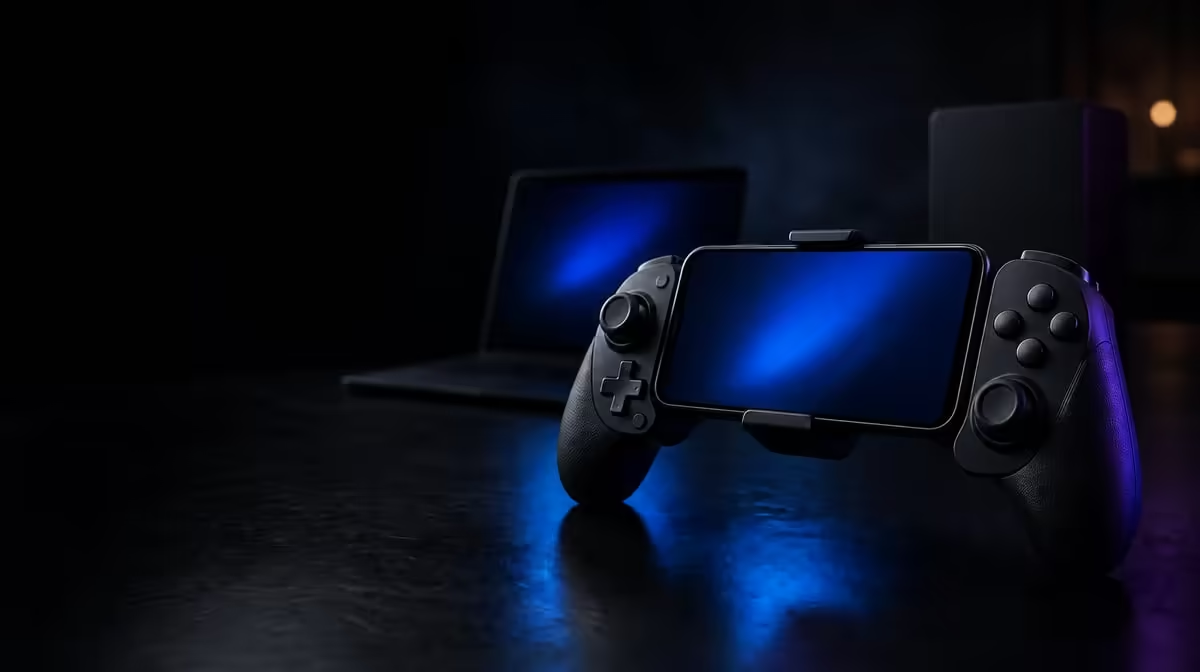
Moving one controller between several screens is only convenient when each connection has a known, repeatable setup. A careful tri-mode controller setup gives every device its own tested path, rather than leaving you to guess why a game ignored an input or loaded the wrong profile.
Quick Answer
Set up the R729 GameSir Nova 2 Lite one device at a time: establish a supported connection, confirm that the host recognises the controller, and then check input inside the intended game. Its tri-mode, multi-platform design gives you three connection routes, but each route still needs its own recognition and gameplay test before you customise buttons or sensitivity.
🔌 Build one reliable connection first
Start with the device you use most. Keep the other intended hosts out of the process until the first route works consistently, because several simultaneous variables make a simple setup harder to diagnose. Select a supported connection path, complete the host's normal pairing or recognition process, and look for a clear controller response before launching a game.
Recognition by the operating system is only the first checkpoint. A game can have its own input support, controller selection, or button layout, so open a familiar title and use a menu where every direction and face-button press is easy to see. Check both sticks around their full movement, squeeze each trigger gradually, and confirm that the controller returns cleanly to neutral. This gives the Hall sticks and Hall triggers a practical baseline without assuming that connection alone proves complete compatibility.
If that first device behaves correctly, note which connection route you used and which profile was active. A short record prevents an old setting from being mistaken for a new fault when you move to the next host. Buyers comparing other layouts can browse Evetech's gaming controller range before settling on the set of devices they want one pad to cover.
🧭 Add the second and third hosts separately
Move to the next device only after the original path is stable. Choose another supported route, wait for recognition, and repeat the same basic input sequence. Do not copy every custom setting immediately. A neutral profile makes it easier to tell whether an odd button, stick, or trigger response belongs to compatibility or to a previous adjustment.
Tri-mode describes three available connection paths; multi-platform describes broad use across compatible device types. Neither phrase means every console revision, phone, operating system, or game will behave identically. Match each exact host and game before treating the setup as complete. The wider gaming accessories selection is also useful when planning the rest of a multi-device desk, especially if each screen needs a different physical arrangement.
Repeat the process for the final host. Keep the test short and consistent: recognition, menu navigation, stick centre, trigger travel, and one known gameplay action. This sequence isolates the failing step if something changes. A connection that works in a system menu but not in a game points you towards game input support; a controller that is not recognised at all needs attention before any profile work.
⚙️ Customise only after the baseline works
The Nova 2 Lite supports GameSir app tuning for buttons, sensitivity, and vibration profiles. Use those controls after each required platform has passed its basic test. Save or remember a neutral baseline, change one setting group, and replay the same short scene. This keeps a button remap from hiding a sensitivity issue, or strong vibration from distracting you while judging trigger control.
For stick tuning, begin from a centred neutral reading and make small sensitivity changes. For the Hall triggers, use an action with graduated input so you can observe the travel rather than merely checking whether a press registers. The controller also lists 1000Hz polling, yet the connection, platform, game, and display still shape the response you feel. Treat that figure as one part of the setup instead of using it as proof that every route will perform identically.
Vibration deserves its own pass. The dual asymmetric motors can provide different physical feedback across the controller, subject to the game's implementation and the profile. Set a level that makes an event clear without obscuring fine input. Evetech's accessories best sellers can help place the R729 controller within a broader South African setup while you check current pricing and availability.
Finish by giving each tested arrangement a name you will recognise, such as the device and the game used for validation. The useful outcome is not three connections that worked once. It is three documented routes that can be restored without rebuilding every setting from memory.
Before calling the job complete, perform a cold-switch check. Leave the first device, connect through the documented path on the second, and open the named test game without editing the profile. Repeat for the third host later. This confirms that your notes describe a reusable routine rather than a setup that succeeded only while every screen and menu was already open. If one route needs an extra recognition step, add that detail beside the device instead of changing all three configurations.
Frequently Asked Questions
Should the app be the first step in a new setup?
Begin with host recognition and basic game input. App tuning is more useful once you know the unmodified connection works.
What is a quick neutral-input check?
Release both sticks and triggers, then watch whether the game or input screen remains still. Move each control through its range and make sure it settles normally again.
Can one saved profile be assumed to suit every device?
Treat each platform and game as a separate test. A useful layout on one host may need different sensitivity, buttons, or vibration on another.
Where should a failed connection be investigated?
Identify the earliest point that failed: host recognition, game recognition, or a particular control. That boundary gives you a much clearer next step than changing several settings together.
Ready to organise one controller across your devices? Explore Evetech's gaming controller category, compare current options, and choose the connection mix that suits the screens you actually use.









