


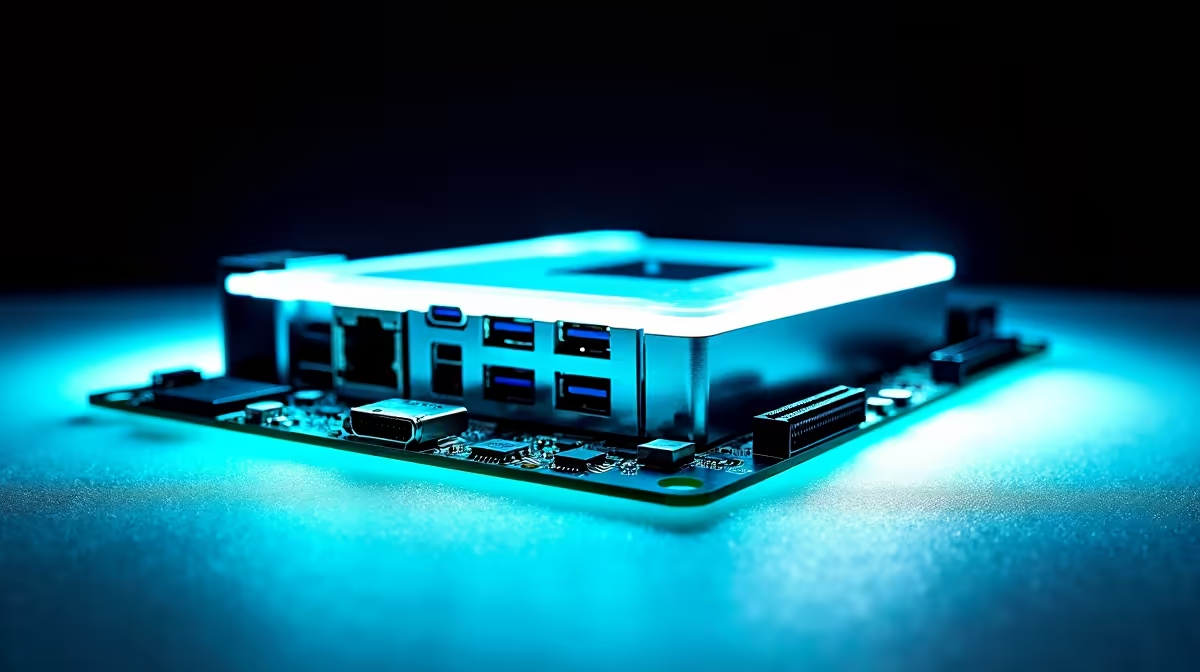
Building a compact gaming rig does not mean sacrificing next-gen connectivity. If you want to future-proof your setup against massive game updates and ensure lag-free streaming in South Africa, setting up Wi-Fi 7, 2.5 Gb Ethernet and USB-C on a modern mATX motherboard is your best move. Let us unpack how to configure these high-speed ports to get the absolute most out of your ZAR investment.
The Magic of Micro-ATX Builds ✨
Gone are the days when you needed a massive full-tower chassis. Today, a modern mATX motherboard offers the perfect balance of size, thermal efficiency, and high-end performance. Whether you are building a heavy-duty workstation or a dedicated gaming rig, you can easily find a premium board that fits your budget. If you are starting a compact build, browsing the latest motherboards is a fantastic first step.
For those loyal to Team Blue, pairing a 14th Gen processor with one of the new ASUS Intel motherboards ensures access to cutting-edge PCIe lanes. You get robust power delivery without the unnecessary bulk of an ATX board.
Configuring Wi-Fi 7 and 2.5 Gb Ethernet 🚀
When downloading heavy AAA titles, your network speed is everything. Setting up Wi-Fi 7 on your motherboard unlocks ultra-low latency and massive bandwidth... provided you have a compatible router. Simply attach the included high-gain antennas to the rear I/O and install the latest drivers.
Prefer a wired connection? The 2.5 Gb Ethernet port is your best friend. It offers more than double the speed of standard gigabit LAN. This is especially useful if you transfer large files across a local network. If you prefer Team Red for your networking powerhouse, ASUS AMD motherboards pack these robust networking chips right onto the PCB.
Of course, if building from scratch sounds like a hassle, you can always grab one of our pre-configured best gaming PC deals that already have these network settings optimised out of the box.
Networking Pro Tip 🔧
Always download your Wi-Fi 7 and LAN drivers onto a USB flash drive using another device before you begin your build. Windows might not have the native drivers for the newest 2.5 Gb Ethernet controllers during initial setup!
Maximising USB-C Connectivity ⚡
USB-C has finally become the universal standard for high-speed external NVMe SSDs and modern gaming headsets. When setting up USB-C on a modern mATX motherboard, you must pay close attention to your front panel headers. You will need to carefully route the specific USB 3.2 Gen 2x2 cable from your chassis to the internal motherboard header. This unlocks blazing-fast 20 Gbps transfer speeds.
While routing those cables and keeping your build tidy, do not forget to seat your RAM properly. High-speed data transfers rely heavily on your system memory. Pairing your lightning-fast USB-C ports with premium desktop memory kits ensures your PC never experiences a bottleneck when moving massive 4K video files.
Ready to Build Your Compact Powerhouse? Motherboard sizes can be complex, but for maximum power, choice, and value in South Africa, an mATX build is hard to beat. Explore our massive range of PC components and find the perfect hardware to conquer your world.











