


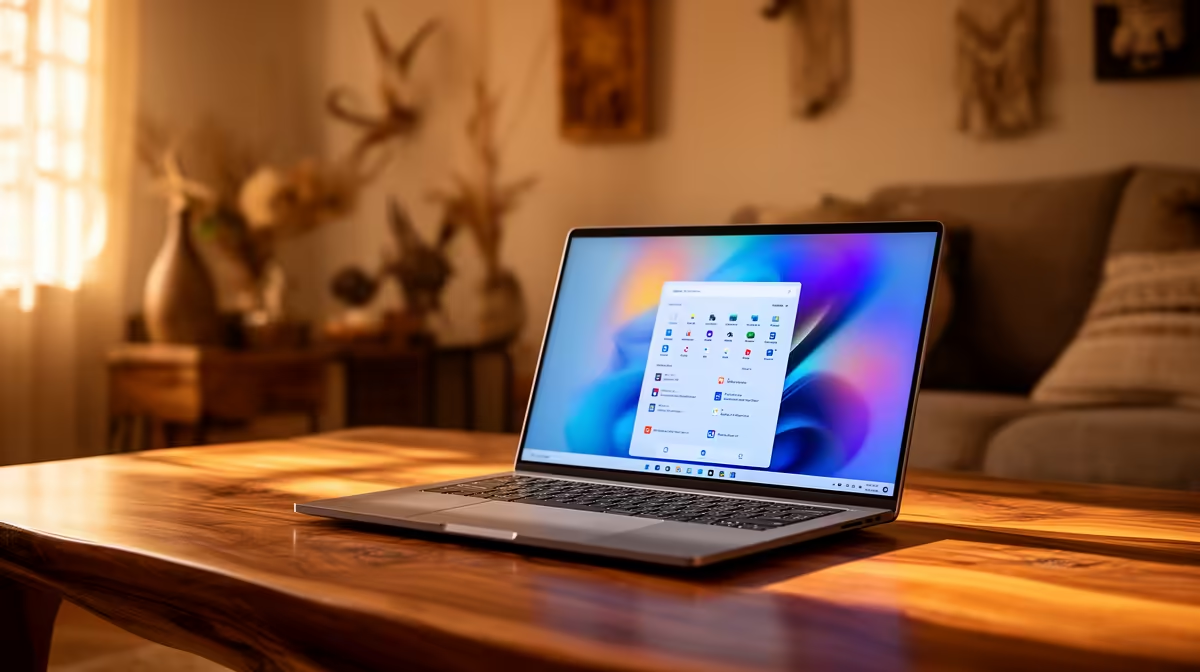
ASUS ExpertBook P1503 i5 at R9,858 suits a home user who needs a dependable Windows 11 laptop for browsing, admin, email, school portals, and everyday work without jumping straight to a premium price.
Best first picks for a home setup
The ASUS ExpertBook P1503 i5 at R9,858 is the sensible starting point because the i5 spec is enough for a shared household machine that moves between a dining table, study corner, and couch-side admin session. It keeps the spend controlled while still feeling like a proper Windows 11 daily driver.
If the machine will be used for heavier multitasking, the Lenovo IdeaPad Slim 3 i7 at R13,400 is the cleaner upgrade. The i7 spec gives more breathing room when several browser tabs, Office documents, video calls, and student research windows are open at the same time.
For a sharper display experience, the ASUS Vivobook S14 OLED at R10,719 is the standout. Its OLED spec makes sense for a creator desk, streaming corner, or family laptop where photos, videos, and presentation work should look richer than on a basic panel.
Home study desk in Roodepoort
A neat Windows 11 setup starts with the laptop placed near the fibre router cupboard or a stable WiFi spot, then paired with a comfortable mouse, charger access, and enough desk space for notebooks. The ASUS ExpertBook P5405 at R12,700 is a strong choice here because it stays in the ExpertBook range while giving the home desk a more capable feel than the entry i5 option.
Pro Tip ⚡
The ASUS Vivobook X1504VA i7 at R13,999 is worth considering when the laptop will be used by more than one person and performance matters more than the lowest price. Its i7 spec is useful for a main household PC that handles study work, work-from-home tasks, and weekend media.
Ready to choose the right laptop? Use ASUS ExpertBook P1503 i5 at R9,858 as the laptop shortlist benchmark, then check whether its listed spec matches the space, workload, and upgrade path.










