


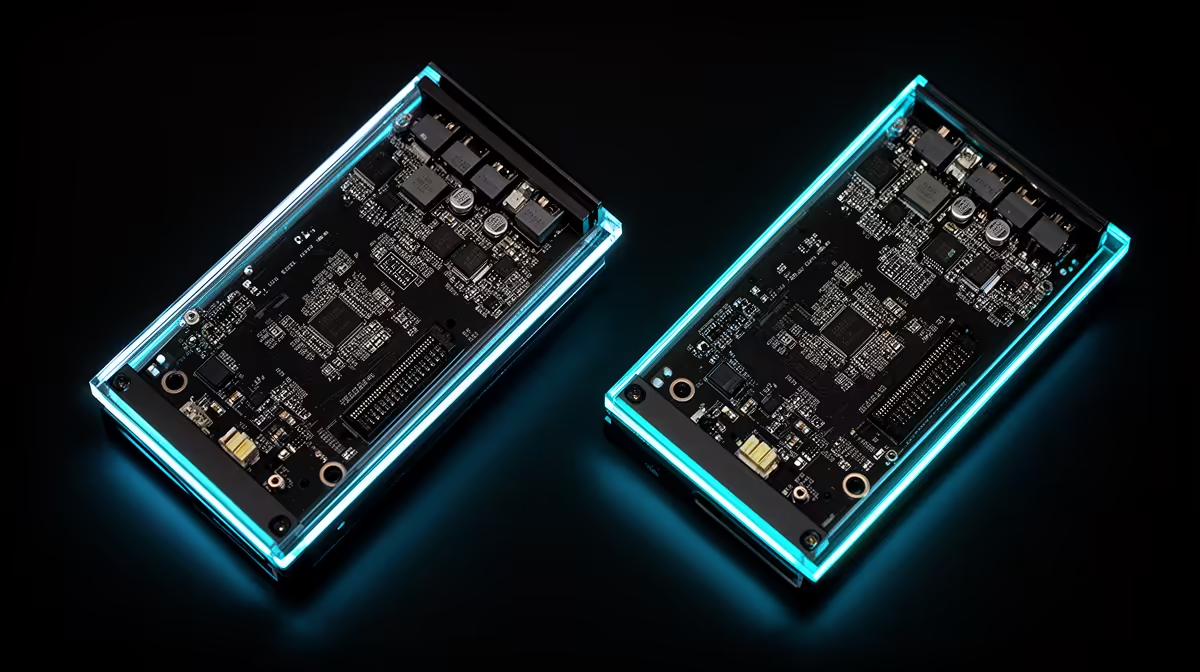
An SFX power supply frees precious space in a small-form-factor PC. Its 125 x 100 mm footprint is much shorter than a standard ATX unit, which creates room for cables, airflow or a longer graphics card. You give up some cooling area and often pay more per watt, so the right model needs care.
Quick Answer
Use an SFX or SFX-L PSU when the case requires it or when a compact layout gains useful clearance. Size wattage from the CPU and graphics card, leave sensible transient headroom and check every connector before ordering. If the case accepts ATX without blocking hardware, a full-size unit can give you quieter cooling and more choices.
SFX and SFX-L are different sizes
Standard SFX units are 63.5 mm tall, 125 mm wide and 100 mm deep. SFX-L keeps the width and height but extends depth, often to fit a 120 mm fan. That larger fan can move the same air at a lower speed, though the longer casing may interfere with cables or a radiator.
Read the case specification and build diagrams. A product page saying "SFX support" does not guarantee every SFX-L length fits beside your chosen graphics card. If an ATX bracket is included, confirm whether the PSU orientation leaves its intake open.
Choose wattage from the parts
Start with the graphics-card maker's power guidance, then account for the CPU, fans, drives and USB devices. Compact does not mean low power; a small case can hold a fast GPU whose short load spikes demand a well-designed unit.
Quality matters beside the printed wattage. Protection circuits, voltage regulation, cable ratings and warranty all affect the build. Efficiency certification describes tested conversion efficiency at set loads, not the complete quality of the internals.
A unit running near its limit can spin the fan hard and heat the case. Moderate headroom gives the PSU an easier operating range and leaves space for a future component change. Huge unused capacity adds cost without improving game performance.
Browse the power supply range and popular PSU choices, filtering for the form factor your case accepts.
Cable planning makes or breaks a small build
Modular cables help because you install only what the PC needs. They still need somewhere to bend. Check the space between the connector and side panel, especially for a modern graphics-card power plug. A tight bend at the plug can prevent full insertion.
Never mix modular PSU cables between models unless the manufacturer confirms compatibility for those exact cables. The PSU-side plugs may look alike while the pin wiring differs. Use the supplied set or an approved replacement.
Count CPU EPS, GPU, SATA and peripheral connections. Avoid planning around splitters for high-current components. If the graphics card needs several plugs, follow its guidance on separate cable runs.
Fit and test before closing the case
Mount the PSU and route its thickest cables before filling the case. Connect the motherboard and GPU while you can still see the latch. Confirm the fan intake faces a vent and is not pressed against a solid panel.
Run a CPU and GPU load while watching temperatures and listening for fan behaviour. A hot exhaust is expected under load; repeated shutdowns, electrical smells or cable heat are reasons to stop and inspect the build.
Confirm the PSU includes an SFX-to-ATX bracket only when the case needs one. Bracket thickness and mounting position can move the unit, affecting cable reach and fan clearance.
Keep the serial label visible after installation where possible. Photograph it before the case fills, along with each connected cable. That record helps support without dismantling a tightly packed system.
Frequently Asked Questions
Check noise at the expected load.
Small PSU fans can switch from quiet to obvious over a narrow load range. Read testing that records fan speed and noise across the curve. A higher-efficiency unit may waste less energy as heat, but the individual fan profile still decides sound.
Position the case so the PSU intake has clear air. A thick carpet can block a bottom vent; a stand or hard board restores space. Clean the filter without opening the PSU enclosure.
When comparing two SFX units, include cable flexibility. Soft short runs can make a compact build easier than a small wattage or efficiency difference on paper.
Can I put an SFX PSU in an ATX case?
Yes, with a compatible mounting bracket. Cable length may be short in a large tower, so check reach first.
Is SFX-L quieter than SFX?
Its larger fan can help, but noise depends on efficiency, fan curve, load and the individual model.
Does a small PSU have fewer connectors?
Some do and some do not. Count the exact plugs on the model rather than relying on form factor.
Compare SFX power supplies by exact dimensions, connector set and load headroom for your compact case.











