


Quick Answer
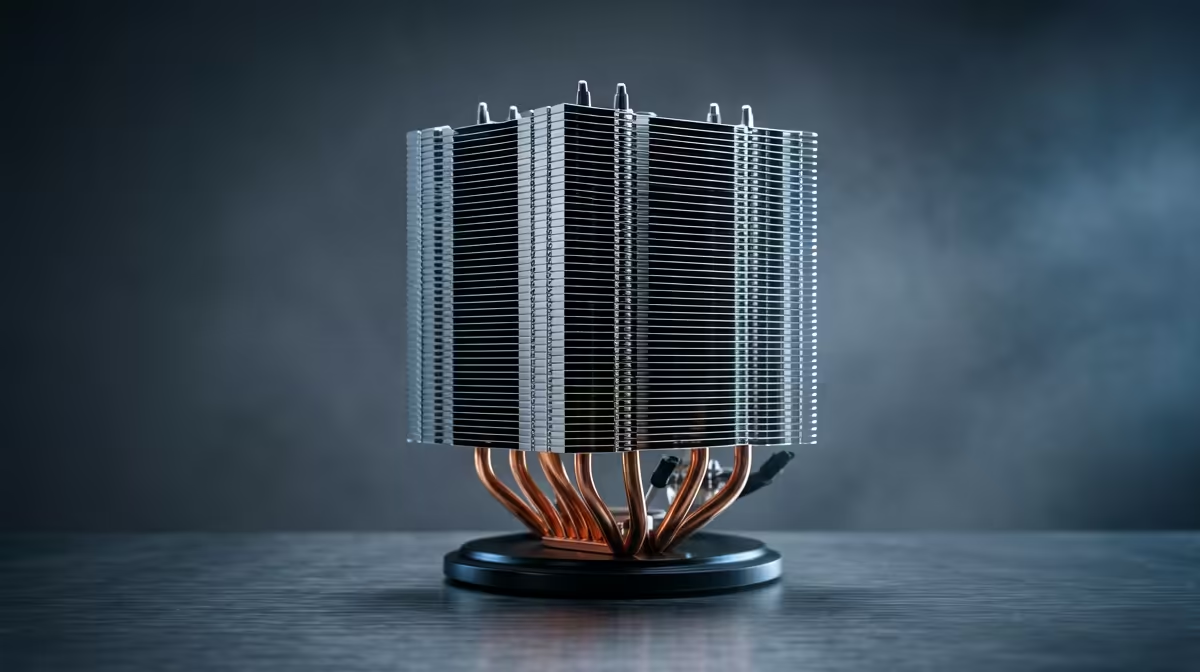
For a matric-to-varsity build, upgrade rather than replace your CPU cooler when the current one fits your socket but runs hot during study workloads and gaming. A R350 to R700 tower air cooler keeps a Ryzen 5 or Core i5 near 65 to 75 degrees Celsius; full replacement is only needed on a socket change.
Upgrade To Match Student Workloads
A varsity PC juggles coursework, browsing, and gaming, and a stock or aging cooler can run hot and loud under that mix. If your cooler still fits your CPU socket, upgrading to a R350 to R700 tower air cooler is the cheap fix that holds the chip near 65 to 75 degrees Celsius, keeping boost clocks up for snappy multitasking and steady gaming fps. This costs far less than replacing the CPU or board and solves the heat-and-noise problem directly.
For a student on a tight budget, an upgrade beats a full platform change whenever the rest of the system still does the job.
When Replacement Makes Sense
Replace the cooler entirely if you move to a CPU on a different socket your old cooler does not support, or if you are building a fresh rig from scratch. A new high-core chip aimed at heavy coding or rendering might justify a 240mm AIO at R1,200 to R2,000, but most varsity workloads on a mid-range CPU are fine with a good air cooler. Decide by your socket and your actual load.
Practical Notes For A Varsity Rig
Check cooler height against your case clearance, often 150mm to 170mm, and confirm socket support for your CPU. Pair the cooler with two intake and one exhaust 120mm fan, and reapply fresh thermal paste during the swap for a few extra degrees. A rig with 16GB RAM, a fast NVMe SSD, and a cool CPU handles study and gaming smoothly.
FAQ
Should a student upgrade or replace the CPU cooler?
Upgrade if the cooler fits your socket but runs hot, since a R350 to R700 tower cooler fixes that cheaply. Replace entirely only when you change to an incompatible socket or build a new rig.
What cooler suits a varsity gaming-and-study PC?
A R350 to R700 tower air cooler keeps a Ryzen 5 or Core i5 near 65 to 75 degrees Celsius for both coursework and gaming. A 240mm AIO is only worth it for a high-core chip under heavy sustained load.
Does a cooler upgrade help gaming performance?
Indirectly. Keeping the CPU off its thermal limit preserves boost clocks, avoiding the throttling that causes mid-match fps dips. Steady temperatures mean steadier gaming and snappier multitasking.
student budget, upgrade the cooler instead of the platform when it fits your socket; a R350 to R700 air cooler plus fresh thermal paste quiets the rig and holds gaming clocks for less.











