


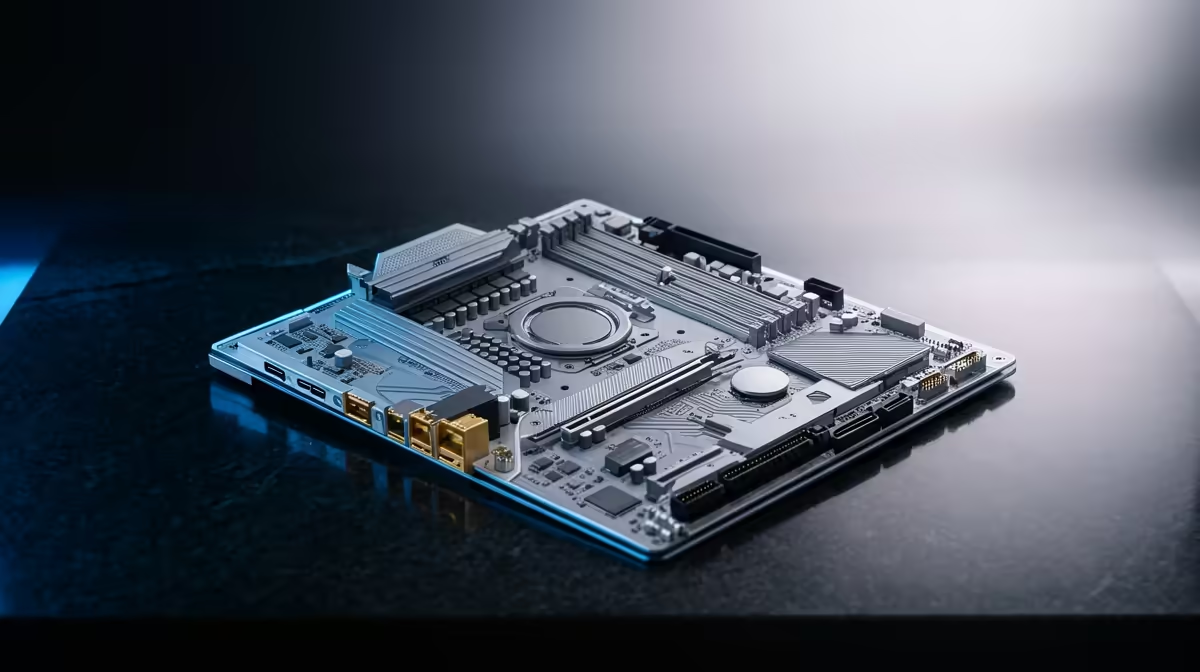
The board ties every other part together, so the right one is about fit and reliability, not bragging rights.
Quick Answer
For a typical SA build, the motherboard's job is reliable connectivity and clean power delivery, not a long spec sheet you will never use. A solid B-series board, generally R2,200 to R4,500 at Evetech with the right socket, enough M.2 slots and good VRMs, beats an overpriced flagship for this workload.
What actually matters on a motherboard for a typical SA build
Start with the socket and chipset matching your CPU, then count the connections you genuinely use: M.2 slots for NVMe, USB-C and rear USB ports, and the right number of RAM slots. Solid VRM power delivery keeps a mid-to-high CPU stable under load, which matters more than RGB headers. For a typical SA build, a well-built B650 or equivalent B-series board covers the essentials without the premium of an enthusiast X-series board.
Connectivity, expansion and future room
Check that the board has enough M.2 slots for your storage plan, the PCIe generation your GPU and SSDs want, and built-in Wi-Fi if your desk is far from the router. Two M.2 slots let you add a second NVMe later without dropping a drive. Decent rear I/O - USB-C, several USB-A and a fast LAN port - saves dongles and hubs down the line.
Upgrade versus replace, and value for a typical SA build
If your current board uses the same socket as the CPU you want, a BIOS update may let you keep it - the cheapest path. Replace the board when you change CPU platform, need newer connectivity, or the VRMs limit a stronger chip. For a typical SA build, buy the features you will actually use and leave one M.2 slot free so the next upgrade is a five-minute job, not a rebuild.
FAQ
Do I need an expensive motherboard for a typical SA build?
Usually not. A quality B-series board with the right socket, solid VRMs and enough M.2 and USB covers a typical SA build. Save the X-series premium for heavy overclocking or maximum connectivity.
Should I upgrade or replace my motherboard?
Keep it if it shares the socket with your target CPU and a BIOS update supports it. Replace it when you change platform, need newer ports, or the VRMs hold back a stronger CPU.
How many M.2 slots should I look for?
At least two, so you can add a second NVMe later without removing your boot drive. Confirm the PCIe generation of each slot matches the drives you plan to run.
socket matches your CPU, count the M.2 and USB ports you truly need, then pick a solid B-series board from Evetech with one M.2 slot left free for later.











