


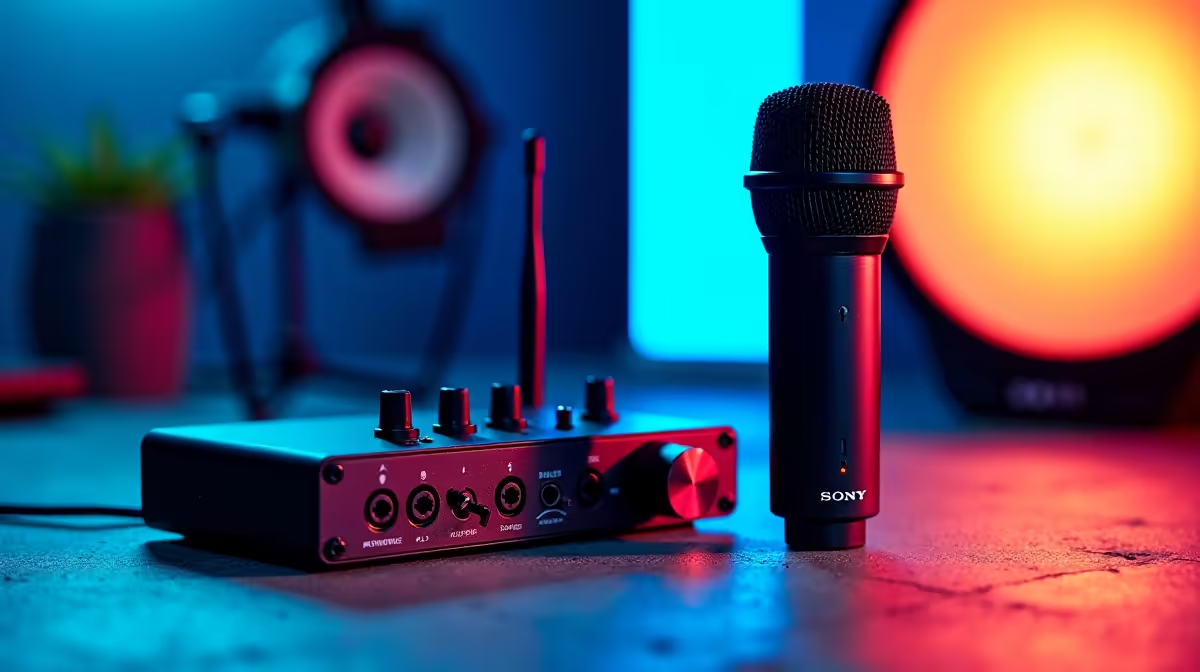
A smart podcast recording setup should remain separate from a small-business point of sale. Recording can support marketing or staff education, but microphones, cables and editing work must not compromise checkout reliability, customer privacy or counter space. Start with one quiet location away from transactions.
Define the episode and business boundary
Choose the host count, remote guests, recording location and publishing frequency. Draw the microphone, computer, headphones and call path. For the POS, preserve restricted user access, network stability, printer connections and a manual fallback. Never capture customer conversations or screen data unintentionally.
The NearStream USB/XLR microphone is listed at R676, while the HyperX SoloCast 2 USB microphone is listed at R690. Confirm live pickup pattern, monitoring, stand requirements, connection, software support and warranties. One suitable USB microphone may be enough for a single host; several analogue sources can require an interface or mixer not verified here.
Record a complete pilot episode after trading hours. Listen for room echo, counter noise, inconsistent gain and private information. Improve microphone distance and room conditions before adding devices. Back up raw recordings, edits and published masters independently from POS data.
Choose the simpler USB path when one host works cleanly. Expand only when recurring guests or routing needs make added audio hardware necessary.
Pro Tip ⚡
Starting a business podcast? > Compare Evetech microphones against the host count and recording room.











