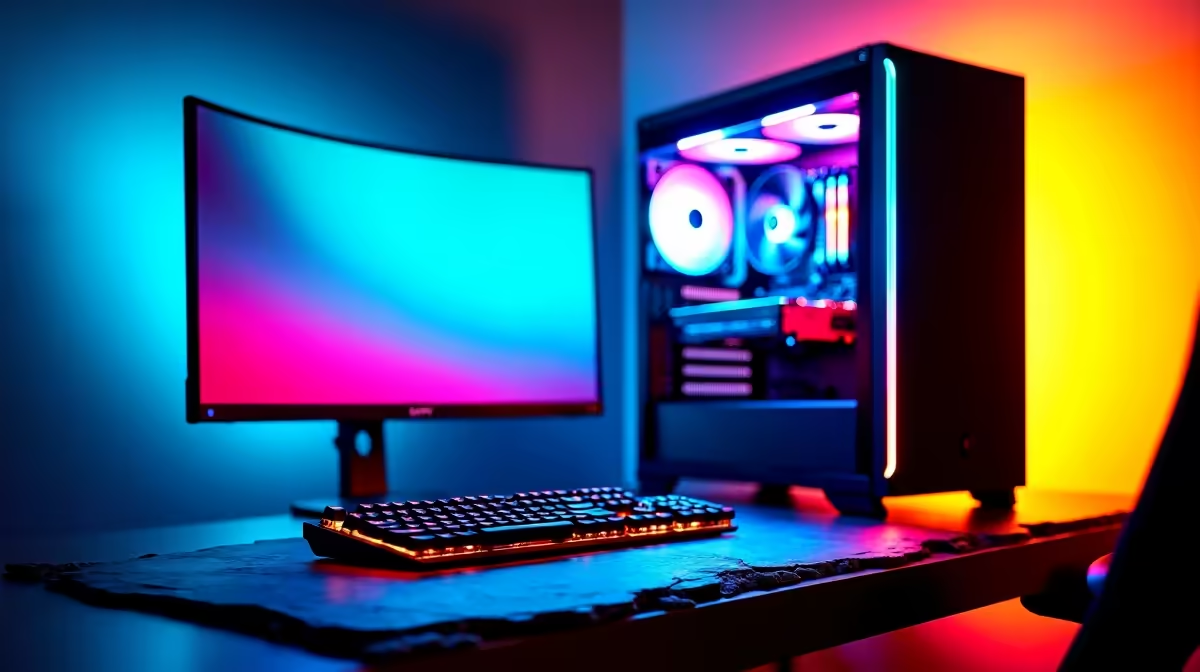
A smart streaming setup for 3D rendering should prioritise render performance, memory, cooling and project storage before cameras, control pads or broadcast decoration. Streaming becomes relevant when the artist teaches, reviews scenes live or shares the render process. Keep the workstation and broadcast requirements separate inside the available budget.
Build around the render engine
At R13,100, the verified MSI RTX 5070 12G offers a desktop graphics option. Confirm current support in the chosen renderer, required graphics memory, PSU recommendation, card clearance and cooling. Open a representative scene with production textures, then test viewport response and a normal frame render. Some engines depend more on processor or memory, so the graphics card should never consume the plan before the software path is verified.
Add the broadcast layer carefully
Run the scene while broadcast software captures the application window, microphone and a local backup. Watch graphics memory, encoder load, temperatures, dropped frames and audio noise. Hide client names, asset paths and private messages from every scene. Use fast storage for textures and cache, with versioned backups for project files. A simple headset and private rehearsal can prove the format before a dedicated streaming accessory is purchased.
Prepare a low-load intermission scene so viewers remain informed while the workstation handles a demanding render or recovers from an error.
Combining 3D work and streaming? > Ask Evetech to balance render hardware, encoding, memory, cooling and storage within the complete build.