


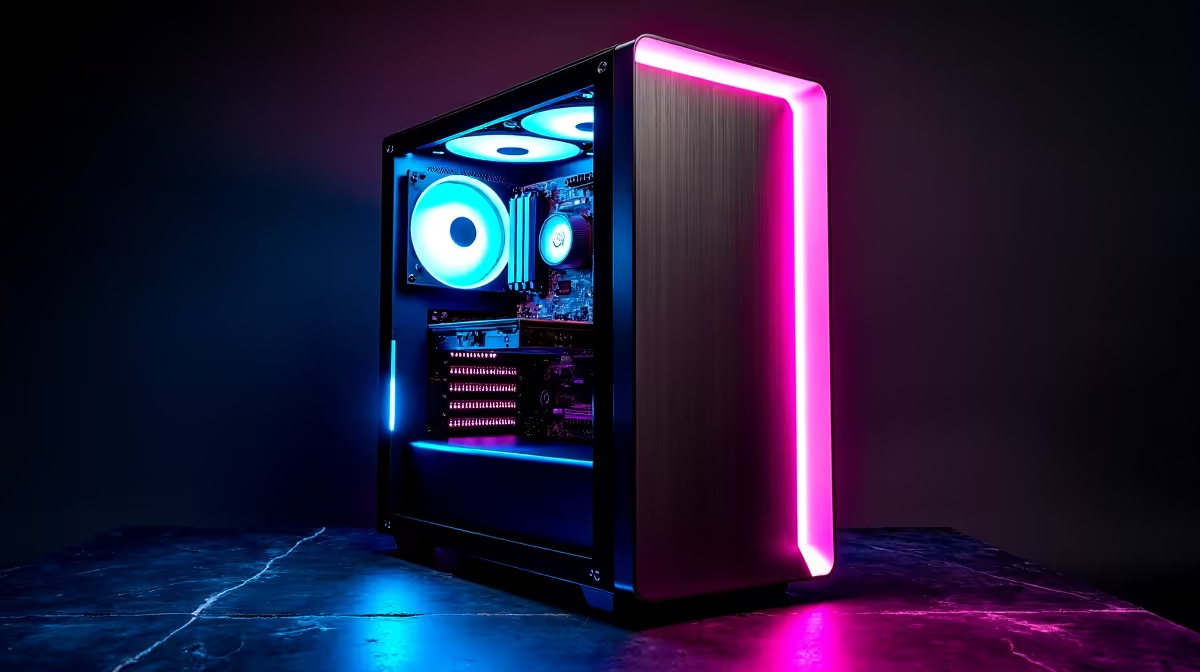
A smart streaming setup for local AI models must be specified as an AI workstation first and a broadcast desk second. Model size, precision and context determine GPU memory, system memory and storage demand. Camera, microphone and control surfaces add little when the model cannot load. Build the compatible computer, then add streaming gear required for demonstrations or tutorials.
Test the exact model and live workflow
The PNY RTX PRO 4000 Blackwell 24GB graphics card is listed at R16,700 in the verified facts as a high-memory reference. It is not a complete AI system or guaranteed model match. Confirm framework support, motherboard, processor, memory, storage, power supply, case cooling, streaming encoder and current availability.
Load the intended model and run a representative prompt while watching GPU memory, system memory, response time, temperature and noise. Then add screen capture, camera, microphone and local recording. Check whether encoding reduces model performance or causes dropped frames. Keep private prompts, credentials and model outputs off public scenes.
Build the full compatible PC inside the stated ceiling before allocating money to decorative studio gear. A smaller GPU may suit compact models, while larger models can exceed any single component estimate. Back up configurations, prompts and production profiles, and document how staff recover access after an update.
Pro Tip ⚡
Building a local-AI streaming desk? > Ask Evetech to balance GPU memory, system RAM, storage and capture needs.











