


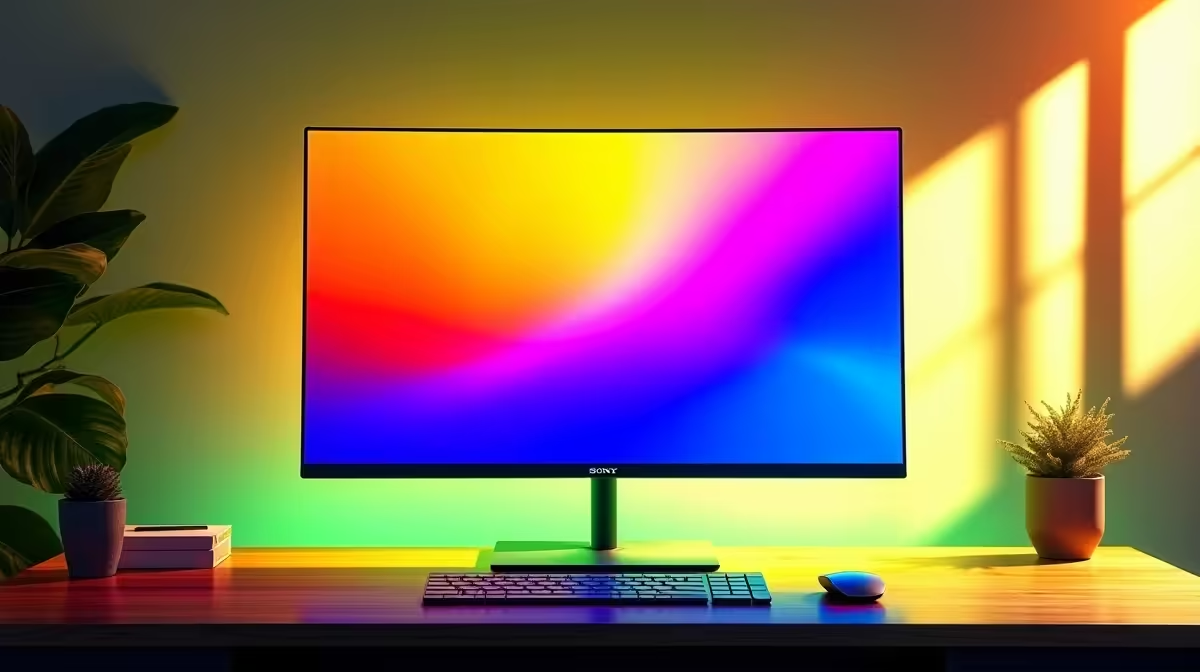
A South African home office desk rarely has the luxury of endless space, and running two monitors doubles both the footprint and the clutter. There is a cleaner way to build that setup: designing a WFH office around a single dual-purpose QHD display that handles spreadsheets at 9am and games at 9pm without you ever touching a cable. One well-chosen 27-inch 1440p panel can do both jobs convincingly.
Quick Answer
A single 27-inch 1440p IPS monitor at 144Hz covers both WFH productivity and gaming from one screen. It saves desk depth, eliminates the bezel seam, and around R6,000 it costs less than two average panels combined. A height-adjustable stand or VESA arm completes the setup.
🧠 Why One QHD Screen Beats a Dual Setup Here
The appeal of dual monitors is extra space. In practice, most people use the second screen for reference material, chat, or media that could equally live in a split window on a single wider display. A 27-inch 1440p panel at 108 pixels per inch runs two apps side by side without either feeling cramped.
Single-monitor desks also reclaim depth. Two stands on a 1.2m desk consume most of the surface, and in the typical Cape Town or Joburg flat where the home office corner doubles as a spare bedroom, that extra space is useful. There is no bezel seam slicing a spreadsheet column or a map in half.
Cost logic supports the single-screen approach too. One quality R6,000 QHD panel beats two average R2,500 1080p panels on sharpness, colour, response time, and refresh rate. Two budget screens feel like a bargain until the comparison is made.
🔌 Port Selection: What a Dual-Purpose Monitor Needs
A monitor handling a work laptop by day and a gaming desktop in the evening needs the right ports, or switching becomes a daily frustration.
DisplayPort is the primary gaming connection, carrying 1440p 144Hz with adaptive sync active. HDMI serves as the work port since most laptops carry it, keeping the DisplayPort permanently on the gaming PC. Switching sources is one button press in the monitor menu.
USB-C with 65W or more power delivery is worth seeking if the work device is a laptop and a single-cable connection matters. Confirm the wattage in the spec sheet as USB-C ports vary widely, and only higher-wattage implementations support a full work day of charging.
🔧 Ergonomics for a Full WFH Day
A monitor that serves a full working day cannot sit on whatever stand the base provides. Most budget stands offer tilt only, no height movement. If that fixed height is wrong for your desk and chair combination, the neck compensates and accumulates strain over eight hours.
Look for at least 100mm of height adjustment, or VESA 100x100 compatibility so a monitor arm can be added later. An arm costs around R800 to R1,500, delivers height, tilt, pan, and rotation, and frees the desk surface under the screen entirely. Aim to position the panel's top edge at natural gaze height or marginally below it, with the screen face roughly 60 to 70 centimetres from your eyes.
💰 What to Spend and What to Skip
A 27-inch IPS 1440p 144Hz panel with HDMI and DisplayPort inputs, FreeSync support, and a reasonable stand lands around R5,500 to R7,000 in South Africa. That is the target spend for a setup that handles both tasks cleanly.
The features worth paying for are IPS technology (not VA, which smears in dark fast-paced scenes), 144Hz refresh (not 60Hz, which is a visible downgrade for gaming), and wide colour coverage, ideally 99 percent sRGB or above.
The features to look past are HDR400 certification, which delivers minimal improvement over a good SDR panel, ultra-high refresh rates above 144Hz (unnecessary at a desk used for spreadsheets half the day), and curved panels (genuinely useful for ultrawide widths, not noticeably so at 27 inches flat).
Built-in speakers deserve mention: most 2W to 3W monitor speakers handle video call audio acceptably but will not satisfy a gaming session. A headset or a small desk speaker is a better investment for quality sound.
Pro Tip ⚡
two monitor presets in the OSD: one for work (reduced brightness around 100 cd m2, warmer colour temperature, low blue-light mode on) and one for gaming (full brightness, gaming mode, adaptive sync active). Switching between them takes five seconds in the menu and your eyes will thank you after transitioning from an eight-hour work day into an evening gaming session.
Frequently Asked Questions
Why pick one QHD screen over two 1080p monitors?
One 27-inch QHD panel gives 1440p sharpness, no bezel seam, and a smaller desk footprint. The total cost for one quality panel is comparable to two average ones. The trade-off is that two monitors allow two separate full-screen apps simultaneously. For most home offices, split-screen on a 27-inch 1440p panel is a practical equivalent.
Which ports matter most on a dual-purpose gaming and work monitor?
At minimum, HDMI for the work laptop and DisplayPort for the gaming PC. USB-C with 65W power delivery is a genuine upgrade if the work device is a laptop and a single-cable connection matters. Adaptive sync is standard on modern gaming panels and should be expected.
Can one 27-inch panel genuinely handle both gaming and work tasks?
Yes. 1440p at 27 inches gives 108 pixels per inch, sharp enough for spreadsheets and fine UI elements. The 144Hz refresh is fully available for gaming in the evening, and IPS colour accuracy suits both documents and game visuals. The only real limitation versus a larger ultrawide is screen width.
Should I enable a specific monitor mode when switching from work to gaming?
Yes. Most panels in this range include an OSD game mode that disables post-processing and activates adaptive sync. Switching from a work brightness preset to game mode takes under ten seconds in the menu and delivers lower input lag and sharper motion for the gaming session.
What size is too big for a compact SA home desk?
A 32-inch panel requires about 80cm of viewing distance, which pushes the keyboard close to the desk edge on a standard 60cm-deep surface. Most SA flat desks run 60 to 80cm deep, making 27 inches the practical limit for a comfortable setup. A 32-inch display suits a 90cm-deep desk or a corner setup with more room to push back.
Ready to simplify your WFH setup with one great screen? Browse the QHD monitor range for 27-inch IPS panels that handle work by day and gaming by night from a single, clean desk setup.











