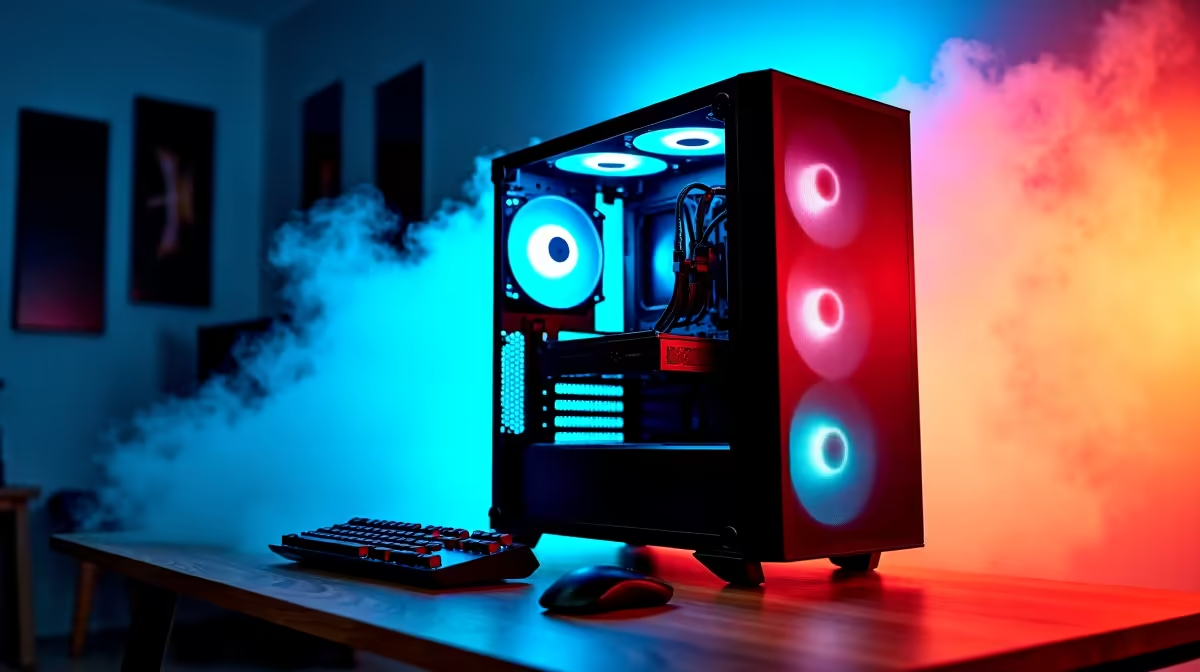
A streaming setup and a 4K editing computer solve different jobs. A modest accessory allowance can cover a clear microphone, webcam and basic mounting, but it cannot define the workstation needed for smooth high-resolution timelines. Test the editing PC first, then spend the remaining allowance on the capture weakness viewers can hear or see.
Separate editing performance from live capture
The NearStream USB and XLR microphone costs R676 and the Logitech Brio 100 webcam costs R458 in the verified facts. Check current stock, included accessories, mounting, computer compatibility and warranty. A USB microphone can keep the first setup small, while an XLR path may need additional audio hardware.
Record a private stream while a representative 4K project stays open. Watch encoder load, dropped frames, audio sync and memory use. If the computer struggles, close the editing application and test again. This separates a capture problem from a workstation limit. A webcam upgrade will not shorten exports or make a difficult codec play smoothly.
Place the microphone close enough for clear speech and keep the webcam near eye level. Use a soft front light already available in the room before buying decorative gear. Save local test footage to a drive with enough free space and review it on another device. Upgrade the PC only after the timeline exposes a measured bottleneck.
Adding live video to an editing desk? > Ask Evetech to compare microphones, webcams and creator hardware.