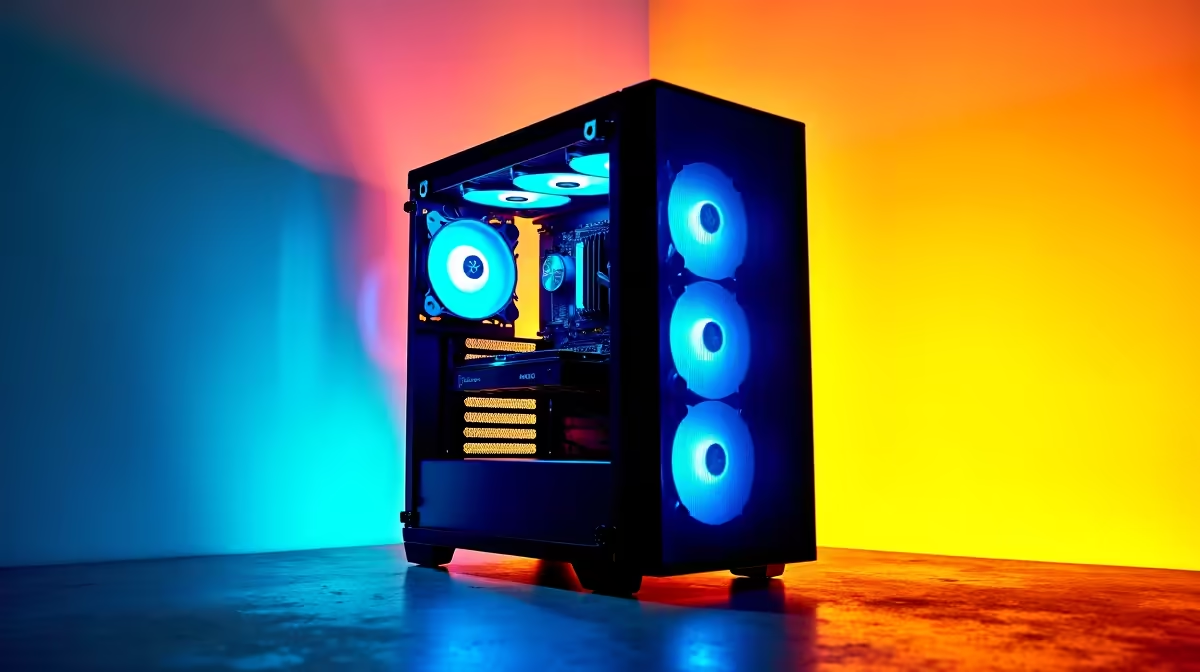
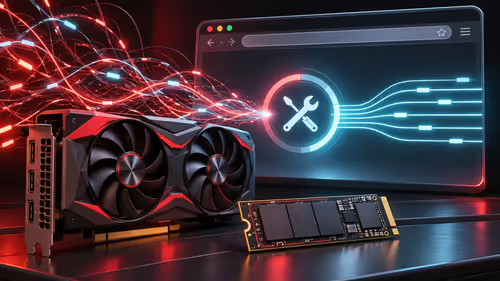
A streaming setup is not a machine-learning upgrade unless the work includes teaching, demonstrations or live collaboration. Cameras, microphones and control decks do not reduce training time. Spend first on compatible compute, memory, storage and a reproducible software environment.
Separate presentation from computation
Run a representative notebook and record system memory, graphics-memory use, elapsed time and temperatures. Confirm that the selected framework actually uses the GPU. Then rehearse a private screen-sharing session if live teaching is required. This reveals whether presentation hardware adds a second meaningful need.
The Palit GeForce RTX 5060 8GB graphics card is a verified reference at R4,800. The Palit GeForce RTX 5070 Ti 16GB is verified at R12,700. TEAMGROUP VULCAN 32GB DDR5-6000 memory is verified at R1,460. These individual parts need a compatible motherboard, power supply, cooling, case and software stack.
For teaching, the Logitech Brio 100 webcam is a verified reference at R458 and the NearStream USB and XLR microphone is verified at R676. Add them only after a private session identifies weak camera or audio quality. Keep code under version control, isolate environments and protect restricted datasets. Maintain approved backups of notebooks and results. Buy a streaming setup when regular live instruction justifies it and the ML PC already passes the model benchmark. For solo study or training, direct the budget toward graphics memory, system memory or remote compute that changes the actual run.
Building a machine-learning workstation? > Ask Evetech to verify compute components before adding streaming peripherals.