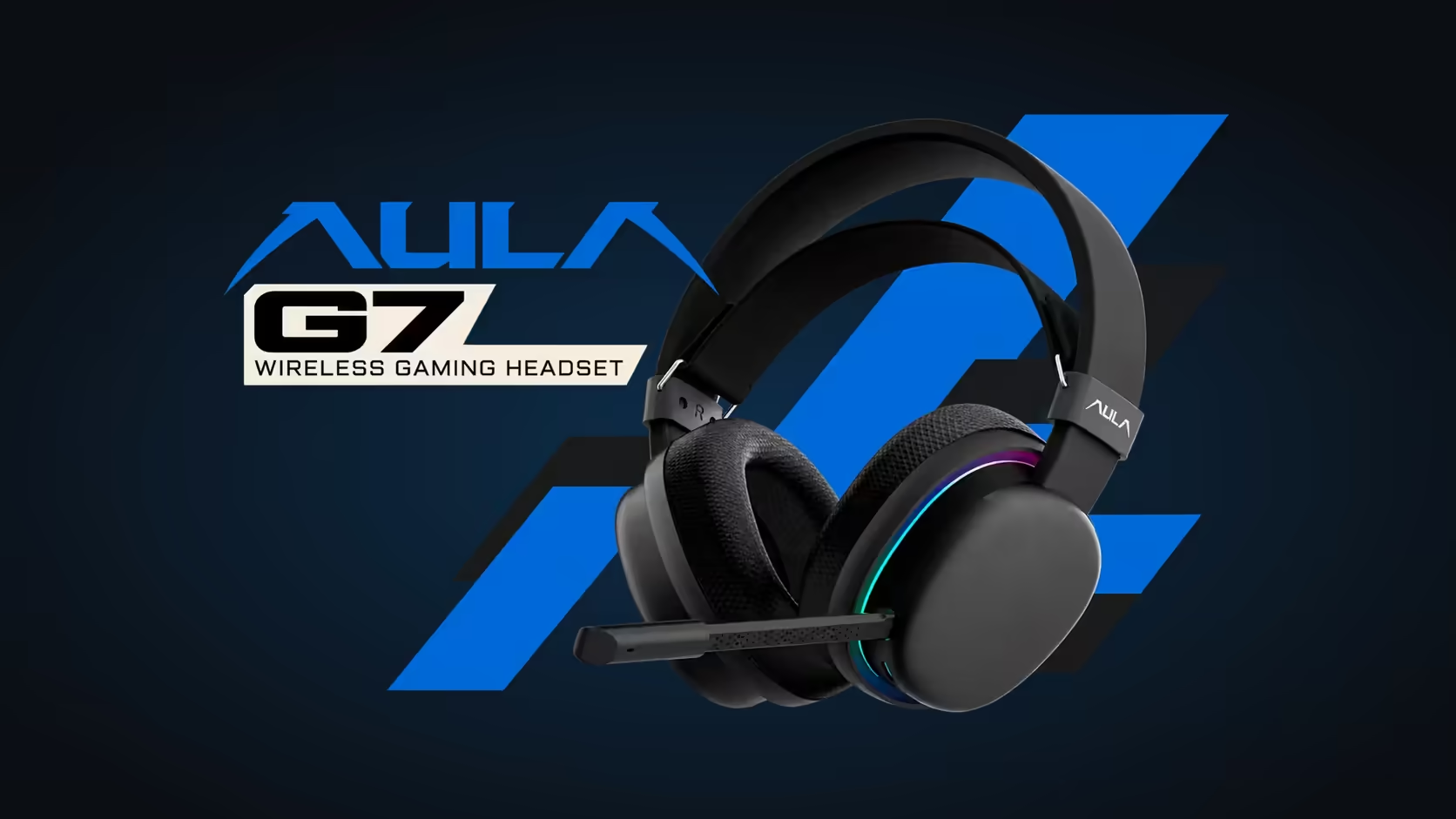
A shooter and a playlist want opposite things from a pair of speakers. The shooter wants the quiet sounds pulled forward so you can place a footstep; the playlist wants a warm, even balance that flatters a vocal. The AULA G7 handles that split with two tools: a built-in FPS sound profile for matches, and a custom EQ in AULA's audio tuning software for everything else. This walkthrough shows how to use each one for its proper job, and how to move between them without fuss.
Quick Answer
Use the AULA G7's FPS surround sound profile when you play shooters, because AULA shapes it for placing footsteps and direction. When the match ends, set a custom EQ in AULA's audio tuning software for music or films instead. The two tools do different jobs, so switching between them gives you better results than leaving one setting on for everything. Evetech sells the G7 for R299.
🎯 What the FPS profile is built for
AULA describes the G7's surround profile as esports-tuned for placing footsteps and directional sound. In practical terms, a profile like that aims to make small, positional cues easier to pick out from the rest of the mix: steps on a different floor, a reload behind cover, an opponent crossing a doorway.
Doing that usually means changing the balance you would choose for music. Detail that helps locate a sound is lifted, and the parts of the mix that make a song feel full may take a back seat. That suits a match well and a Sunday album badly.
When to switch it on
- Competitive or casual shooters where hearing position gives you an edge.
- Tactical games with long quiet stretches, where the next footstep is the whole story.
- Practice sessions, so your ears get used to the same profile you play ranked with.
🎵 Why not leave it on for music?
Because music is mixed to be heard evenly. A profile that pushes positional detail forward can make vocals sound edgy and take weight out of the low end. You are not hearing the track the way it was balanced in the studio, you are hearing it through a tool built for a different job.
That is where the custom EQ comes in. AULA's audio tuning software lets you shape the sound yourself, which means you can save a setting that suits the music you actually listen to.
🎛️ Building a music setting
The exact layout of AULA's software is best learned from the software itself, so treat this as a general method rather than a menu map.
- Connect the G7 and open AULA's audio tuning software.
- Start from a flat EQ, with every band at zero, rather than from the game profile.
- Play a track you know extremely well, ideally one you have heard on several systems.
- Make one small change at a time. Nudge the low bands up a touch if the track sounds thin, or bring the upper bands down if cymbals and sibilance feel harsh.
- Listen for a full minute after each change before deciding. Ears adapt fast, and snap judgements lead to extreme settings.
- Save the result so you can come back to it after a match.
Films and series
Films sit between the two jobs. Dialogue needs clarity in the middle of the range, and explosions and scores want some weight at the bottom. A gentle music setting usually works better for films than the FPS profile does, and some people keep a separate film EQ with slightly clearer mids for dialogue-heavy shows.
🔌 Latency and connection while you play
When you switch back to a shooter, use the G7's 2.4GHz mode. AULA quotes 10ms wireless latency with its HyperLink technology, which keeps sound closely in step with the screen. Bluetooth is there for phones and tablets, and the G7 also offers a wired mode if you sit at a fixed desk for a listening session and would rather not think about the wireless link at all.
The 360-degree omnidirectional mic, with AI noise cancelling, works the same whichever sound setting is active, so changing EQ never affects what your squad hears from you.
Evetech lists the standard G7 in black, not the G7 Pro, with a 1 Year Local Warranty. It sits in the gaming headsets category, and Evetech's wireless headset page groups it with other tri-mode options.
Frequently Asked Questions
What is the G7's FPS profile for?
AULA tunes it for shooters, to help you place footsteps and hear which direction a sound comes from.
Why not use the FPS profile for everything?
It reshapes the sound for positional detail, which can make music sound thin or harsh compared with a balanced setting.
Where do I set up a music EQ?
In AULA's audio tuning software, which offers a custom EQ for the G7.
What latency should I expect in a shooter?
AULA quotes 10ms for the G7's HyperLink wireless.
Which setting suits films?
A gentle custom EQ, often with slightly clearer mids for dialogue, works better than the FPS profile.
Can I listen on a cable at my desk?
Yes. The G7 is tri-mode, so a wired connection sits alongside 2.4GHz and Bluetooth.
Want a headset that switches between matches and music?
Explore the gaming headsets at Evetech and compare sound profiles and EQ options across the range.