


Quick Answer
For a UCT Computer Science student in Constantia, the best build under R25,000 is a Ryzen 7 5700X or Ryzen 7 7700 class build with 32GB RAM, 1TB NVMe storage and an RTX 4060 Ti 8GB class GPU. It covers coding projects, containers and browser-heavy research without overspending on decorative parts.
Suggested spec
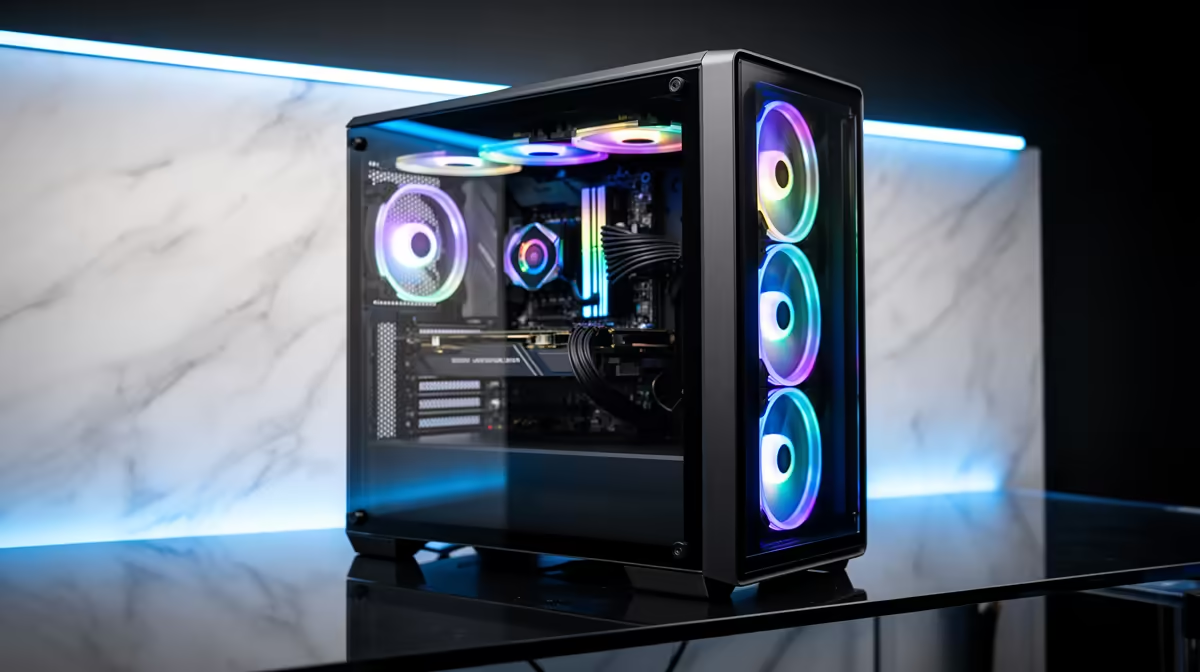
Start with AMD Ryzen 7 5700X, GeForce RTX 4060 Ti 8GB, 32GB RAM, a 1TB NVMe SSD and a quality 650W PSU. Add Windows, a 24-inch 1080p IPS monitor if budget remains, and a headset for tutorials. If the selected Evetech deal changes, keep the same CPU, GPU, RAM and SSD class rather than chasing one exact part name.
Coursework fit
For UCT Computer Science, this tier is aimed at VS Code, WSL2, Python, Java, Docker, Git and local databases. parallel dev tools, local services, virtual machines and browser research can run together. The gaming side is useful but secondary: expect about 120-180 fps in esports and solid 1440p Medium play in many titles. That is enough headroom for study during the week and playable 1080p downtime after submissions.
Constantia setup notes
Constantia is a southern suburbs base with longer campus trips, so build for steady remote work. Plan for cloud backup, a surge-protected multiplug and either an external drive or a second SSD once projects grow. Quiet cooling matters in shared accommodation because renders, compiles or lab reports can run late.
Where to spend first
Do not drop below 32GB RAM; use spare budget for a second SSD or better monitor. The first upgrade should be RAM and storage before a bigger GPU. Do not cut the PSU too far; a reliable 550W to 650W unit protects future upgrades and keeps support simpler.
FAQ
Is this build enough for UCT Computer Science work?
Yes, it is enough for undergraduate coding, Docker and data projects if expectations match the budget. The RTX 4060 Ti 8GB class graphics tier is the limit, so very large renders, simulations or AI workloads may still need campus lab machines or cloud time.
Should a student in Constantia buy a laptop instead?
A laptop is easier to carry, but a desktop usually gives more performance per rand at R25,000. If the student already has campus access or a basic notebook, this tower makes sense as the main work machine at home.
What should be upgraded first after purchase?
Upgrade RAM and storage before chasing a bigger GPU. Moving to 32GB RAM and adding another 1TB NVMe SSD is often more useful for UCT files, containers and CAD projects than a cosmetic case change.











