


Quick Answer
For R25,000, a UCT Computer Science student in Plumstead gets a build that handles the degree comfortably. R25,000 buys a Ryzen 7 7700 (8 cores), 32GB DDR5, a 1-2TB NVMe and a 12GB+ RTX-class GPU. The spec leads with CPU and RAM, since that is what Computer Science actually uses day to day.
What your Computer Science software needs
CS at UCT means compiling, containers and virtual machines. The build should prioritise a multi-core Ryzen, 16-32GB RAM and a fast NVMe so builds, Docker and VMs stay responsive - the GPU matters far less unless you take ML modules. The day-to-day load is compiling large projects, running containers and VMs side by side, and keeping dozens of browser tabs and a terminal open. That means a high-end GPU is not essential for core CS work - compilers, Docker and VMs lean on CPU and RAM; an entry card is fine unless you do ML or graphics electives, where a CUDA-capable GPU helps. At R25,000, an 8-core Ryzen and 32GB DDR5 carry your coursework; the GPU is a bonus for gaming.
Where the R25,000 goes
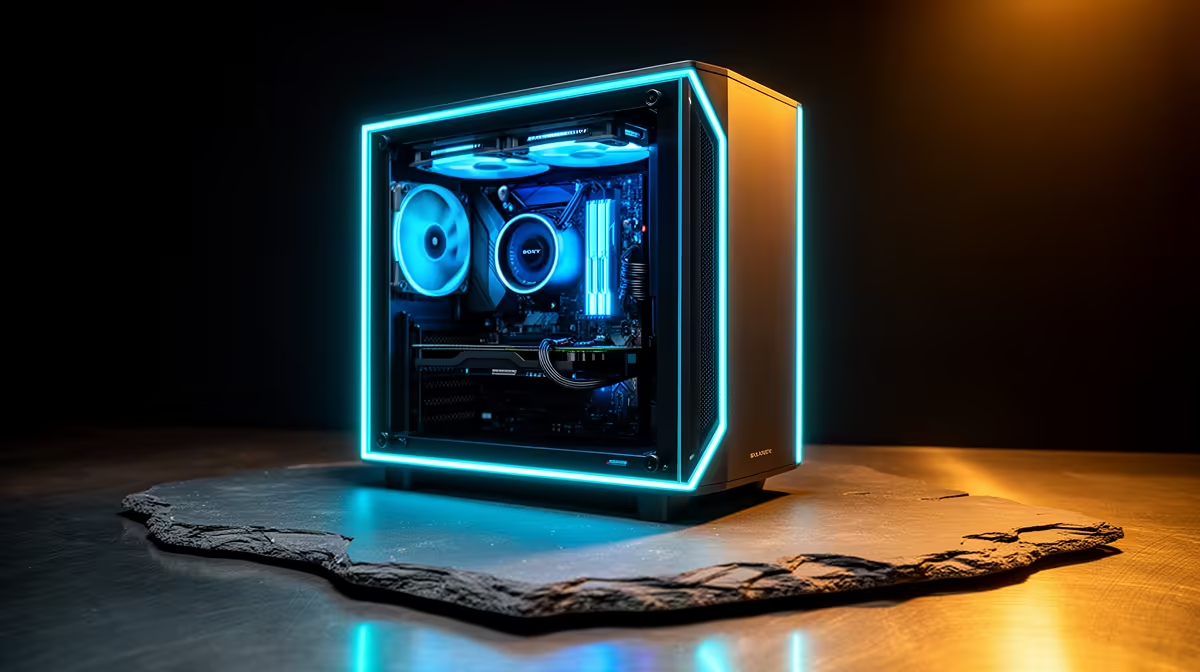
Start with a Ryzen 7 7700 (8 cores) paired with 32GB DDR5 and a 1-2TB Gen4 NVMe - these three do most of the work for Computer Science. For graphics, go with a mid RTX-class GPU (great for 1440p gaming on the side), then add a quality 650-750W PSU and a high-airflow mid-tower for clean airflow. As a rough guide, the GPU at this budget holds a steady 60-100 fps at 1440p High and pushes 240+ fps in competitive titles. Exact in-stock models shift with pricing, so match this recipe to a currently stocked Evetech build in the R25,000 bracket rather than a part that has sold out.
Getting it to Plumstead
Plumstead is a residential southern suburb on the train line, about 9km from UCT, so it is an easy Evetech delivery to your door - no carrying a tower across town. In Plumstead, fibre and train coverage are good, which matters for large VS Code installs and lecture recordings. For campus, the M5 or the Southern Line train to campus keeps the commute manageable. The machine arrives assembled and tested, so power it up the same day and run it for half an hour to confirm it travelled well.
FAQ
Do Computer Science students need a powerful GPU?
Not for core coursework - compilers, Docker, VMs and IDEs are CPU- and RAM-led. An entry GPU or onboard graphics is fine. A CUDA-capable NVIDIA card only earns its place if you take machine-learning or graphics electives.
How much RAM for running Docker and VMs?
16GB is the floor, but 32GB is the comfortable target once you run two Linux VMs, several Docker containers and an IDE at the same time. Memory is what most often bottlenecks a CS dev box.
Should a Computer Science student in Plumstead buy a desktop or laptop?
A desktop gives more performance per rand for home study in Plumstead, while a laptop adds campus mobility. Many UCT students run a desktop at their southern suburbs digs and keep a basic laptop for lectures.
Pro Tip
Enable WSL2 or run native Linux and keep your repos and Docker images on the NVMe - compile times and container starts drop sharply versus a mechanical drive.










