


Quick Answer
For a Sandton-based UJ Engineering student, the best R15,000 build is a balanced desktop for CAD practice, MATLAB-style calculations, coding assignments, Teams calls, PDFs, and light 1080p gaming, not a flashy parts list. Start with Ryzen 5 5600, 16GB DDR4, with 32GB preferred for heavy coursework, and NVMe storage; add Radeon RX 6600, RTX 3050, or RTX 4060-class graphics when on deal only where the budget still leaves room for a reliable motherboard and power supply.
What The Budget Should Buy
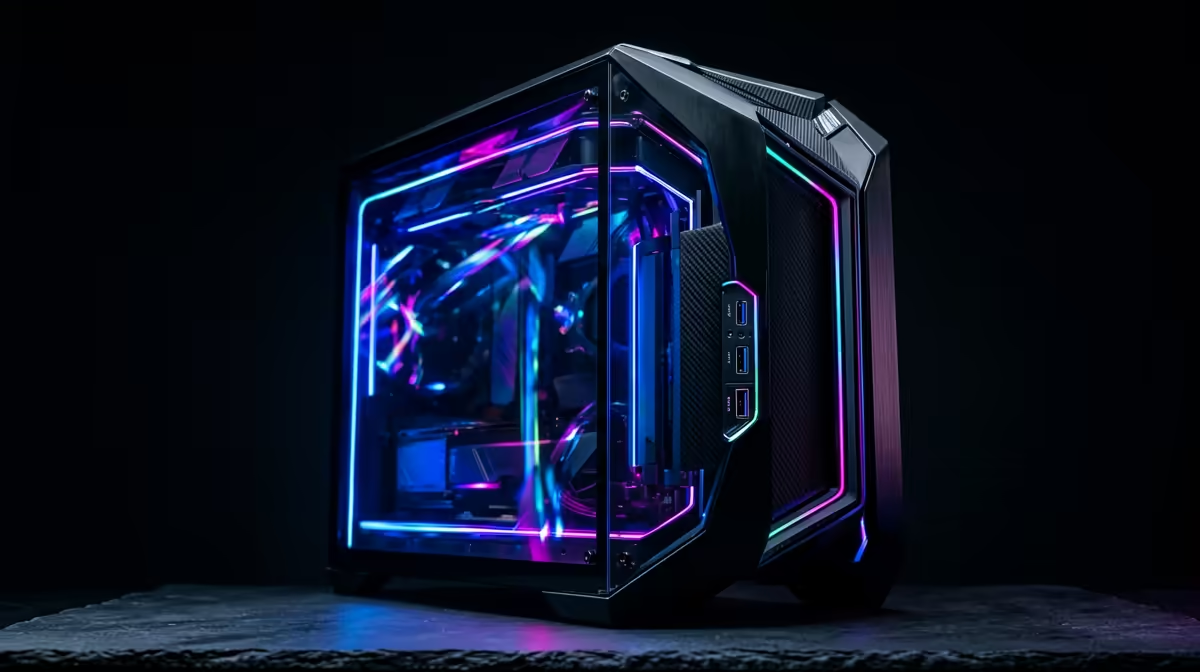
A practical parts list is Ryzen 5 5600, Radeon RX 6600, RTX 3050, or RTX 4060-class graphics when on deal, 16GB DDR4, with 32GB preferred for heavy coursework, and a 1TB NVMe SSD. If SolidWorks-style class work is likely, favour the stronger GPU tier before cosmetic extras. Around R15,000, the strongest value is usually a complete, warrantied build rather than separate impulse upgrades. Sandton students commuting to Auckland Park, Doornfontein, or Soweto campuses should also think about where the PC will live: a quiet case and a stable 24-inch 1080p monitor matter more than oversized lighting.
Coursework And Gaming Targets
Expect around 200-280 fps in Valorant or CS2-style esports settings in esports titles and enough CPU headroom for first- and second-year modelling labs. For coursework, the practical floor is 16GB RAM and a 500GB NVMe SSD; 32GB RAM is the better target from R15,000 upward. Keep a named platform in mind, such as an MSI B550M or B650M motherboard, so future RAM and SSD upgrades remain simple.
Where To Spend In Sandton
Put money into the CPU, memory, SSD, and warranty-backed assembly before adding premium fans. A strong 1080p build should boot quickly, handle multiple browser tabs, and stay quiet during evening study sessions. If the budget is tight, choose a smaller SSD now and leave a second M.2 slot open rather than buying a weak power supply.
FAQ
Is R15,000 enough for a UJ Engineering student in Sandton?
Yes, if the build includes at least 16GB RAM and NVMe storage. For heavier Engineering projects, R15,000 to R25,000 gives more room for 32GB RAM and a stronger GPU.
Should the student buy a laptop instead of a desktop?
A laptop is better for carrying to campus, but a desktop gives more performance per rand at the same budget. If the student already has a basic laptop for notes, the desktop can handle heavier work at home.
Which upgrade matters first after checkout?
Upgrade RAM to 32GB first if coursework involves VMs, CAD, or large browser sessions. After that, add a second NVMe SSD before replacing the GPU.
Build check
Before ordering, confirm 16GB minimum RAM, NVMe storage, a named motherboard platform, and enough desk space for the case plus a 24-inch monitor.










