


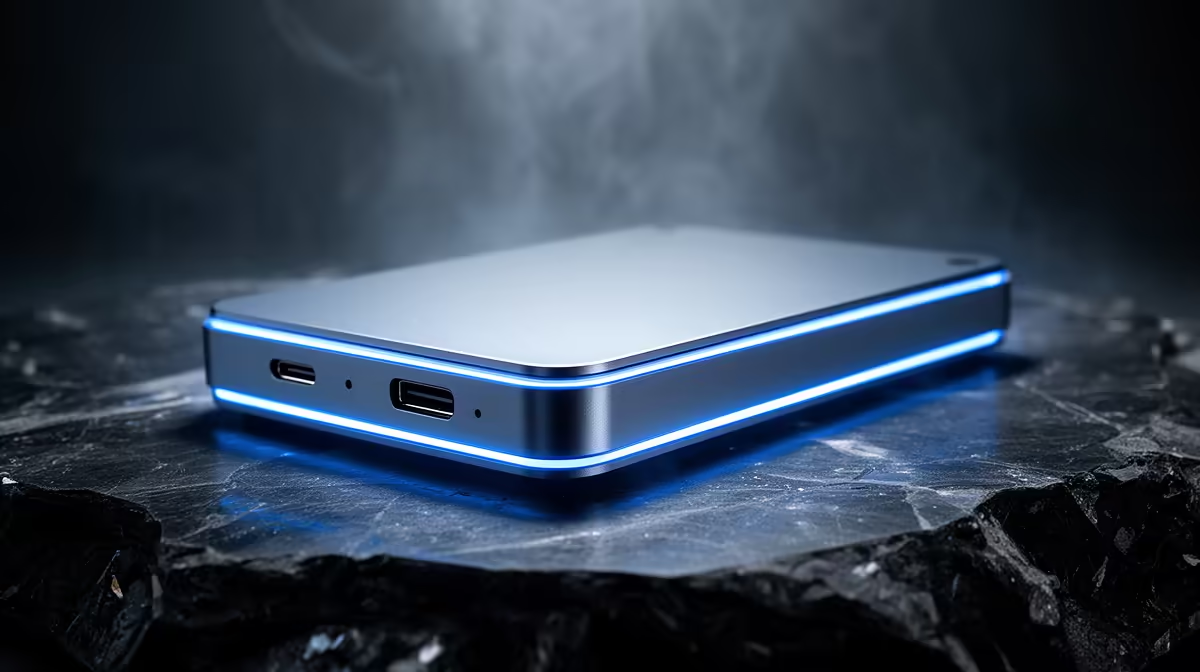
USB-C Enclosure Laptop Hard Drive: Portable Storage Guide
Looking for a quick, rugged way to carry bulk games, capture sessions, or archive school work? This USB-C enclosure laptop hard drive guide walks South African gamers and tech buyers through picks, setup, and smart hacks so you spend less time waiting and more time playing. Think fast transfers, compact design, and clear choices you can trust in-store or online. 🔧✨
USB-C enclosure laptop hard drive — Why it matters for gamers and creators
A USB-C enclosure turns any 2.5" or 3.5" HDD/SSD into portable storage — great for swapping libraries between a gaming laptop and desktop. If you want brand-specific options, check Orico enclosures available locally. (Browse Orico enclosures at Evetech)[https://www.evetech.co.za/PC-Components/buy-enclosures-372?brands\=Orico].
USB-C Enclosure Laptop Hard Drive: What to look for
Prioritise: interface (USB 3.1 Gen 2 or USB-C with USB 3.2 support), drive form factor, and thermals. If you plan to run games directly from the enclosure, use an SSD in a USB 3.1 Gen 2 or Thunderbolt-capable enclosure. For a broad look at models and specs, browse all enclosures at Evetech to compare features and prices before you buy (compare enclosure models)[https://www.evetech.co.za/PC-Components/buy-enclosures-372].
Portable Storage Pro Tip ⚡
Keep a lightweight USB-C cable in your bag and format your external SSD to exFAT if you’ll move files between Windows and macOS machines. For laptops older than 2018, carry a USB-A adapter too.
USB-C enclosure laptop hard drive — Setup, safety and speed tips
Install the drive snugly and use thermal pads for high-performance SSDs. When plugging in, pick ports on the left or right of your laptop that aren’t blocked by case ventilation. For staging large transfers, close background apps and use a dedicated file mover to avoid dropped transfers. If budget is key, Evetech lists enclosures from R499 and up — good starting points when shopping on a South African budget (from R499)[https://www.evetech.co.za/PC-Components/buy-enclosures-372?min-price\=499]. ⚡
USB-C Enclosure Laptop Hard Drive: Real-world picker’s checklist
- Choose SSD for load times and HDD for raw capacity.
- Check UASP support for better throughput on USB enclosures.
- Match 2.5" enclosures for laptop drives; 3.5" needs external power.
- Ask for local warranty and returns; Evetech’s product pages list availability and support details (see product listings)[https://www.evetech.co.za/PC-Components/buy-enclosures-372].
USB-C enclosure laptop hard drive — Final thoughts
A compact USB-C enclosure is one of the most flexible upgrades you can make. It frees up internal bays, lets you carry terabytes between homes and LAN cafés, and gives you a cheap backup option. Ready to pick a model? Compare specs, prices, and stock, then choose a drive that matches your playstyle or workflow. 🚀
Ready to Find Your Perfect Match? The Mac vs Windows debate is complex, but for maximum power, choice, and value in South Africa, Windows is hard to beat. Explore our massive range of laptop specials and find the perfect machine to conquer your world.











