


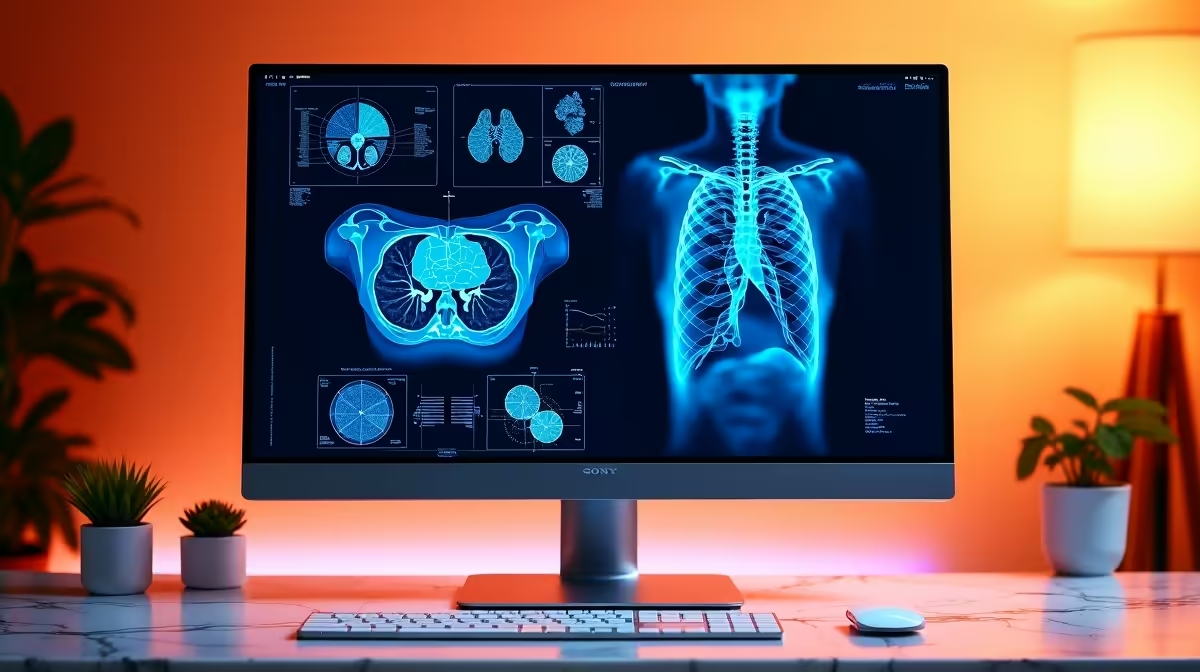
The Dell SE2426H 23.8in FHD at R1,532 suits a medical student who needs a sharp, affordable monitor for lecture notes, anatomy slides, research tabs, and video calls without crowding a study desk. It is the safest first pick when the priority is readable Full HD work at a low price, especially for a dorm room or shared flat where space matters.
Best monitor picks for medical study
The Dell SE2726H 27in FHD 144Hz at R1,797 is better if the desk can handle a larger screen. The 27in size gives more room for a PDF, browser window, and notes app side by side, while the 144Hz spec makes scrolling through long articles and slide decks feel smoother.
The MSI PRO MP275W at R1,850 is another sensible study-first option when you want a clean work screen for long reading sessions. Its listed price sits just above the Dell SE2726H, so it makes sense for a student who prefers the MSI PRO style for a neat academic desk setup.
Medical student desk in South Africa
A medical student should choose screen size before chasing extras. The Dell SE2426H 23.8in FHD at R1,532 is easier to fit beside textbooks and a laptop stand, while the Dahua LM27 100Hz at R1,500 gives a larger 27-class option with a 100Hz spec for students who want more screen area at a tight price.
Pro Tip ⚡
Ready to choose the right monitor? Use Dell SE2726H 27in FHD 144Hz at R1,797 when should medical student choose monitor matters, then compare the desk fit against its listed spec.










