


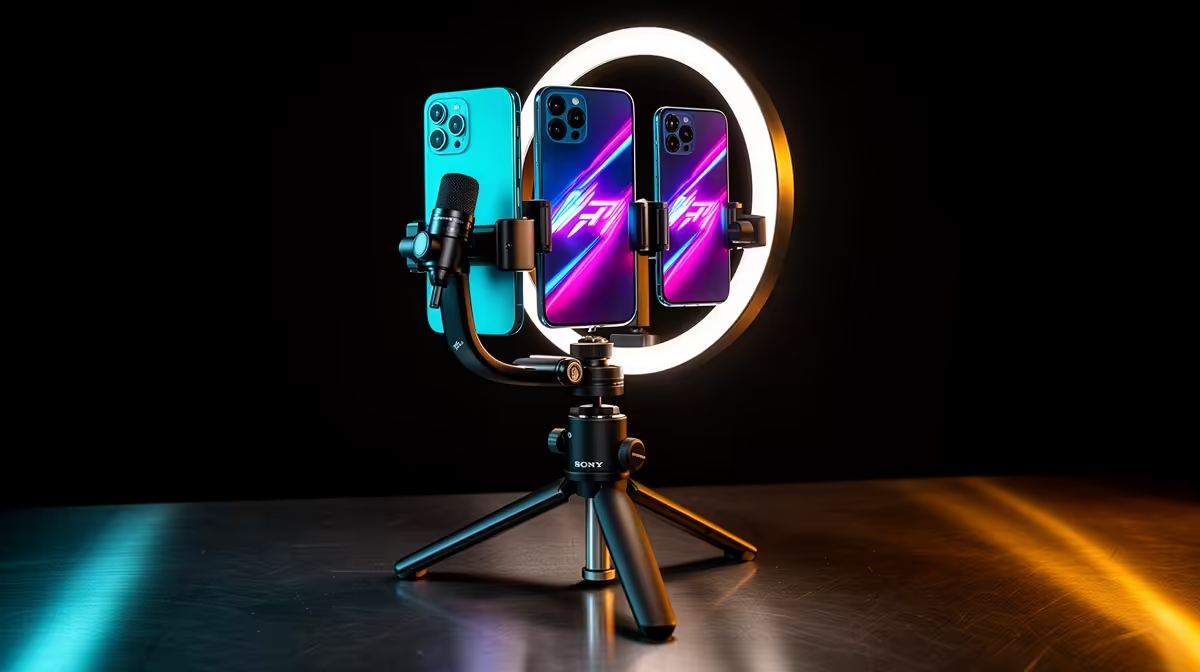
A phone, stable clamp, small tripod, soft light and close microphone can cover most Shorts and Reels work. Vertical video rewards clean framing and a clear first sentence more than a cinema body. Build for 9:16 from the start when the platform and shot are vertical.
Quick Answer
Use the phone camera you own. Mount it vertically at eye level for talking clips or on a stable tripod for demonstrations. Add a wired or wireless lavalier when the phone cannot stay close enough for clear voice. Use one soft light. Buy a gimbal only when walking footage remains shaky after technique and stabilisation tests.
Evetech's streaming essentials help you compare compact microphones and mounts. The webcam selection is useful when vertical content will be recorded from a fixed PC desk.
Choose the 9:16 Frame
Film vertically when the final video is vertical. This uses the phone sensor and composition for the intended output.
Leave safe room near the top and bottom for platform interface and captions. Keep faces and products away from edges.
Cropping horizontal footage can work when you record enough resolution and keep the subject centred, but it discards much of the frame.
Mount the Phone Safely
Use a clamp rated for the phone's width and weight, including its case. Tighten without crushing buttons.
A small tripod needs a wide enough stance for the height and any attached microphone receiver. Add weight only through a manufacturer-supported point.
Do not leave the phone above a desk edge where one cable can pull it down.
Use the Rear Camera When Practical
The rear camera often offers the better sensor and lens. Mark the floor or use a remote preview to frame yourself.
The front camera is easier for solo setup and can be good under clean light. Test both at the final platform size.
Clean the lens before every shoot. A fingerprint can look like bad focus.
Put the Microphone Close
A lavalier clips near the chest and keeps distance steady while you move. Hide cable slack safely and avoid fabric rubbing the capsule.
Wireless systems add battery, pairing and radio risk. Record a backup track where the system supports it.
A phone-mounted mic works when the camera stays close. Across a room, distance makes the voice thin and the room loud.
Light One Face or Product
Place one soft light above eye level and off to the side. A window can work if the brightness remains stable.
Ring lights are compact, while a larger diffused source can create softer shadows. Watch reflections in glasses and glossy products.
Lock exposure and white balance after the light is set.
Handheld and Gimbal Shots
Use two hands, bend elbows and walk smoothly. Phone stabilisation can handle short movements when light is good.
A gimbal helps repeated walking shots and controlled pans. It adds balancing, charging and setup time.
Buy it after the shot list proves handheld footage is the limit. A talking-head short on a tripod gains nothing.
Record Clean Audio and Room Tone
Check levels before the take and keep peaks below clipping. Record ten seconds of room tone for editing.
Pause fans or appliances only when safe and practical. Move away from hard bare walls.
Use captions, but do not treat them as permission for distorted voice.
Keep the Edit Mobile or Move to PC
Phone apps can cut, caption and publish quickly. A PC editor helps with longer timelines, precise audio and reusable graphics.
Transfer original files without messaging-app compression. Keep a backup until the final upload is checked.
Match project frame rate to the captured footage unless a deliberate conversion is required.
Plan the Shot Before Adding Gear
Write the opening frame, action and final line. A tripod suits a locked demonstration, while a clamp can hold an overhead phone for hands and products.
Shoot one clean wide take and a few close details. This gives the edit movement without buying a second camera.
Keep battery and storage headroom for retakes. Airplane mode can prevent interruptions when the microphone and workflow do not need a network connection.
Check the final file before clearing the phone. A published upload is not the only backup of the original take.
Label the best take before recording another version. Small phones fill quickly, and a clear file routine protects the clip you meant to edit.
FAQ
Is a tripod important?
Yes for repeatable framing and sharp stationary shots. Choose a stable footprint for the phone and accessories.
Can a lavalier replace a boom mic?
It can for close, mobile voice. A boom keeps the mic out of frame and can sound better in a controlled fixed setup.
Should I film 9:16 directly?
Yes when the final post is vertical and no horizontal master is needed. Compose for interface and caption safe areas.
Mount the phone securely in 9:16, bring the microphone close and light the subject before adding a gimbal or camera the shot does not need.











