


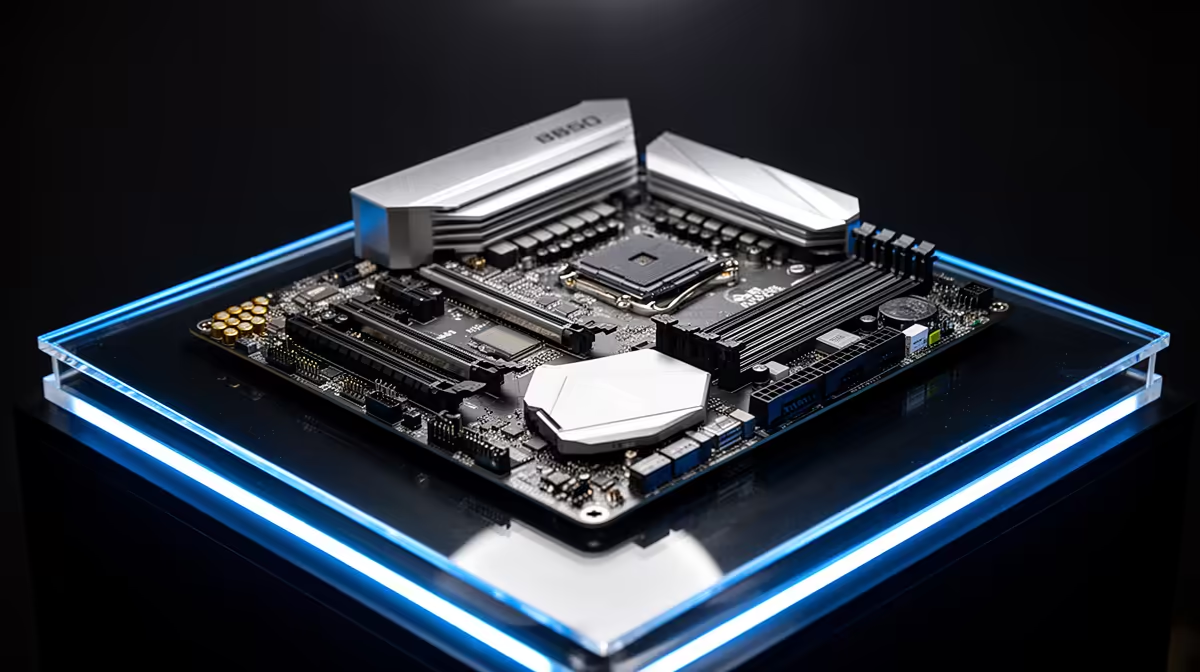
Reproduce the issue the same way each time so a fix is measurable. Below is an ordered, South African gaming checklist for the symptom in the heading, written so each step is something you can verify yourself before booking a repair or buying a replacement.
Quick Answer
Reproduce the issue the same way each time so a fix is measurable. This usually comes down to heat, a loose connector or background load rather than a faulty B850 motherboard. Run a fixed 20-minute test after each change and keep the one that holds at a steady frame rate or a stable temperature under 85C.
Heat and airflow checks
Reseat the cooler and apply a fresh pea of paste if temps spiked after a recent strip-down. Confirm the case has a clear front-to-back path and that no cable is resting against a 120mm or 140mm fan.
Power delivery checks
Set the Windows power plan to High performance so the CPU is not parked at low clocks during games. Re-seat the 12V-2x6 and 8-pin EPS connectors fully; a half-clicked plug shows up as random shutdowns under load.
Drivers, BIOS and Windows
Update the chipset package straight from the AMD or Intel site rather than trusting Windows Update to pick the right version. Roll the GPU driver back to the last stable release, then do a clean reinstall using DDU so leftover files do not clash.
NVMe and disk checks
Check SMART data for a failing 1TB or 2TB SSD that is silently retrying reads. Check SMART data for a failing 1TB or 2TB SSD that is silently retrying reads.
FAQ
Is the B850 motherboard actually the problem?
Not until the software, heat, power and cable checks all pass. The B850 motherboard is the platform under review, so rule out the cheaper causes first and only suspect the hardware once a clean reinstall and a default-BIOS test still fail.
Will a BIOS update fix this on its own?
Sometimes, but flash only the latest stable release and reset to defaults afterwards. A fresh BIOS plus a clean chipset driver clears a surprising share of post-update stability faults.
Should I reset my overclock or EXPO profile?
Yes, as a test. Turn off EXPO and any GPU overclock, run the same load, and see if the fault disappears, since an unstable 6000MT/s kit is a common hidden cause.
Pro Tip
one variable per test: adjust a setting, re-run the same 20-minute load, then decide.











