


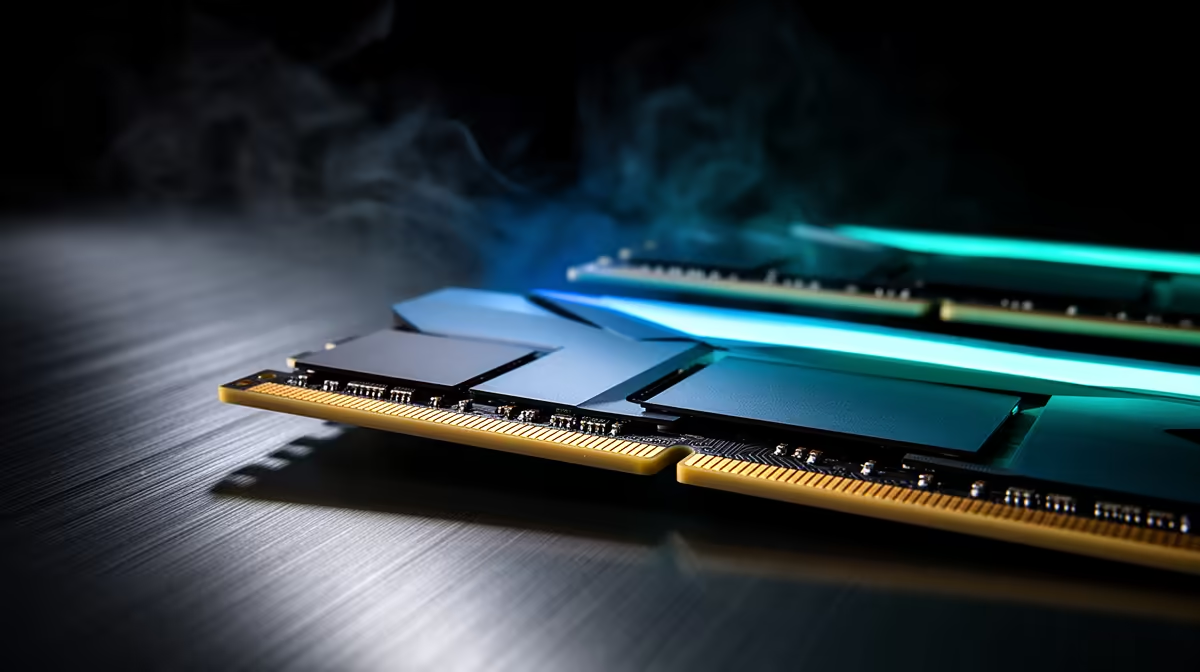
When a DDR5 system starts crashing right after an update, the first suspect is memory training, not a corrupt Windows install. A high-speed kit that was stable can fall over if the update nudged the memory controller or reset a BIOS setting.
Quick Answer
Crashes on a DDR5 build after a Windows update usually trace to an unstable EXPO/XMP profile that the update exposed, or to a driver mismatch. Re-run memory training, drop the kit one speed grade (for example DDR5-6400 to DDR5-6000), and clean-install the GPU and chipset drivers. A full MemTest86 pass with zero errors confirms the RAM is sound.
Re-validate the DDR5 memory profile
High-speed DDR5 leans on EXPO or XMP plus a trained memory controller. After an update, clear CMOS, re-enable the profile, and let the board retrain. If crashes continue, manually loosen the primary timings or step the speed down one grade; a stable DDR5-6000 build beats an unstable DDR5-6400 one every time. Run MemTest86 overnight for a clean baseline before blaming anything else.
Rule out driver and storage faults
Note the exact error code from Reliability History or the blue-screen stop message. A clean GPU driver reinstall and the latest chipset package fix most post-update crashes. Then check the NVMe firmware and SMART data, because a failing boot drive throws crashes that look identical to bad RAM.
FAQ
Why was my DDR5 stable before the update?
Updates can reset BIOS power states or re-train the memory controller, exposing a profile that was always marginal. Re-running training or stepping down one speed grade usually restores stability.
How long should a MemTest86 run be?
Run at least four full passes, ideally overnight. A single quick pass can miss the rare errors that cause occasional crashes.
Should I update my BIOS to stop DDR5 crashes?
Often yes. BIOS updates improve DDR5 compatibility and memory training, so flash the latest stable version before swapping the kit.
Confirm the RAM with MemTest86, then act. If errors appear, compare matched DDR5 kits at Evetech; if it passes clean, the fix is in drivers or storage instead.










