


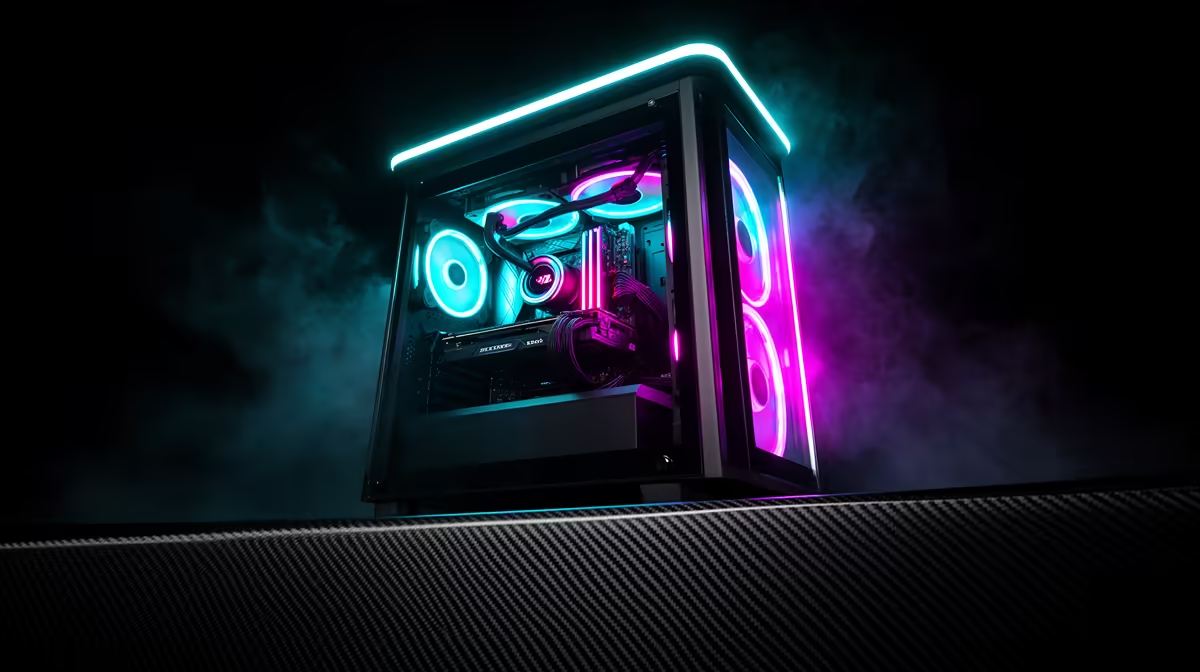
An unstable rig is unsettling, but instability is a symptom with a short list of usual suspects: heat, power, drivers, and a recent change you can roll back. South African gamers chasing value want the fix that costs nothing first, so this guide front-loads the free checks.
Quick Answer
Instability on a gaming pc is usually heat, power, drivers, or a recent change you can roll back, not a doomed component. Undo the last change, watch temperatures under load, and confirm the power supply before spending R15,000 to R65,000 on parts. Comparable hardware here sits around R15,000 to R65,000, so confirm it is not a cable or setting before reaching for your card.
Test memory and storage health
Faulty RAM or a failing drive can throw freezes, crashes, and blue screens that look like anything but storage. Run a memory test overnight and check drive health in its utility. Catching a bad stick or a dying SSD early saves a long, frustrating hunt elsewhere.
Strip background software and overlays
Aggressive overlays, RGB suites, and overclock utilities clash and trigger instability that mimics hardware faults. Close them, disable startup extras, and test on a clean boot. If the problem vanishes, reintroduce apps one at a time to find the offender.
Watch temperatures under real load
Heat is the most common driver of instability, so log CPU and GPU temperatures during a demanding game. Sustained values near the high limits point at airflow, dust, or dried paste rather than a faulty part. In a warm room, even a healthy a gaming PC can throttle or fault if the case cannot move air.
FAQ
When should I suspect the power supply?
Suspect it when reboots or shutdowns happen under sudden load rather than at idle. An undersized or ageing unit struggles with spikes, so confirm the wattage comfortably exceeds the rig's draw.
Will a better cable really change this?
Yes, on a high-refresh or high-resolution panel the cable standard sets the bandwidth ceiling, so a certified DisplayPort or high-spec HDMI run can unlock rates a cheap cable hides. A good cable is a small spend against the cost of the rest of the build.
Could faulty RAM be behind random freezes and blue screens?
It is a common hidden cause, so run an overnight memory test before chasing anything exotic. A single bad stick can throw faults that look like driver or storage problems.
Pro Tip
Keep one known-good cable and a spare display port mapped before you build, so the next time a gaming PC goes quiet you confirm the signal path in under five minutes instead of swapping parts.











