


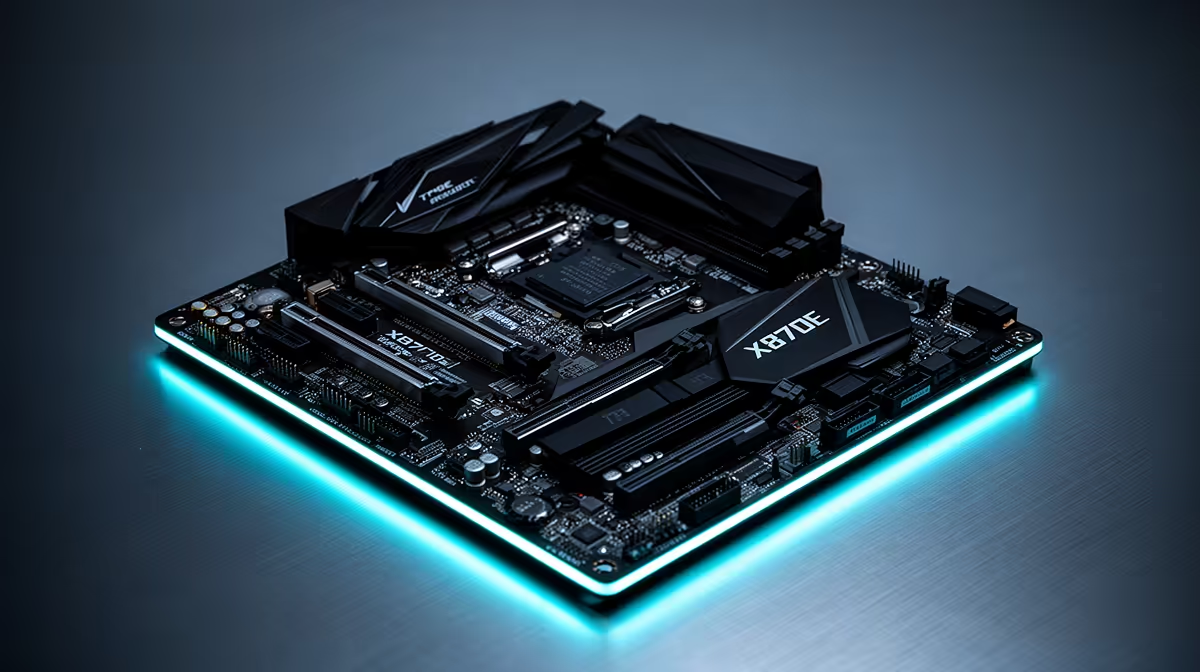
Start with evidence from your own machine before swapping any part. Below is an ordered, South African gaming checklist for the symptom in the heading, written so each step is something you can verify yourself before booking a repair or buying a replacement.
Quick Answer
Start with evidence from your own machine before swapping any part. This usually comes down to drivers, power-saving settings or background load rather than a faulty X870E motherboard. Run a fixed 20-minute test after each change and keep the one that holds at a steady frame rate or a stable temperature under 85C.
Software and firmware checks
Update the chipset package straight from the AMD or Intel site rather than trusting Windows Update to pick the right version. Update the chipset package straight from the AMD or Intel site rather than trusting Windows Update to pick the right version.
Radio and driver checks
Forget and re-add the SSID after a Windows update resets the saved channel and band. Update the Wi-Fi 6E or 7 driver and toggle the adapter power-saving setting off so it stops dropping during long sessions.
Power plan and supply
Verify the PSU wattage matches the load; a high-end card wants real headroom, so a 1000W unit is a sensible floor for top builds. Verify the PSU wattage matches the load; a high-end card wants real headroom, so a 1000W unit is a sensible floor for top builds.
FAQ
Does heat explain random crashes?
Often. A CPU sitting at 95C or a GPU hotspot past 100C will throttle or shut down to protect itself, so log temperatures across a full session rather than reading one quick number.
How long should each test run?
Use a fixed 20-minute load that reliably triggers the fault. A shorter burst can hide a thermal or memory problem that only appears once the system is fully warmed up at 80C or higher.
Is the X870E motherboard actually the problem?
Not until the software, heat, power and cable checks all pass. The X870E motherboard is the platform under review, so rule out the cheaper causes first and only suspect the hardware once a clean reinstall and a default-BIOS test still fail.
Pro Tip
one variable per test: adjust a setting, re-run the same 20-minute load, then decide.











