


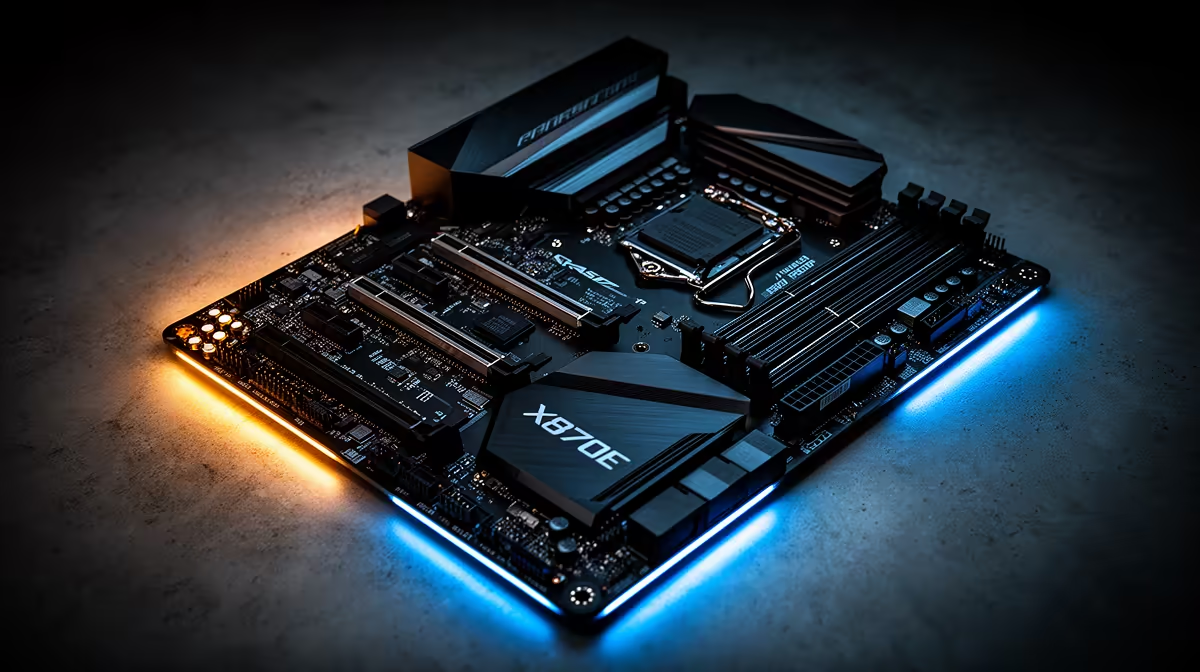
An X870E motherboard described as lagging usually points at firmware, drivers, or a setting rather than the board itself, since a chipset does not slow down the way a worn part might. Start with BIOS and chipset software.
Quick Answer
Lag on an X870E gaming PC usually comes from outdated BIOS or chipset drivers, an unstable memory profile, or a peripheral on a saturated USB bus, not the board hardware. Update the BIOS and chipset drivers, confirm EXPO is stable, and check USB device load. These steps clear most X870E lag.
Update BIOS and chipset drivers
An X870E board needs current firmware and chipset drivers for the AM5 platform to run smoothly. Flash the latest stable BIOS and install the current chipset package, since early firmware can cause stutter, USB issues, and uneven performance. This is the single most effective step for a board that feels laggy soon after a build or an update.
Check memory and USB bus load
Confirm EXPO is enabled and stable, because memory running at base speed or an unstable profile hurts responsiveness. Then review what is on the USB bus; a hub crowded with high-bandwidth devices can cause input lag and audio glitches. Spreading devices across separate controllers or ports often restores smooth response on an X870E build.
FAQ
Can a motherboard cause lag?
Indirectly, through outdated firmware, chipset drivers, or USB bus saturation. The board hardware itself does not slow down, so updates and configuration usually fix the lag.
Does BIOS version affect performance?
Yes. Early BIOS releases can cause stutter and USB problems. Flashing the latest stable BIOS often improves responsiveness on a new X870E board.
Why would USB devices cause lag?
A crowded USB bus can introduce input lag and audio glitches. Spreading devices across different ports or controllers relieves the bottleneck.
Flash the latest BIOS and chipset drivers first. If you need a more capable AM5 board, compare X870E motherboards at Evetech for your build.











