


Quick Answer
If your docking station keeps running out of USB ports, diagnose before you upgrade: most "shortages" are a bandwidth or power limit, not a missing jack. Often a powered USB hub for R400 to R800, or moving high-draw devices to the laptop's own port, fixes it. Only buy a new R1,800 to R2,500 dock if you genuinely need more native ports or displays.
Diagnose The Real Cause First
A port shortage usually means one of three things: you have filled the dock, the ports share bandwidth and a device is being starved, or the dock cannot supply enough power for everything plugged in. Unplug non-essential devices and see whether the problem is capacity or power.
High-draw items - external SSDs, a powered mic, a phone fast-charging - can exceed what a budget dock delivers, causing ports to drop out even when physically free. That looks like a shortage but is a power limit.
Fix It Cheaply Before Replacing
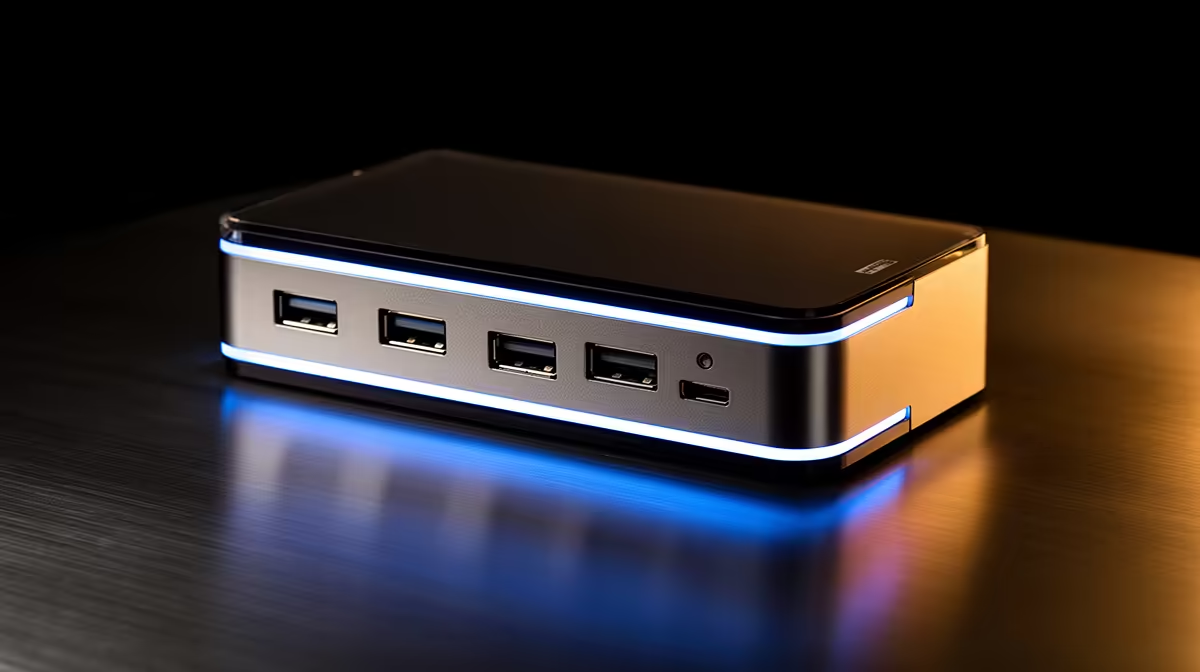
Add a powered USB hub off one dock port to multiply low-draw connections like keyboard, mouse and dongles for R400 to R800. Move the most demanding device - an external drive or charging phone - to the laptop's direct USB-C port to relieve the dock.
If you truly need more displays or native high-speed ports, then upgrade to a dock with more bandwidth and 100W power delivery. Buy the upgrade for a real limit, not a solvable one.
Spend Bands
A powered USB hub costs R400 to R800 and often solves the problem. A larger dock with more native ports and 100W charging runs R1,800 to R2,500 if you genuinely need it.
FAQ
Why do my dock's ports keep cutting out?
Usually a power limit, not a fault. High-draw devices like external SSDs or fast-charging phones exceed a budget dock's supply, so ports drop even when free. Move those to the laptop or a powered hub.
Will a powered USB hub fix a port shortage?
Often, yes. A powered hub adds several ports for low-draw devices like keyboards, mice and dongles without taxing the dock, for R400 to R800.
When should I actually buy a new dock?
When you need more displays or more native high-speed ports than your current unit physically has. For simple low-draw expansion, a powered hub is cheaper and enough.
Before upgrading, add a powered USB hub and move high-draw devices to the laptop's port - buy a bigger dock only if you truly need more displays.











