


Quick Answer
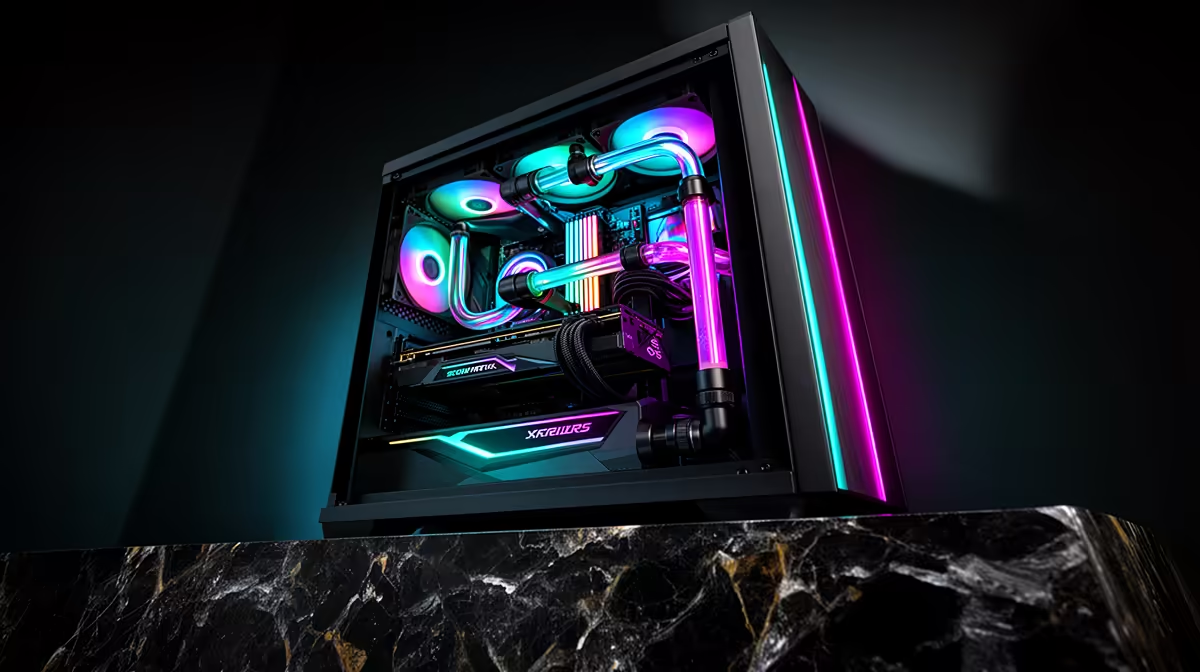
For a Wits Computer Science student in Edenvale, the best build under R20,000 is a 6-core CPU, 32GB RAM, 1TB NVMe SSD and RTX 3050 or RTX 4060-class graphics. That gives enough headroom for JetBrains IDEs, Docker containers, WSL2, databases and some 1080p or 1440p gaming. Edenvale is close enough for fast Gauteng delivery, but the build should still be chosen around Wits coursework rather than suburb hype.
Recommended parts mix
R20,000 is enough for a serious student desktop if the money goes into 32GB RAM, a 1TB SSD and a sensible GPU instead of cosmetic upgrades. The useful target is Choose Core i5-12400F, Core i5-13400F or Ryzen 5 5600 with 32GB RAM before paying for case cosmetics. The GPU is useful for gaming and CUDA experiments, but the coursework win is memory and storage. For VS Code, JetBrains IDEs, WSL2, Docker and database projects, this is a better buying filter than a single benchmark score.
Practical SA setup notes
Core i5-13400F is the named part class to anchor the shortlist, with RTX 3050 or RTX 4060 and 32GB RAM as the practical spec line. Expect about 80-120 fps in esports titles at 1080p High when gaming is relevant, while coursework will benefit more from fast storage, stable thermals and a clean warranty path.
Mistakes to avoid
Do not buy a machine with a tiny SSD or soldered 8GB RAM; development tools, containers and local databases fill weak systems quickly. Check WiFi, one spare USB port and display outputs for a second screen before paying.
FAQ
Is R20,000 realistic for a Wits Computer Science student in Edenvale?
Yes, but only if the spec is chosen around coursework first. The right answer is a reliable 32GB setup with a modern CPU, not a weak machine that ages out mid-year.
Should this student buy a laptop or desktop?
A laptop is better if it must travel between Edenvale, campus and group work. A desktop gives more performance per rand when most work happens at one desk.
Will this build handle the required software?
Yes, if it has 32GB RAM and enough SSD space for projects, containers and a Linux environment. A stronger GPU is useful, but memory and storage keep the coding workflow smooth. Keep 512GB storage as the entry floor and 1TB on stronger desktops.
Practical check
Before checkout, confirm 32GB RAM, NVMe storage, WiFi needs and monitor outputs on the exact Evetech configuration.










