


Quick Answer
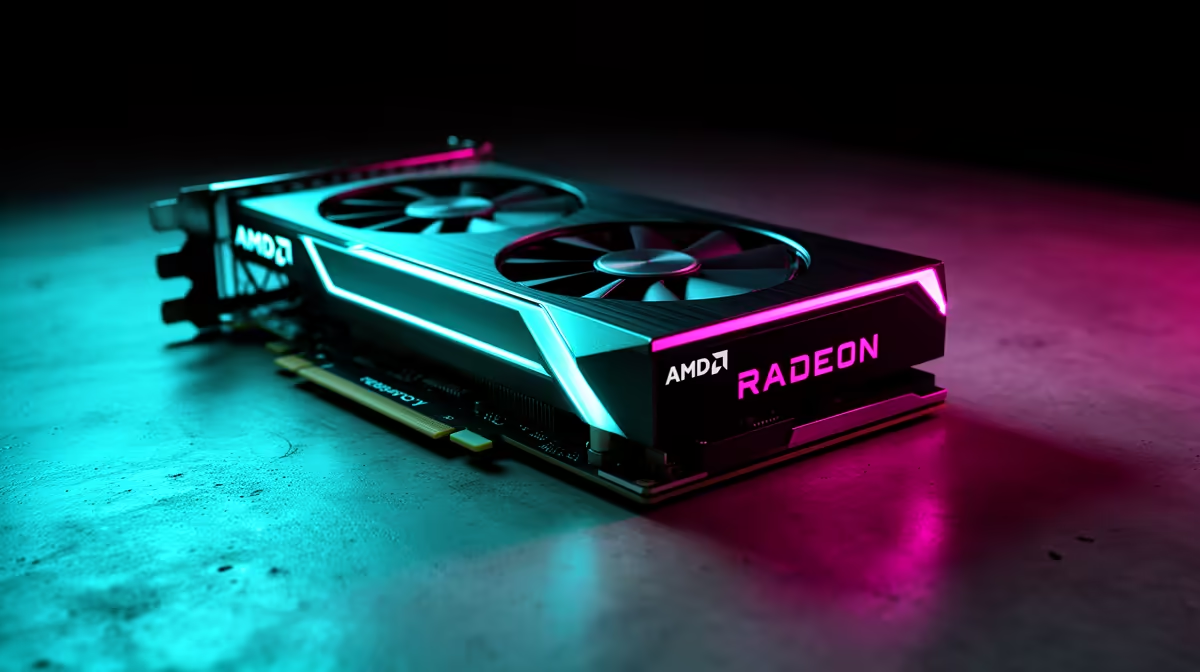
Wuthering Waves can target 120 fps at 1080p on RX 9070 when you prioritise stable frame pacing over maximum presets. Start with high textures, medium shadows, reduced heavy effects and a clean frame cap; the monitor and CPU matter as much as the graphics card.
What To Check First
Use native 1080p where possible, textures high, shadows medium, motion blur off and upscaling on quality mode if the game supports it. A locked 120 fps feels better than a graph that swings during busy scenes. Save a visual preset and a performance preset so you can retest quickly.
SA Buyer Context
Pair RX 9070 with a Ryzen 5 7600, Ryzen 7 7800X3D or modern Core i5, 16GB-32GB RAM and a 1TB NVMe SSD. Broad SA GPU bands can run from about R8,000-R15,000 for mainstream cards to well above R20,000 for higher tiers, so check current Evetech stock before finalising.
Common Mistakes To Avoid
Do not lower every setting at once or judge performance from a menu. Test the same mission, island, route or match after each preset. If spikes appear after 20 minutes, check temperatures, SSD space, driver version and background recording before dropping resolution.
Extra SA Check
Check current Evetech stock, warranty terms and the exact model name before ordering. Compare options against the same game scene, course software list or build spec so the final decision is based on matching evidence.
FAQ
Can RX 9070 hit 120 fps in Wuthering Waves?
It can when the target matches the resolution and settings are tuned. Heavy scenes may need medium shadows, reduced effects or an upscaler.
What CPU should I pair with RX 9070?
A Ryzen 5 7600 or modern Core i5 is a sensible floor, while Ryzen 7 7800X3D gives more high-refresh headroom. Avoid old 4-core CPUs.
Is 1080p better than 1080p for this game?
1080p gives a sharper image if your monitor supports it. For smoothness, keep the refresh target realistic and use the same test scene after every change.
Practical check
Test the same scene with your 120 fps cap before deciding which preset to keep.










