


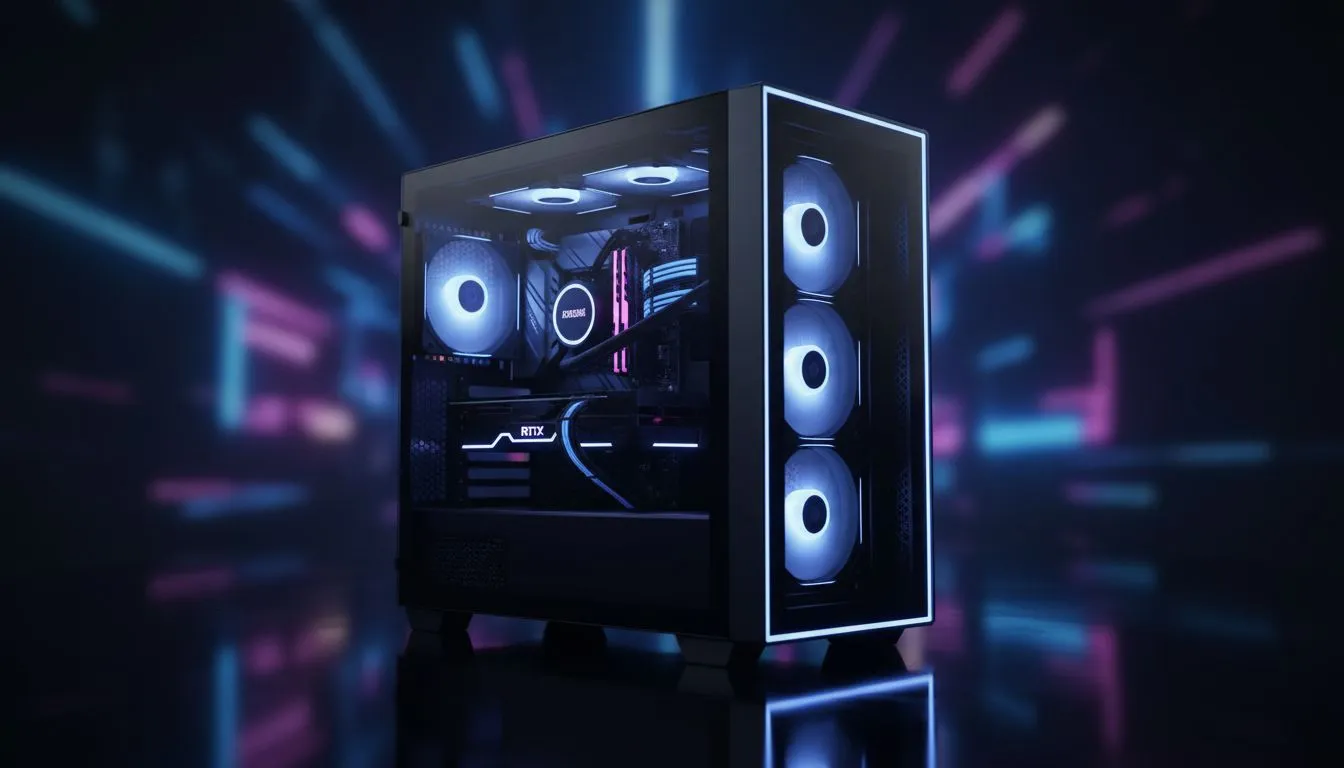
Thinking of building a panoramic masterpiece? The Xigmatek Pano II Air is turning heads across South Africa with its dual-tempered glass and high-airflow design. Before you start unboxing your hardware, you need a solid plan. Our Xigmatek Pano II Air build checklist: From parts to PC ensures your assembly goes smoothly without any late-night trips for missing cables... or worse, a fried motherboard. 🚀
Essential parts for your Xigmatek Pano II Air build checklist: From parts to PC
The first step in any successful build is ensuring compatibility. The Pano II Air is a Micro-ATX powerhouse, so do not try to squeeze a full ATX board inside. When browsing through the latest computer cases available today, the Pano II Air stands out for its dual-chamber layout. This design separates the heat-generating components from the power supply and cables.
Check your list for these vitals:
- Micro-ATX or Mini-ITX Motherboard.
- SFX or ATX Power Supply (check clearance for cables).
- High-static pressure fans to optimise the bottom-to-top airflow.
- A GPU up to 385mm in length.
Pre-build preparation and workspace setup
Before touching your components, clear a large, non-carpeted area. Static electricity is the silent killer of PC parts. While some enthusiasts prefer the minimalist, structured aesthetic of fractal design pc cases, the Xigmatek Pano II Air invites a bit more flair. Ensure you have a magnetic screwdriver and plenty of cable ties ready. 🔧
Cable Management Pro Tip ⚡
Use the dual-chamber design to your advantage. Route your 24-pin and GPU power cables through the rubber grommets before installing your radiator. This prevents awkward reaching once the chassis becomes crowded with fans and cooling pipes.
Mastering the panoramic airflow layout
The "Air" in the name is not just for show. This case relies on a chimney-effect cooling style. For the best results, install intake fans at the bottom and side. Use the top and rear for exhaust. This ensures cool air hits your GPU directly... which is vital during those hot South African summer gaming sessions.
If you are looking for alternatives that offer similar visual appeal, gamdias gaming cases often provide great glass panels too. However, the Pano II Air’s seamless wrap-around glass is hard to beat for a desk-side showpiece.
Final checks and cable management
Once the hardware is seated, it is time for the "shakedown." Check every power connection twice. Ensure the CPU 8-pin and the 24-pin motherboard cables are clicked in fully. If you are building on a budget, you might have looked at Gamdias options under R1500 to save money for a better GPU. Regardless of the price point, tidy cables mean better airflow and a cleaner look through that tempered glass. ✨
Before you peel the plastic off the glass, boot into the BIOS. Monitor your temperatures for five minutes. If everything looks stable, you have successfully completed your Xigmatek Pano II Air build checklist: From parts to PC. Now, it is time to enjoy the view.
Ready to Build Your Dream PC? The Xigmatek Pano II Air offers incredible views and performance, but the perfect build starts with the right components. Explore our massive range of computer cases and find the perfect chassis to showcase your next high-end gaming rig.











